T5
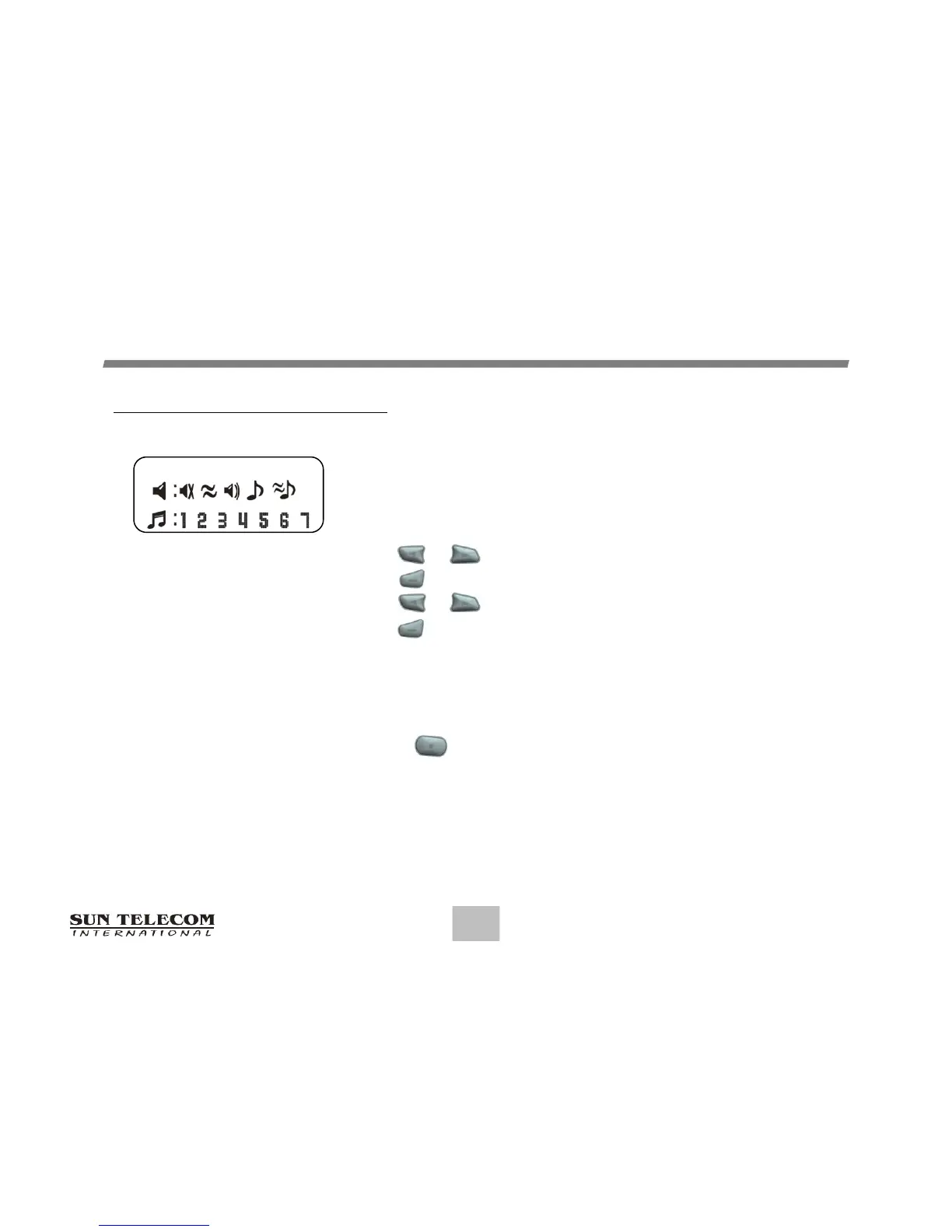
Setting the Paging Alert
You can set the paging alert to an audible alert, a vibrating
alert, a chirp alert, a sleep alert(completely silent), or one
of seven other alerts. From the Function menu:
Press or to move the cursor to display "SET ALERT".
Press to display the Set-Alert screen.
Press or to move the cursor to the alert you want to set.
Press to activate the alert setting.
14
FUNCTIONMENU
Note: If no changes have been made, please wait for at least five (5) seconds before exiting
the screen. You may also choose to exit from any screen.
Alert #7 is continuous so you must press a button to silence it when a message is received.
Set Alert Screen


 To Next Page