T5
21
FUNCTIONMENU
Display Lock
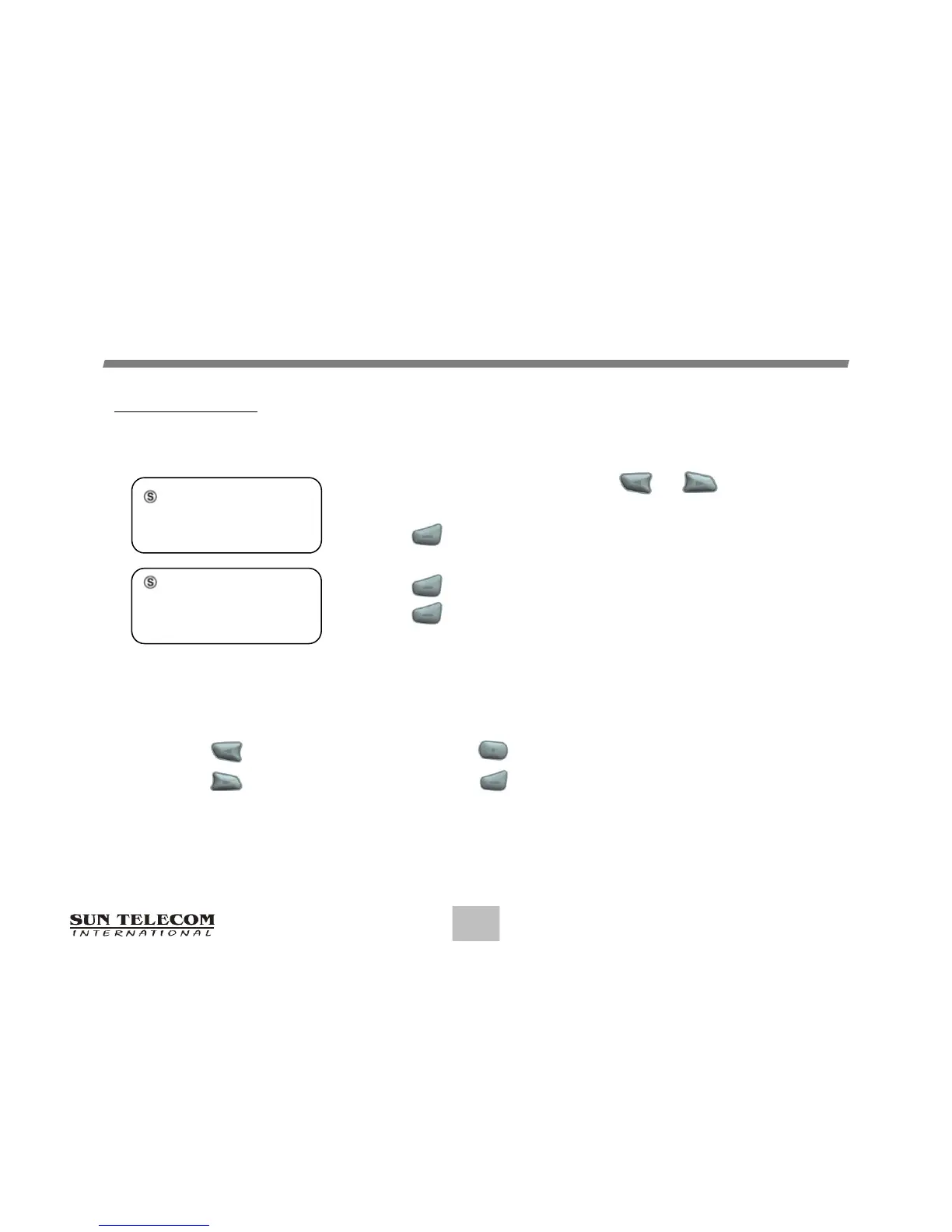
From the Function menu, press or to move
the cursor to display "SET LOCK".
Press to display the Set Lock screen.
Press any button to set lock. (Repeat four (4) times)
Press to activate the lock. (Unlock state)
Press to deactivate the lock. (Lock state)
Note: Button appears ‘L’ character Button appears ‘C’ character
Button appears ‘R’ character Button appears ‘E’ character
Set Lock Screen
_ _ _ _
SET LOCK
L C R E
SET LOCK. OK?



 To Next Page