T5
16
FUNCTIONMENU
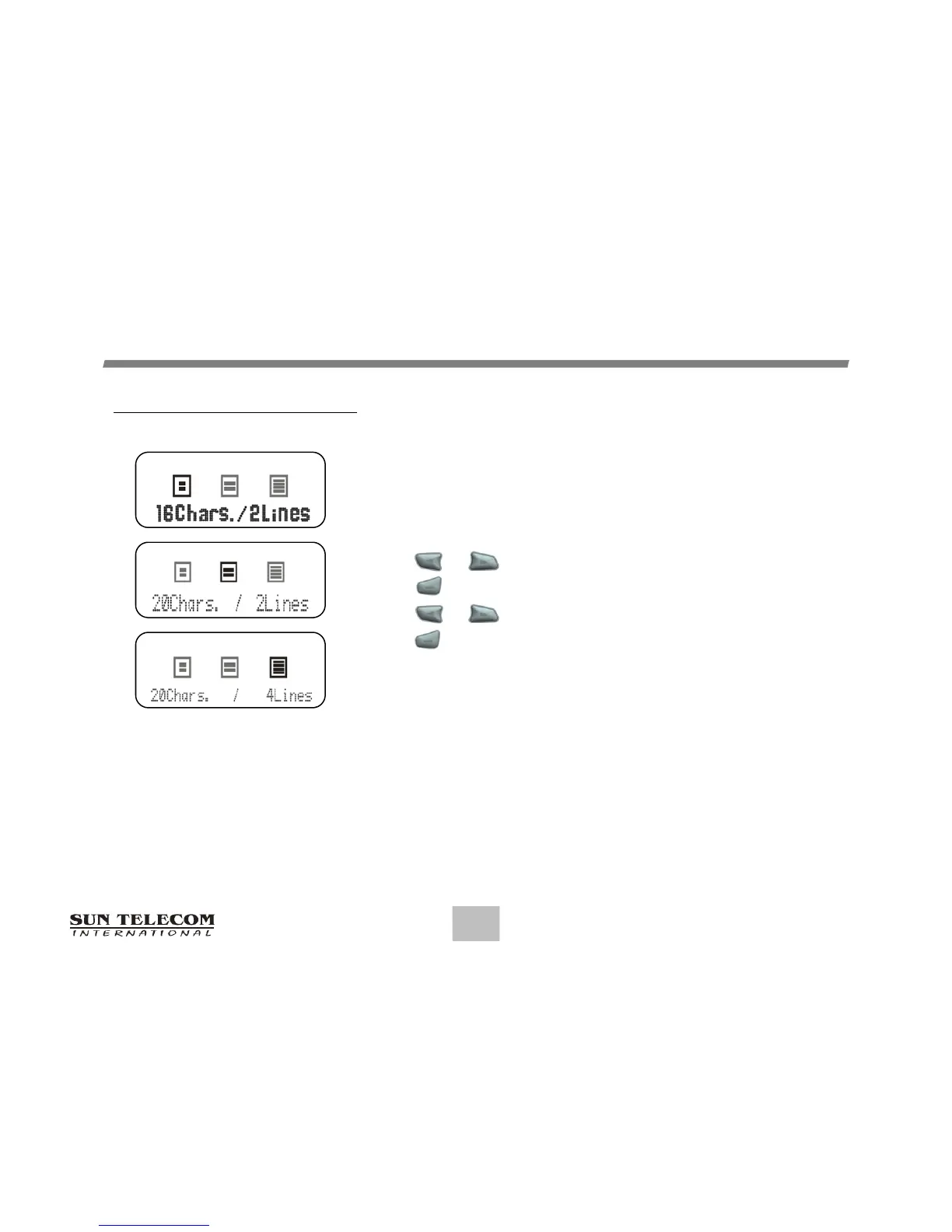
Setting Display Zoom
When this feature is enabled, the standard 4-line Display is
converted to a 2-line Display. The characters are enlarged
to increase message readability. From the Function Menu:
Press or to more the cursor to display "ZOOM".
Press to display the Zoom screen.
Press or to move the cursor.
Press to activate the Zoom.
EnableZoom‐InScreen


 To Next Page