Operation:
Step1: Press the “ENTER” button and hold on 5s under the load mode interface.
Step2: Press the “SELECT” button when the load mode interface is flashing.
Step3: Press the “ENTER” button to the load mode..
NOTE:Please refer to 4.2 for the load working modes.
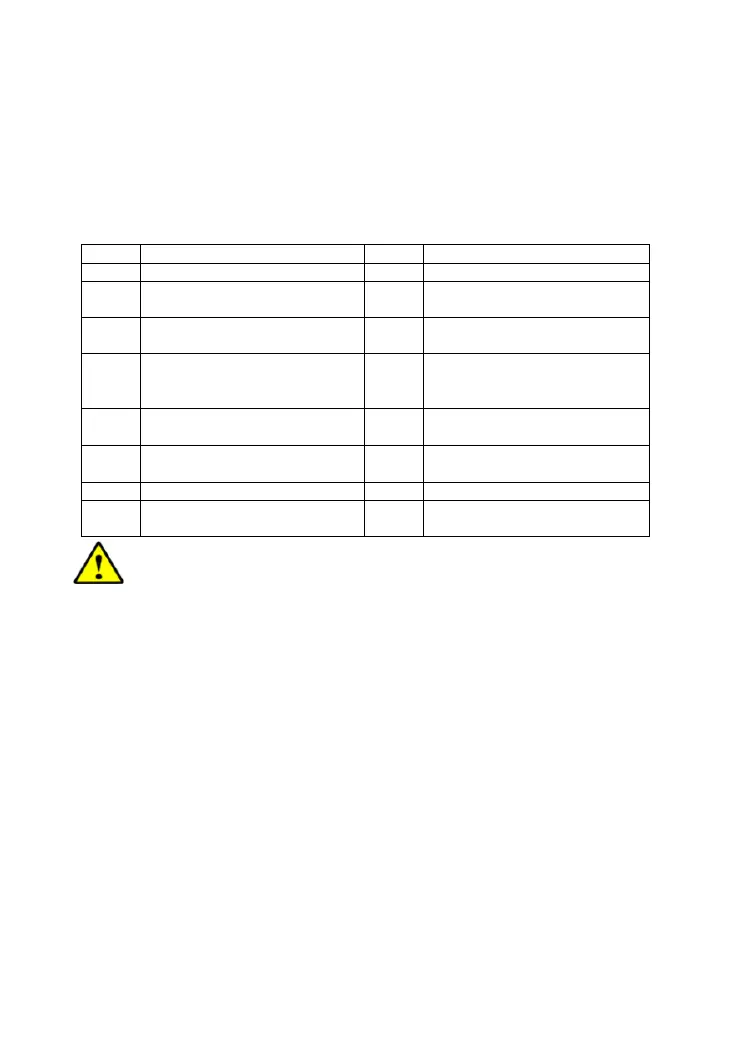
①Load workingmode
1** Timer 1 2** Timer 2
100 Light ON/OFF 2 n Disabled
101
Load will be on for 1 hour
since sunset
201
Load will be on for 1 hour
before sunrise
102
Load will be on for 2 hours
since sunset
202
Load will be on for 2 hours
before sunrise
103
~
113
Load will be on for 3 ~ 13
hours since sunset
203
~
213
Load will be on for 3 ~ 13
hours before sunrise
114
Load will be on for 14 hours
since sunset
214
Load will be on for 14 hours
before sunrise
115
Load will be on for 15 hours
since sunset
215
Load will be on for 15 hours
before sunrise
116 Test mode 2 n Disabled
117
Manual mode(Default load
ON)
2 n
Disabled
CAUTION: Please set Light ON/OFF, Test mode and Manual mode via
Timer1. Timer2 will be disabled and display "2 n ".
19


 To Next Page