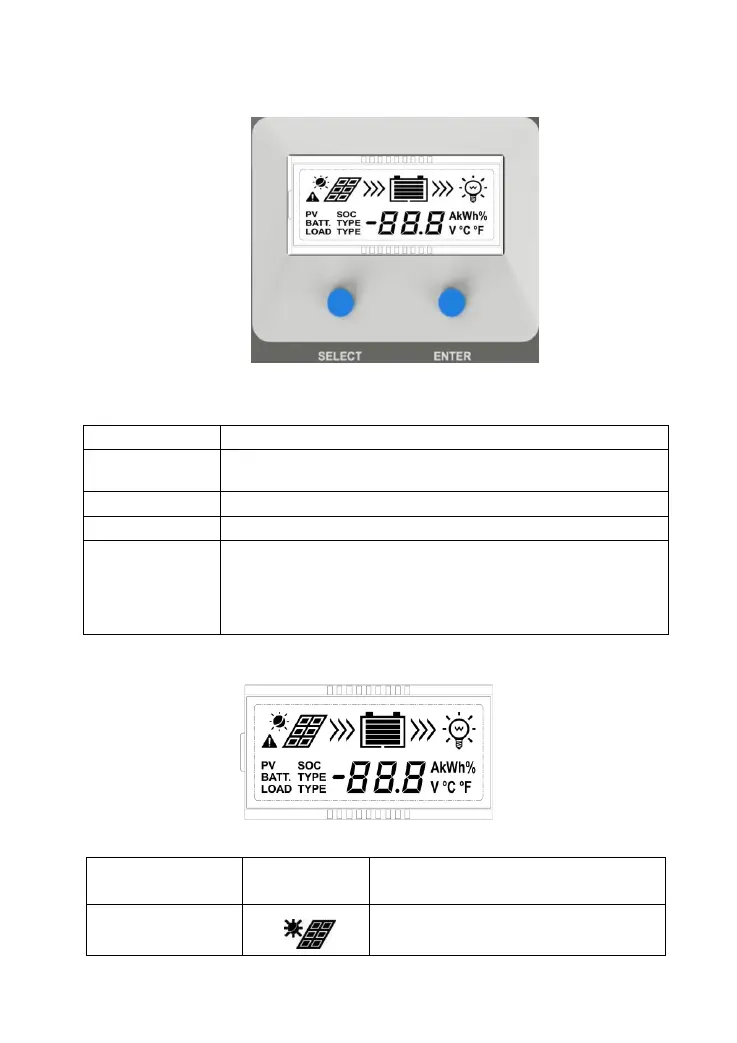
3. Operation
3.1 Button
Mode Note
Load ON/OFF
In load manual mode, it can turn the load On/Off of the load via
the “ENTER” button.
Clear Fault Press the “ENTER” button.
Browsing Mode
Press the “SELECT” button.
Setting Mode
Press the “ENTER” button. and hold on 5s to enter the setting
mode
Press the “SELECT” button. to set the parameters,
Press the “ENTER” button. to confirm the setting parameters or
exit the setting mode automatically after10s.
3.2 Interface
1) Icon
Item Icon Status
PV array Day
14


 To Next Page