23
5. Reset
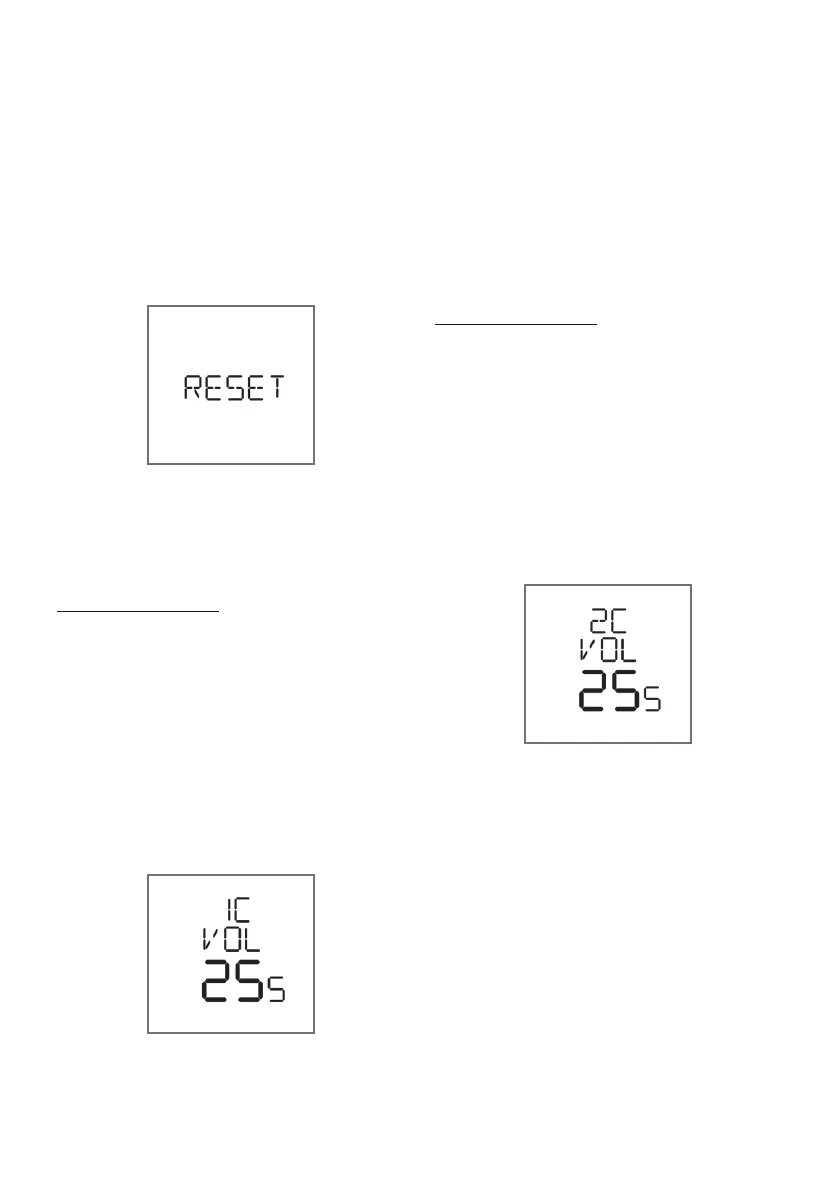
To reset all programs back to factory setting,
press PROGRAM button until RESET appears,
then + to activate.
1 Cup volume
The volume of water has been preset for 1
cup. You can adjust the program to suit your
beans and how you like your coffee.
Make a 1 cup coffee. Insert the single filter
basket into the group handle, fill with grinds
and tamp. Place your cup under the pouring
spouts.
Press and hold 1 CUP button for 3 seconds,
then the Torino will begin brewing. When the
coffee volume is enough, press 1 CUP button
again to save.
Note: The LCD will display the brewing time,
however the water volume is determined by
your programming.
2 Cup volume
The volume of water has been preset for 2
cup. You can adjust the program to suit your
beans and how you like your coffee.
Make a 2 cup coffee. Insert the double filter
basket into the group handle, fill with grinds
and tamp. Place your cup under the pouring
spouts.
Press and hold 2 CUP button for 3 seconds,
then the Torino will begin brewing. When the
coffee volume is enough, press 2 CUP button
again to save.
Note: The LCD will display the brewing time,
however the water volume is determined by
your programming.
Advanced Programming continued







 To Next Page