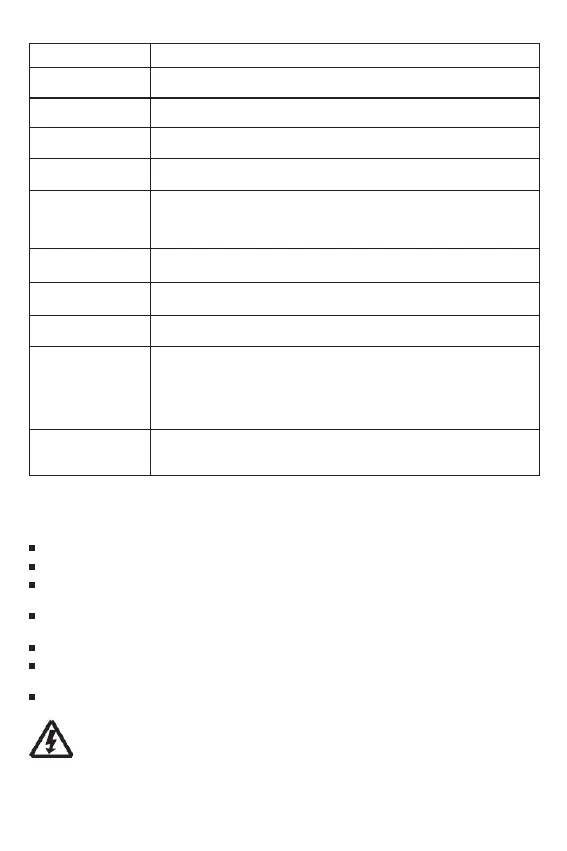
The controller will limit charging power to the rated level.
Over-sized PV array will not be able to operate at maximum power point.
When PV short circuit occurs, the controller will stop charging.
Remove it to resume normal operation.
Full protection against PV reverse polarity, no damage to the controller.
Correct the connection to resume normal operation.
Full protection against battery reverse polarity, no damage to the controller.
Correct the connection to resume normal operation.
If there are other energy sources to charge the battery, when the battery
voltage exceeds 15.8 / 31.3 / 46.8 / 62.3V(Overcharge protection voltage of
lithium battery equals target voltage plus 0.2V), the controller will stop charging
to prevent overcharging.
When battery voltage drops to the low voltage disconnect setting, the controller
will stop discharging to protect the battery from over discharging.
Load Over Current
Protection
If the load current exceeds the maximum load current rating 1.25 times, the
controller will disconnect the load.
Load Short Circuit
Protection
If a load short circuit happens, the load short circuit protection will
trigger automatically.
Over Temperature
Protection
The controller detects the internal temperature through internal sensor, when
the temperature exceeds the setting value, the charging current will decrease,
and consequently, the controllers temperature; should controllers temperature
exceed over temperature protection threshold, the controller will stop its
operation and resume after temperature lowers/returns to an
acceptable level.
Damaged Remote
Temperature Sensor
Should the temperature sensor be short-circuited or damaged, the controller
will be charging or discharging at the internal temperature automatically to
prevent battery damage from overcharging or over discharged.
7.3 Maintenance
For best system performance, the following inspections and maintenance tasks are recommended to be
carried out for at least two times a year.
Make sure airflow is not obstructed around the controller. Clear up any dirt and fragments on radiator.
Check all wires to make sure insulation is not damaged. Repair or replace wires if necessary.
Tighten all terminal screws to the indicated torque (16 inch pounds); Inspect for loose, broken, or burnt
cable/wire connections.
Check and confirm that LCD is consistent. Pay attention to any troubleshooting or error codes. Take
corrective action if necessary.
Make sure all system components are effectively and tightly connected to ground.
Check all terminals for any corrosion signs, damaged insulation, increased temperature or
carbonization/discolored signs.
Check for any dirt, nesting insects and any corrosion signs. Implement corrections actions as early as
possible.
WARNING:Risk of electric shock!
Make sure that all the power is turned off before performing any
maintenance


 To Next Page