SunFounder GalaxyRVR Kit for Arduino, Release 1.0
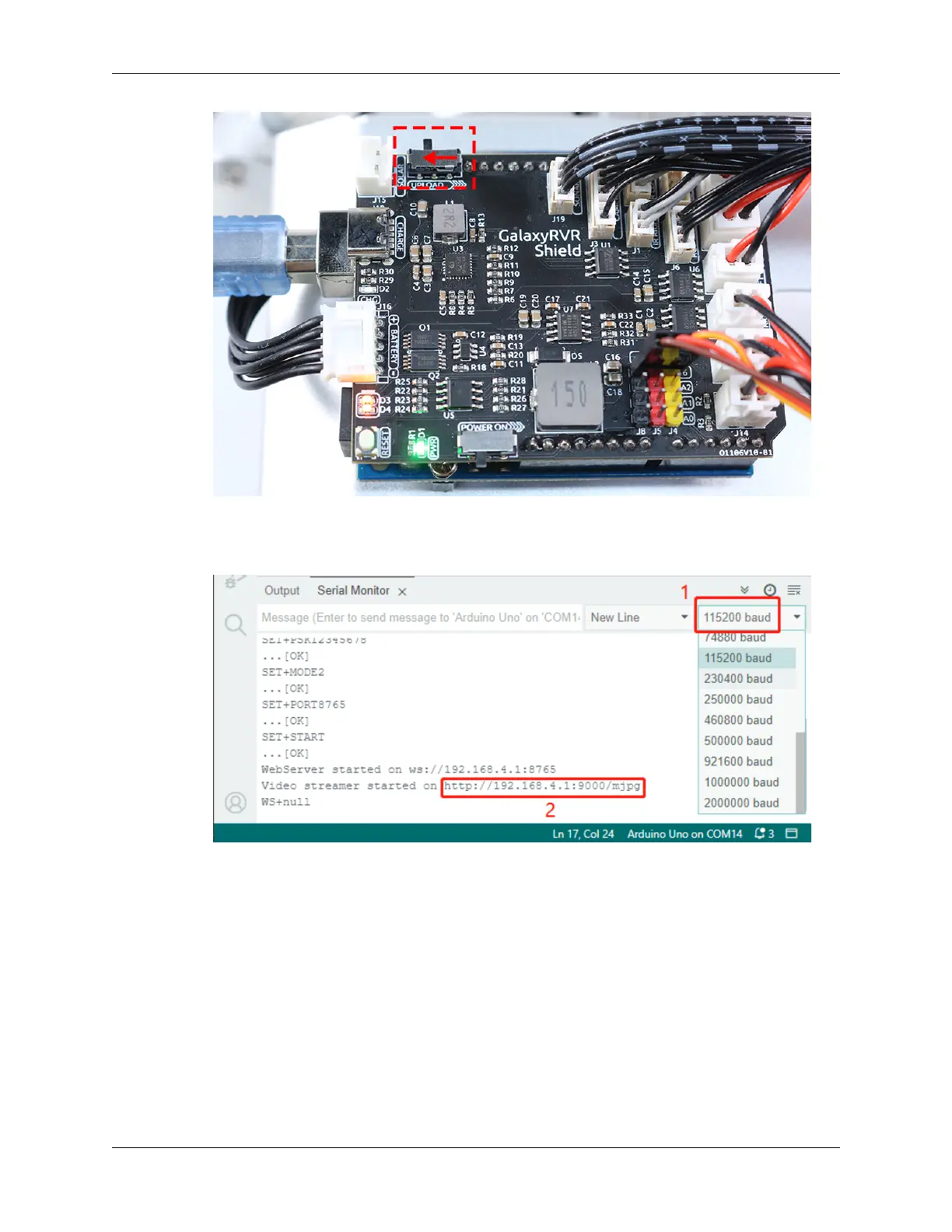
• Open the Serial Monitor and set the baud rate to 115200. If no information appears, press the Reset button
on the GalaxyRVR shield to run the code again. You should see an IP address in the serial monitor output.
This is the address your Rover’s camera is broadcasting to.
• Now, it’s time to actually see what our Rover sees! Open up a web browser - we recommend Google Chrome
- and enter the URL you see in the Serial Monitor, in the format http://ip:9000/mjpg.
86 Chapter 3. Course Mode


 To Next Page
 Loading...