SunFounder GalaxyRVR Kit for Arduino, Release 1.0
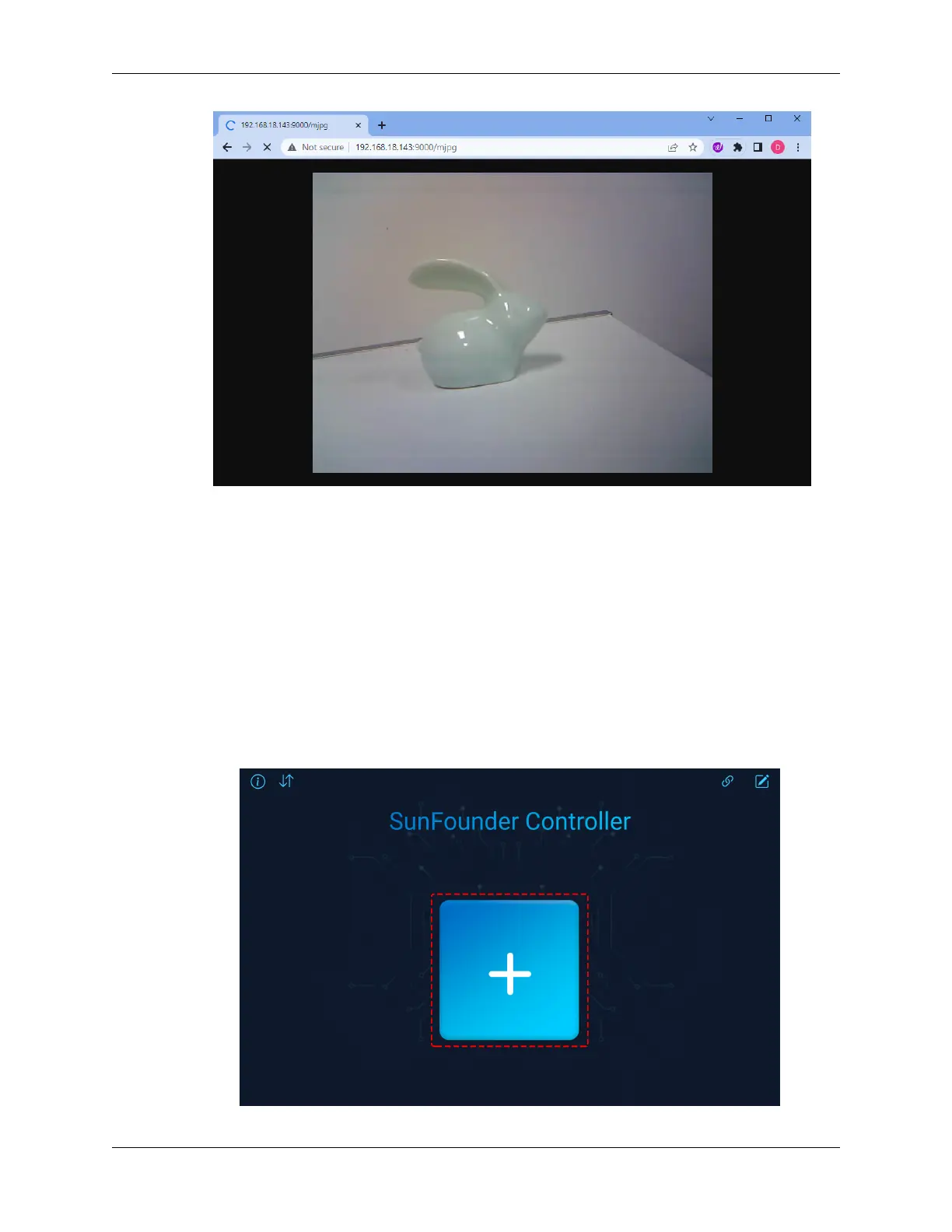
And voila! You should now be able to see the live feed from your Rover’s camera. Isn’t it amazing to think that you
are viewing Mars (or maybe just your living room) from the Rover’s perspective? Just like a real Mars Rover scientist!
Remember, this is just the beginning. There is so much more to explore and learn. In our next step, we will explore
how to control our Rover while viewing the live camera feed. Exciting, isn’t it? Onwards, explorers!
Step 3: Controlling and Viewing the Camera Feed Using the App
Ever wished you could view the Mars Rover’s visual feed right on your smartphone while also being able to control
its tilt mechanism? Now you can! With the help of the SunFounder Controller app, you’ll be able to do exactly that.
Follow the steps below:
1. Install from APP Store(iOS) or Google Play(Android).
2. Create a controller.
• To add a controller on SunFounder Controller, click the + icon.
3.11. Lesson 11: Exploring the Mars Rover Visual System - Camera and Real-time Control 87


 To Next Page
 Loading...