SunFounder GalaxyRVR Kit for Arduino, Release 1.0
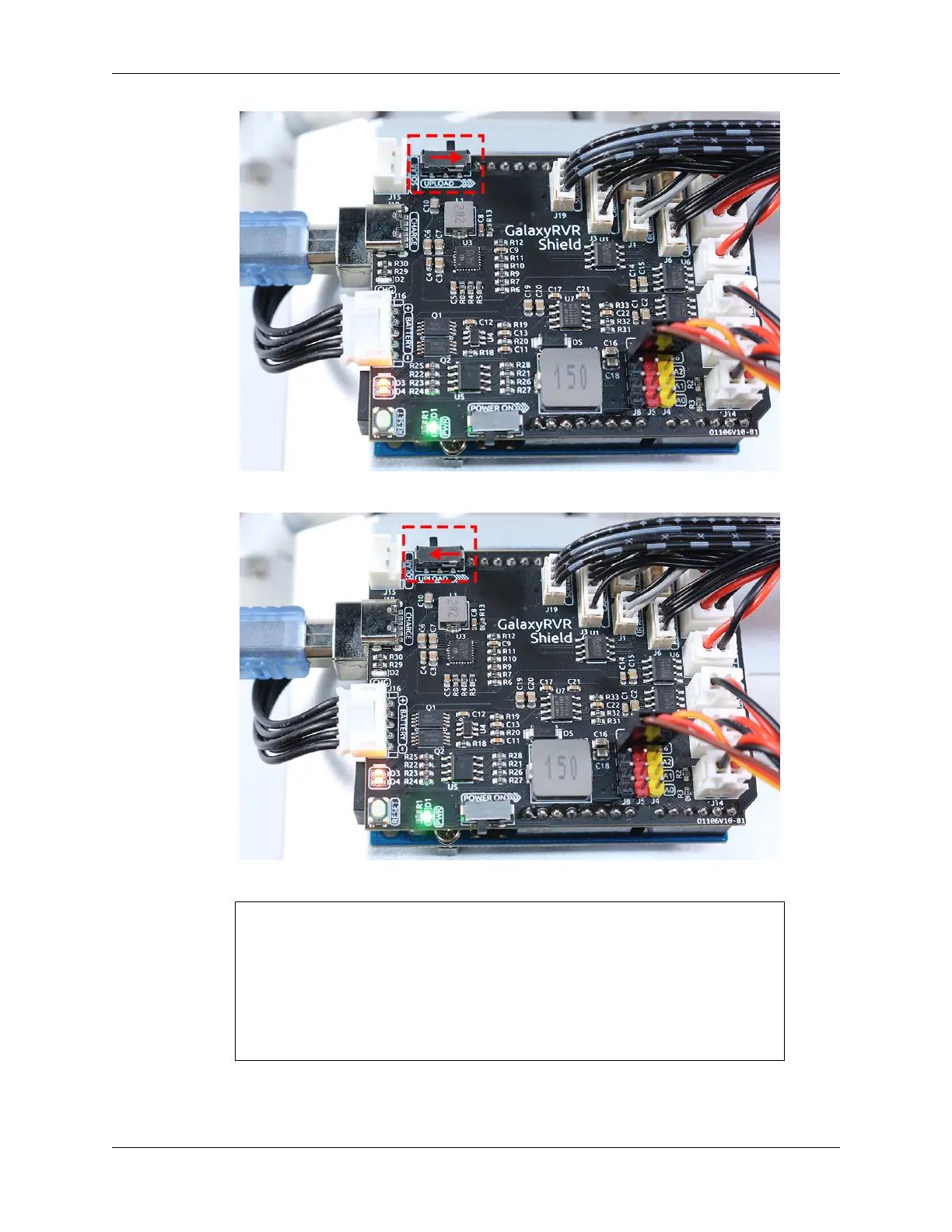
• After the code is successfully uploaded, move the switch to the left to start the ESP32 CAM.
• When you see the following information in the Serial Monitor, you can move on to the next step.
...[OK]
SET+PORT8765
...[OK]
SET+START
...[OK]
WebServer started on ws://192.168.4.1:8765
Video streamer started on http://192.168.4.1:9000/mjpg
WS+null
4. Connect to the GalaxyRVR Network.
At this point, you should connect your mobile device to the local area network (LAN) provided by the
90 Chapter 3. Course Mode


 To Next Page
 Loading...