SunFounder PiPower
Step 9
Next, we will configure WiFi for Pironman.
Note: If you intend to use a wired connection for network access, you can skip this step.
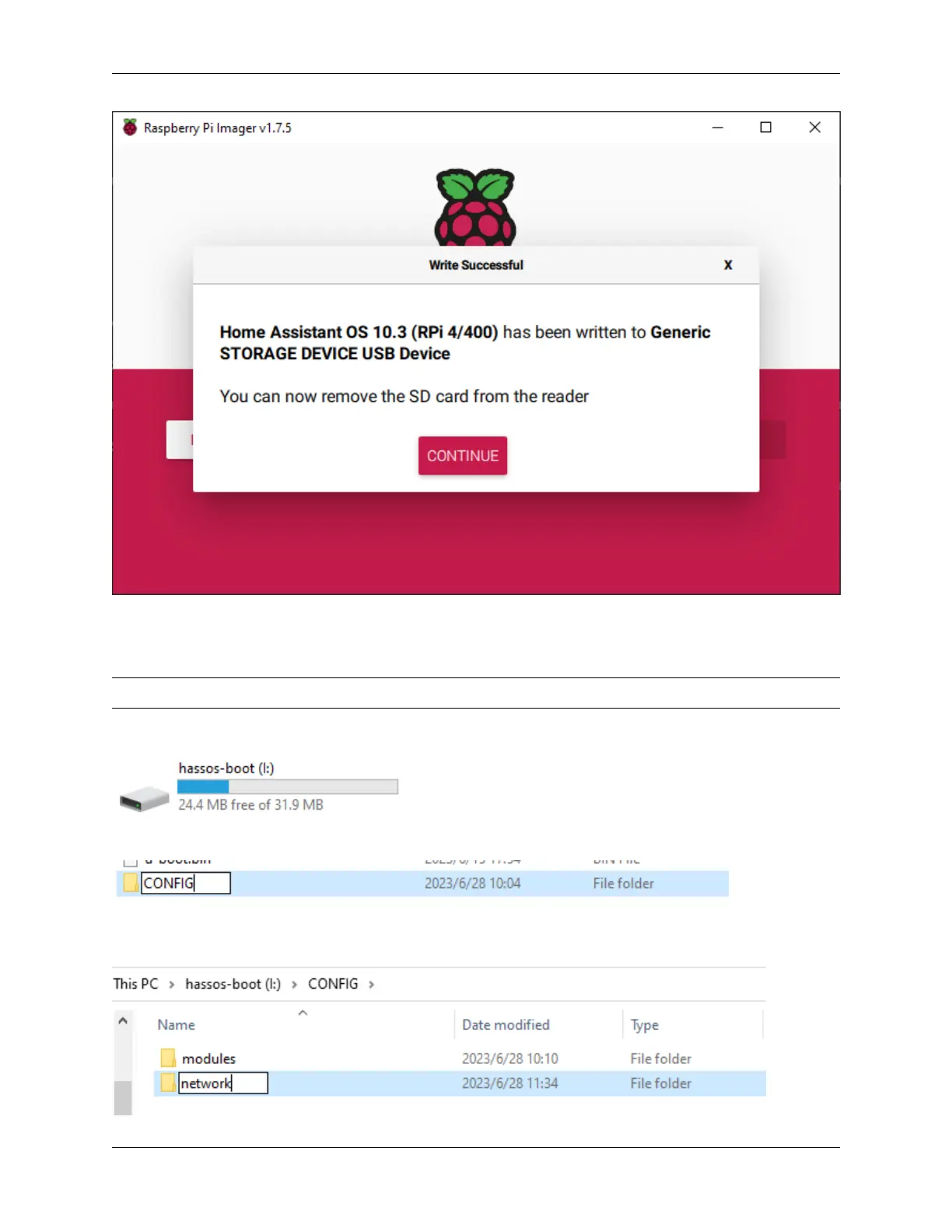
Open File Explorer and access the SD card named Hassio-boot
Create a new folder named CONFIG in the root partition.
Create a folder named network inside the CONFIG folder.
4.1. Install the HassOS 25



 To Next Page