SunFounder PiPower
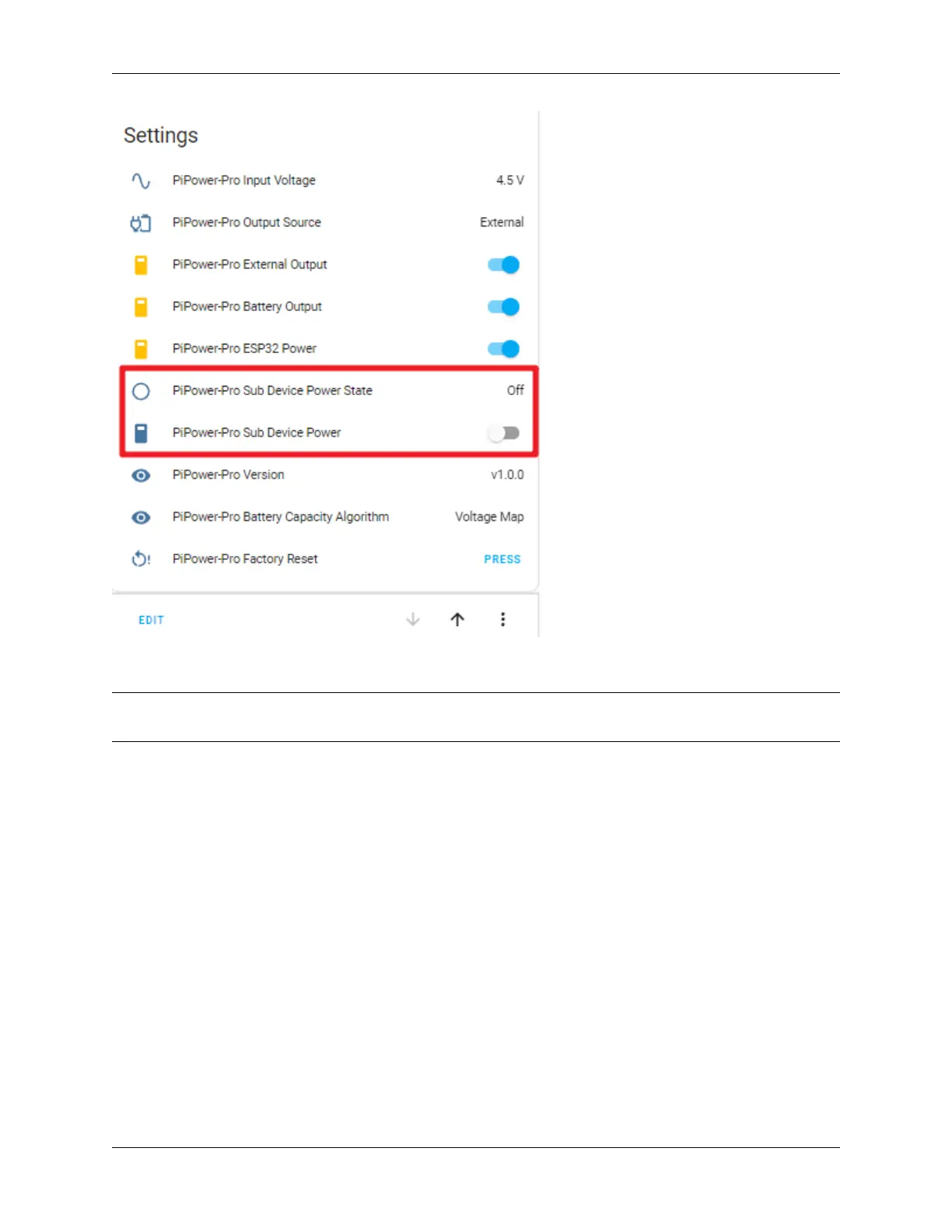
You can use the former to check if the Raspberry Pi is working and the latter to power off the Raspberry Pi.
Note: PiPower-Pro Sub Device Power can only power off the Raspberry Pi. To power it on, you still need to
supply power to the Raspberry Pi (i.e., turn on the main switch on the PiPower Pro Card).
Step 4
Next, configure automations to enable PiPower Pro to safely shut down the Raspberry Pi:
1. Open the Home Assistant configuration page, click on “Settings” on the left sidebar, and choose “Automations.”
4.6. Setting up Safe Shutdown 47



 To Next Page