SunFounder Pironman
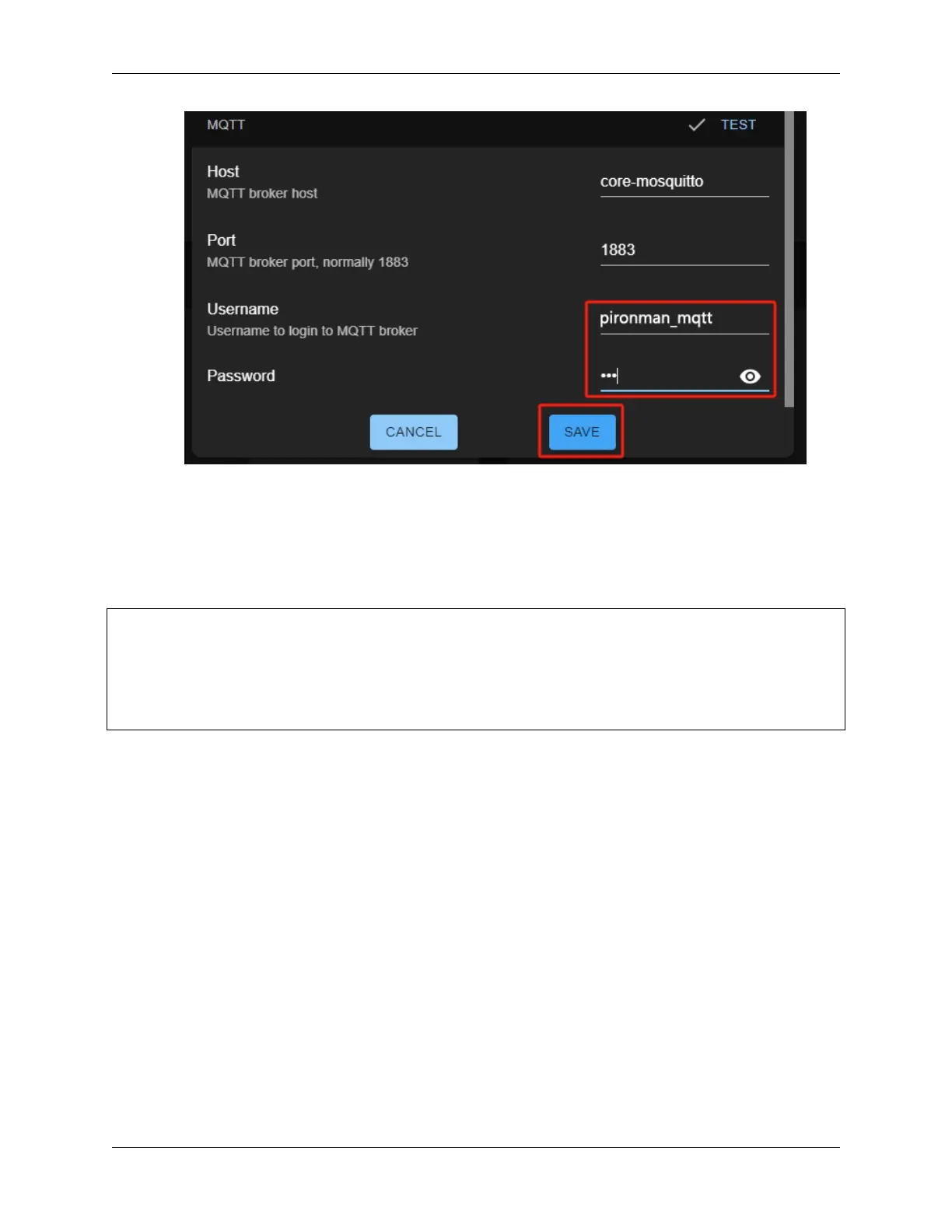
5. You can now view data for Pironman U1’s battery, fan, and other data in the Overview.
Configuring MQTT via Command Line
If your Home Assistant is not installed on Pironman U1, you can configure MQTT using the command line.
Replace the placeholders in the following command with your desired values for host, username, and password.
Use the username and password you created earlier. Running this command will restart the service.
/opt/spc/spc_server \
--mqtt-host <hostname or ip> \
--mqtt-port 1883 \
--mqtt-username <username> \
--mqtt-password <passowrd> \
restart
After the service restarts, you can add Pironman U1’s sensors to the dashboard.
98 Chapter 7. Home Assistant(Pi 4)


 To Next Page
 Loading...