SunFounder Pironman
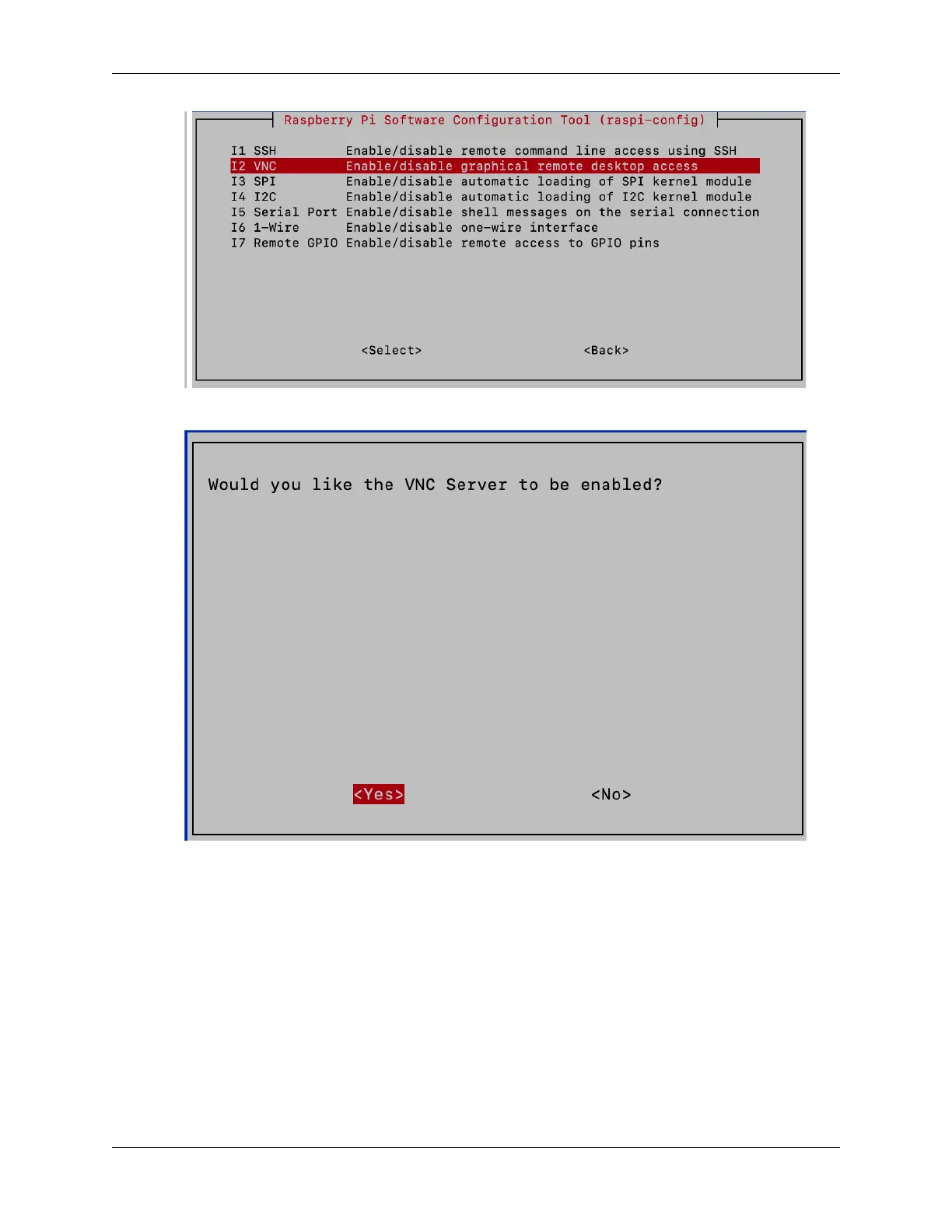
4. Use the arrow keys to choose <Yes> -> <OK> -> <Finish> and finalize the VNC service activation.
Logging in via VNC Viewer
1. Download and install VNC Viewer on your personal computer.
2. Once installed, launch VNC Viewer. Enter the hostname or IP address of your Raspberry Pi and press Enter.
4.2. Setting Up Without a Screen 21



 To Next Page