SunFounder Pironman
• Test the connection:
sudo ls /dev |grep lirc
• Install the lirc module:
sudo apt-get install lirc -y
• Now, test the IR Receiver by running the following command. After running the command, press a button on the
remote control, and the code of that button will be printed.
mode2 -d /dev/lirc0
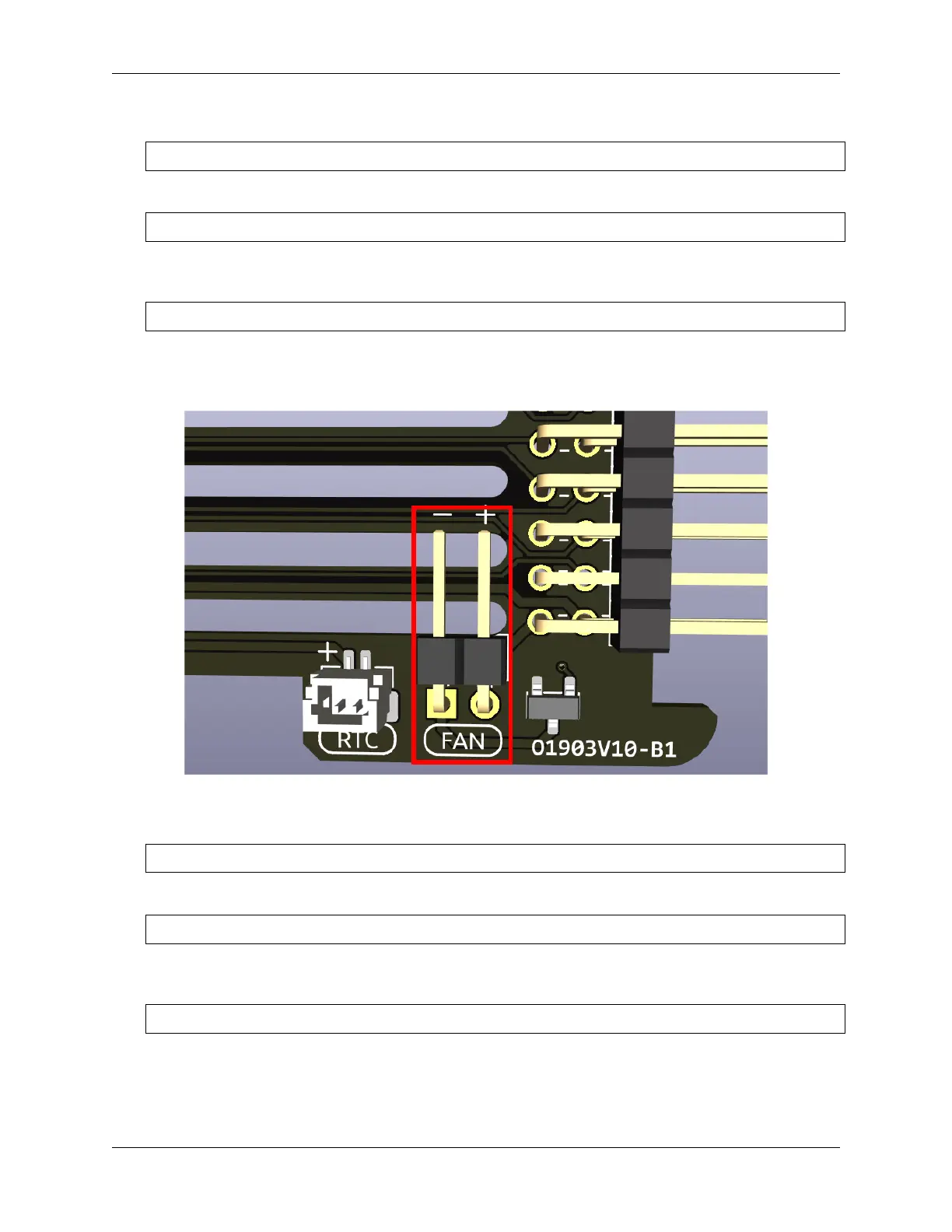
6.2.5 Fans Pin
Fan Pin, for connecting a 4010 fan.
• You can set the fan’s operation mode via command: auto, quiet, normal, performance.
spc -F auto
• Alternatively, you can directly set the fan speed, ranging from 0% to 100%.
spc -f 40
• You can use them without parameters to get the current data. For example, use the command below to get the
current fan speed.
spc -f
6.2. Main Board 43


 To Next Page