Advanced Operation
27
APP Block Web Browser
Where your downloaded & installed
Apps and Google Play are located.
Where you can browse, surf
and search the internet.
File Directory
Settings Menu
Where all your device settings
are located for your frame.
Clock
Settings Menu Overview
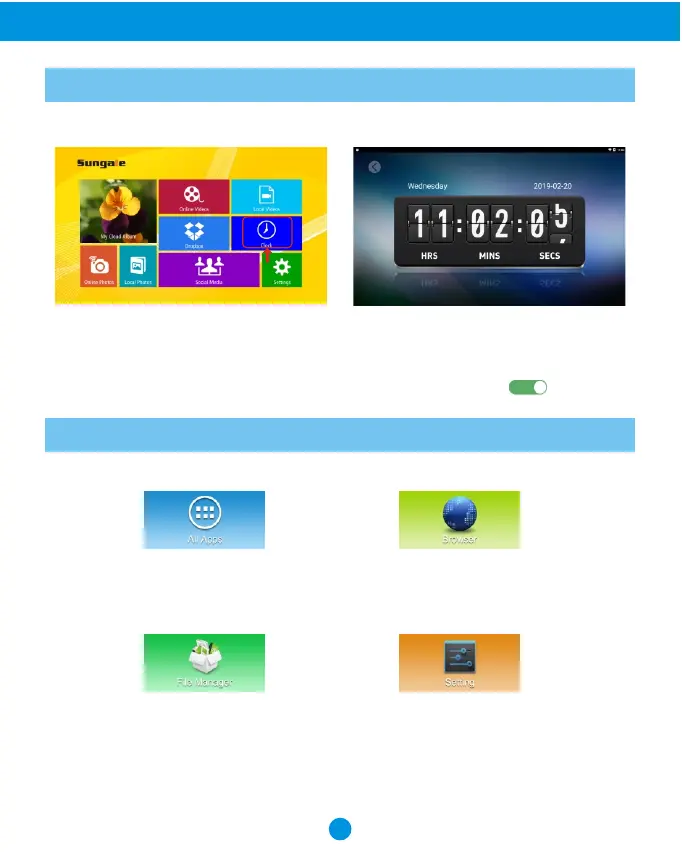
From the main menu, tap "Clock" icon, you can see the time and date.
Tips: How to change 12 hour time to 24 hour time?
If you want to change 12 hour time to 24 hour time. You can go to main menu, tap
"Settings", and tap "Date and Time", then tap 24-Hour Time button ( ) to turn on.
Where to access your internal
and external memory files.



 To Next Page