31
6
Decommissioning the Battery
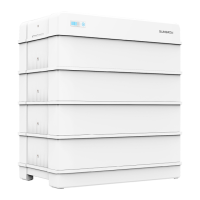
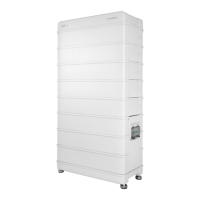
Decommission the battery in the system after the PCS is decommissioned. Proceed as fol-
lows to decommission the battery.
step 1 Press and hold the power button for 4 seconds until the DC breaker on the right side of the
battery is disconnected.
step 2 One minute after the DC breaker is disconnected, disconnect all cables between the battery
and other devices.
- - End
Contact SUNGROW to dispose of the battery.
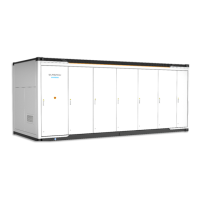
If a combiner box is used, power off the DC and AC sides of the PCS, and discon-
nect MCBs of all battery RACKs before operating the battery system.



 To Next Page