76
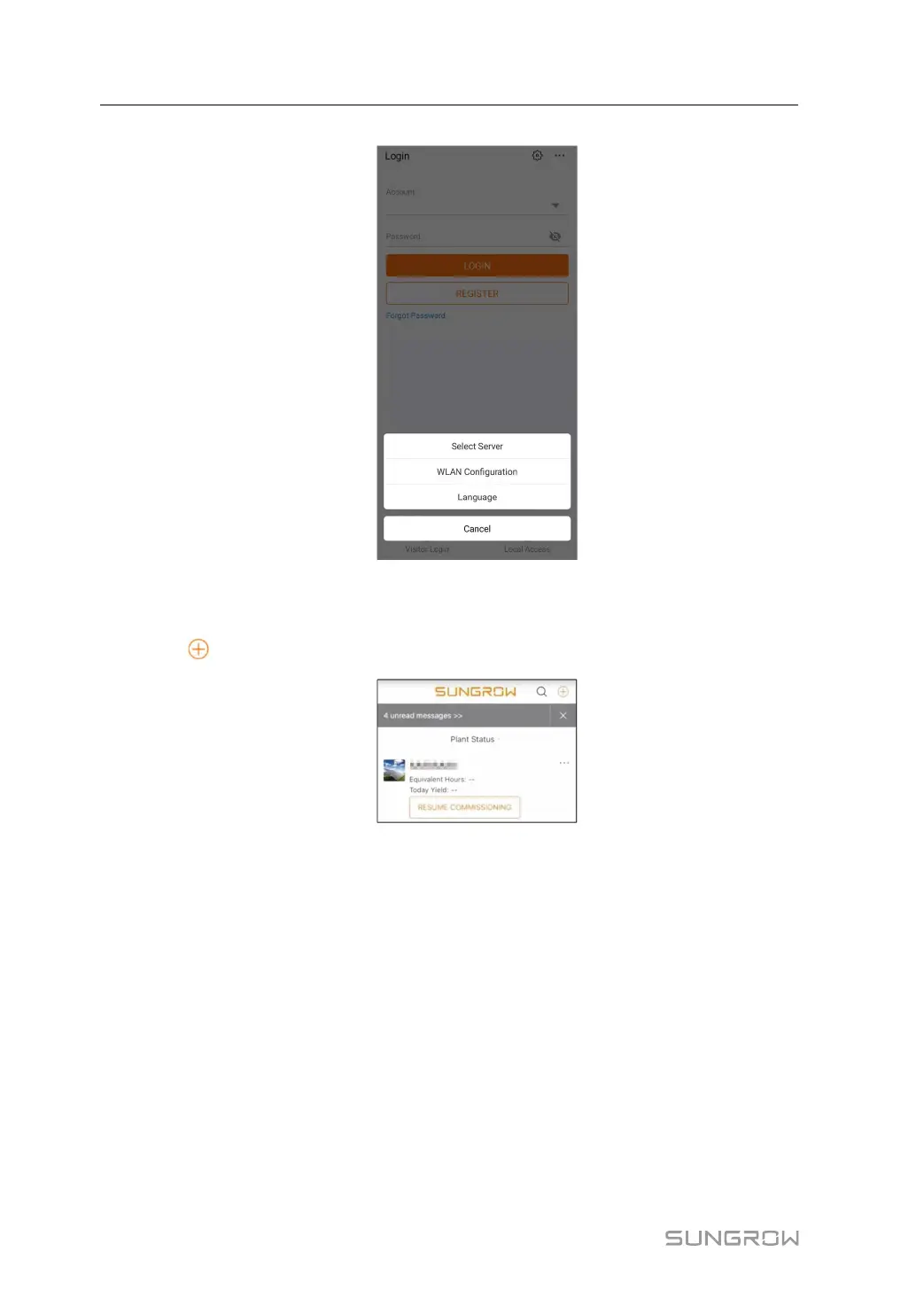
figure 6-1 Select Access Address
step 2 Enter the account and password on the login interface, and tap LOGIN to log in.
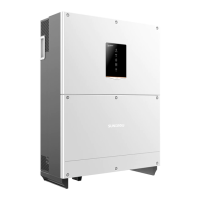
step 3 Tap
in the upper right corner to enter the plant creation interface.
step 4 Fill in the content according to actual needs, and the parameters containing * are required.
Tap Next to enter the next interface.
6 Commissioning User Manual



 To Next Page