10
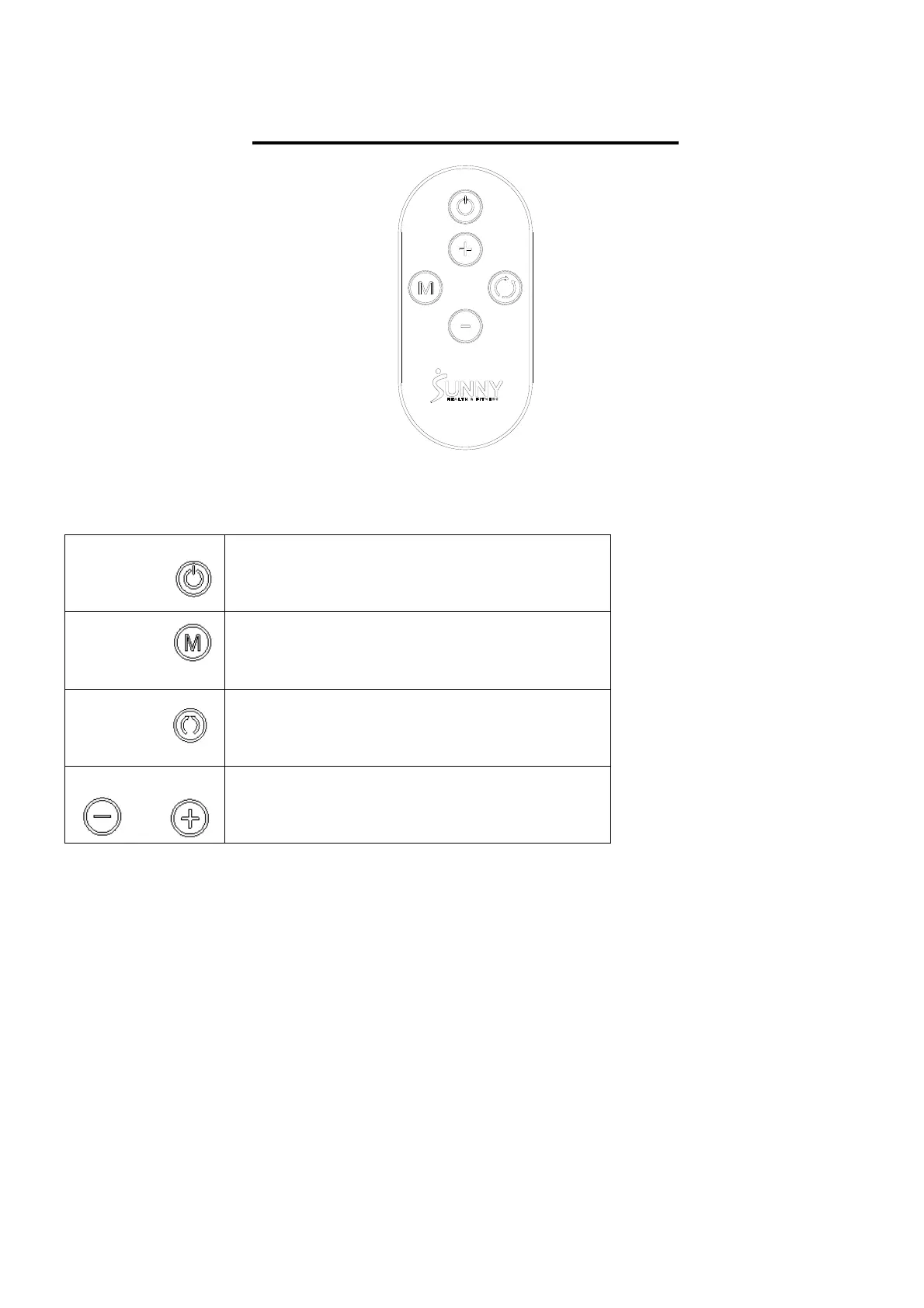
DISPLAY REMOTE CONTROL
FUNCTION KEYS
Start/Pause
Start and pause machine
Mode Changes between automatic and manual
Direction Changes the direction forward or backward
Speed+- Select key for increasing or decreasing speed
(18 speed levels)
REMOTE CONTROL NOTICE:
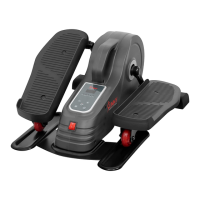
If the Remote Control (No. 11) does not activate the Sitfit Motorized Elliptical, or if you have a
replacement remote, the Remote Control (No. 11) and Sitfit Motorized Elliptical will need to be paired.
REMOTE CONTROL PAIRING METHOD:
1. Restart the Sitfit Motorized Elliptical, press and hold down the Mode button and Direction button
at the same time, you will hear three “beep” sounds.
2. Press and hold down the Mode button on the Remote Control (No. 11) immediately for about 3
seconds. Hearing a "Beep" indicates that the pairing is successful. During the pairing, the Remote
Control (No. 11) should be as close to the Sitfit Motorized Elliptical as possible.


 To Next Page