EasyManua.ls Logo

Sunny SF-E1405 - User Manual

Sunny SF-E1405
17 pages
Print Icon
To Next Page IconTo Next Page
Loading...
1
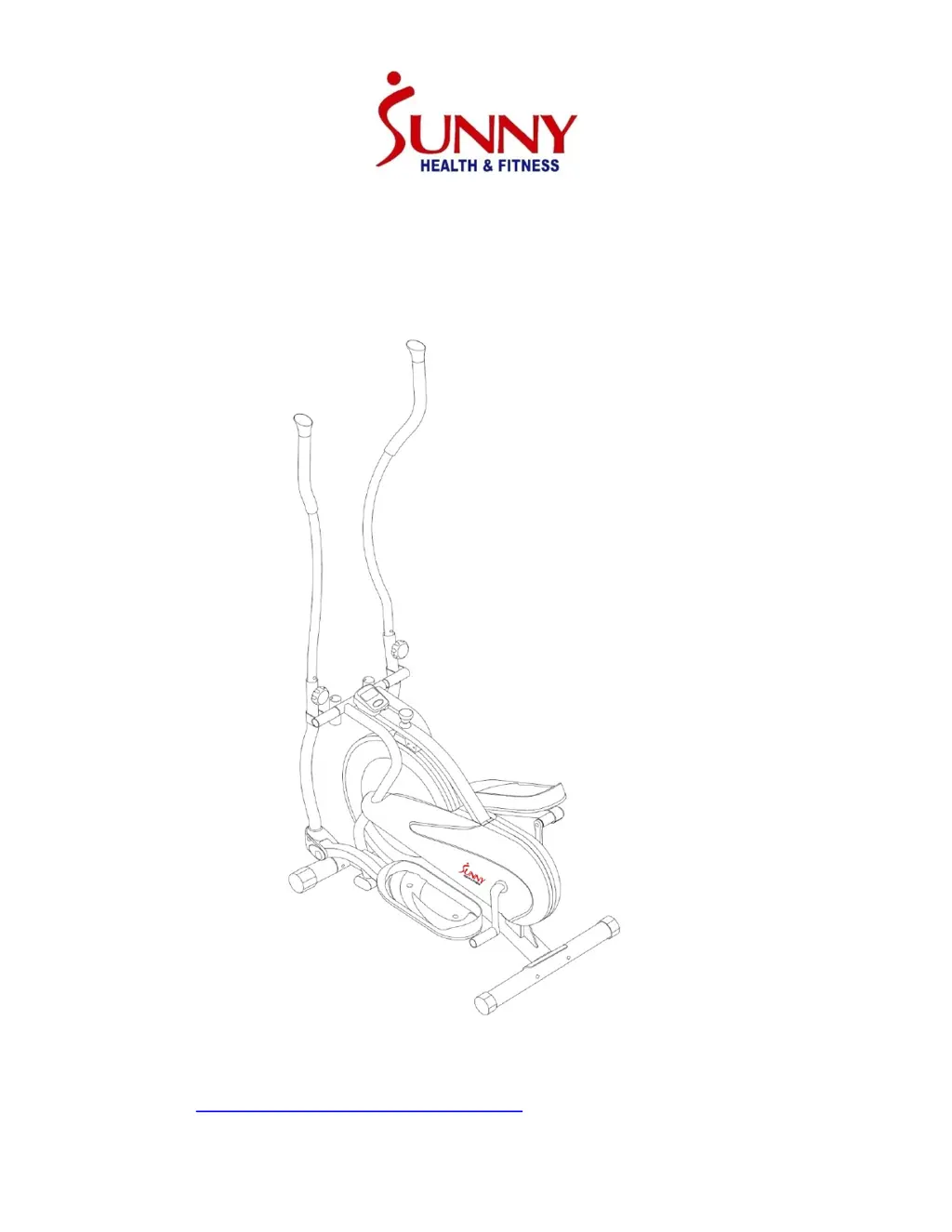
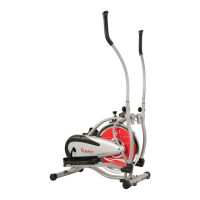
FLYWHEEL ELLIPTICAL TRAINER
USER MANUAL
SF-E1405
IMPORTANT: Read all instructions carefully before using this product.
Retain owner’s manual for future reference. For customer service, please
contact: support@sunnyhealthfitness.com

Questions and Answers

  • J
    Jeffery BestJul 27, 2025
    What to do if my Sunny Elliptical Trainer is not stable?
    • J
      Joseph CarterJul 27, 2025
      If your Sunny Elliptical Trainer is unstable during use, first, ensure all bolts are fully tightened. If the issue persists, adjust the end cap (No. 5) of the rear stabilizer until you achieve optimal stability.
  • M
    Melissa GrantAug 1, 2025
    How to fix a squeaking noise in my Sunny SF-E1405 elliptical trainer?
    • G
      Gina ColemanAug 1, 2025
      If your Sunny Fitness Equipment elliptical trainer is making a squeaking noise, you should first check if all the bolts are tightened. If the noise persists, inspect the moving parts and make sure they are properly lubricated.
  • X
    xschmittAug 5, 2025
    What to do if my Sunny SF-E1405 Fitness Equipment elliptical trainer is not stable?
    • M
      Michelle ThomasAug 6, 2025
      If your Sunny Fitness Equipment elliptical trainer is unstable during use, check that all bolts are fully tightened. You can also adjust the end cap of the rear stabilizer to improve stability.
  • E
    Elizabeth GreeneAug 11, 2025
    Why is there no display on my Sunny Fitness Equipment meter?
    • C
      carterjohnAug 11, 2025
      If there is no display on the meter of your Sunny Fitness Equipment, follow these steps: 1. Remove the computer console and ensure the wire from it is properly connected to the wire from the main frame. 2. Check that the batteries are correctly positioned and making good contact with the springs. 3. Replace the batteries in the computer console with new ones, as they may be dead.
  • M
    Madison EllisonAug 16, 2025
    Why does my Sunny Elliptical Trainer make a squeaking noise?
    • P
      patriciabrownAug 16, 2025
      If your Sunny Elliptical Trainer is making a squeaking noise, start by checking if all bolts are tightened. If the noise continues, inspect the moving parts and ensure they are properly lubricated.
  • A
    Amy AndrewsAug 21, 2025
    How to fix no display on Sunny Elliptical Trainer computer?
    • A
      April WatsonAug 21, 2025
      If there is no display on the computer of your Sunny Elliptical Trainer, try the following: 1. Remove the computer console and check the wire connection between the console and the main frame to ensure it's properly connected. 2. Make sure the batteries are correctly positioned and making good contact with the battery springs. 3. Replace the batteries in the computer console with new ones, as the old batteries may be dead.

Summary

Important Safety Information

Health Precautions

Consult a physician and monitor body signals like pain or dizziness during exercise.

Usage Environment and Supervision

Ensure a safe area, adult supervision, proper placement, and intended home use.

Equipment Care and Security

Maintain proper tightness, lubricate parts, and avoid contact with moving mechanisms.

Operational Limits and Warnings

Wear appropriate clothing, respect weight capacity, and note it's not for therapeutic use.

Exploded View Diagram

Parts List

Hardware and Tool List

Assembly Instructions

Preparation and Workspace

Prepare a suitable workspace and handle components carefully for assembly.

Tools and Part Identification

Identify necessary tools and parts using the manual's reference sections for assembly.

Assembly Steps

Step 1: Attach Stabilizers

Secure the front and rear stabilizers to the main frame using specified bolts and washers.

Step 2: Attach Spindle Bar

Connect the spindle bar and attach hinge bolts to the pedal tubes and crank arms.

Step 3: Attach Pedals

Attach the pedals to the pedal tubes, securing them with hex head bolts and lock nuts.

Step 4: Attach Handlebars

Mount handlebars for dual action or fixed use, ensuring comfortable and even height.

Step 5: Attach Computer

Connect the computer cables and mount the console onto the main frame.

Operating the Computer

Computer Specifications

Details the display specifications for time, speed, distance, and calories.

Key Functions and Operation

Explains how to select functions, reset, and use the computer's features.

Maintenance

Cleaning

Instructions on how to clean the elliptical trainer using mild detergent.

Storage

Guidance on storing the elliptical trainer in a clean and dry environment.

Troubleshooting

No Display on Computer

Solutions for when the computer display shows no output.

Squeaking Noise

Tips for addressing squeaking noises during operation.

Instability Issues

Advice on resolving instability problems with the elliptical trainer.

Exercise Instructions

Warm-up Phase

Prepare muscles for workout with light stretching to reduce risk of cramp or injury.

Exercise Phase

Increase workout intensity and duration to build strength and reach target heart rate zone.

Cool-down Phase

Gradually reduce intensity to allow cardio-vascular system and muscles to recover.

Muscle Toning

Increase resistance level to build muscle strength; adjust speed to maintain target heart rate.

Using the Tension Control

Adjust the tension knob to control pedal resistance for varying workout difficulty.

Sunny SF-E1405 Specifications

General IconGeneral
BrandSunny
ModelSF-E1405
CategoryFitness Equipment
LanguageEnglish

Related product manuals