12
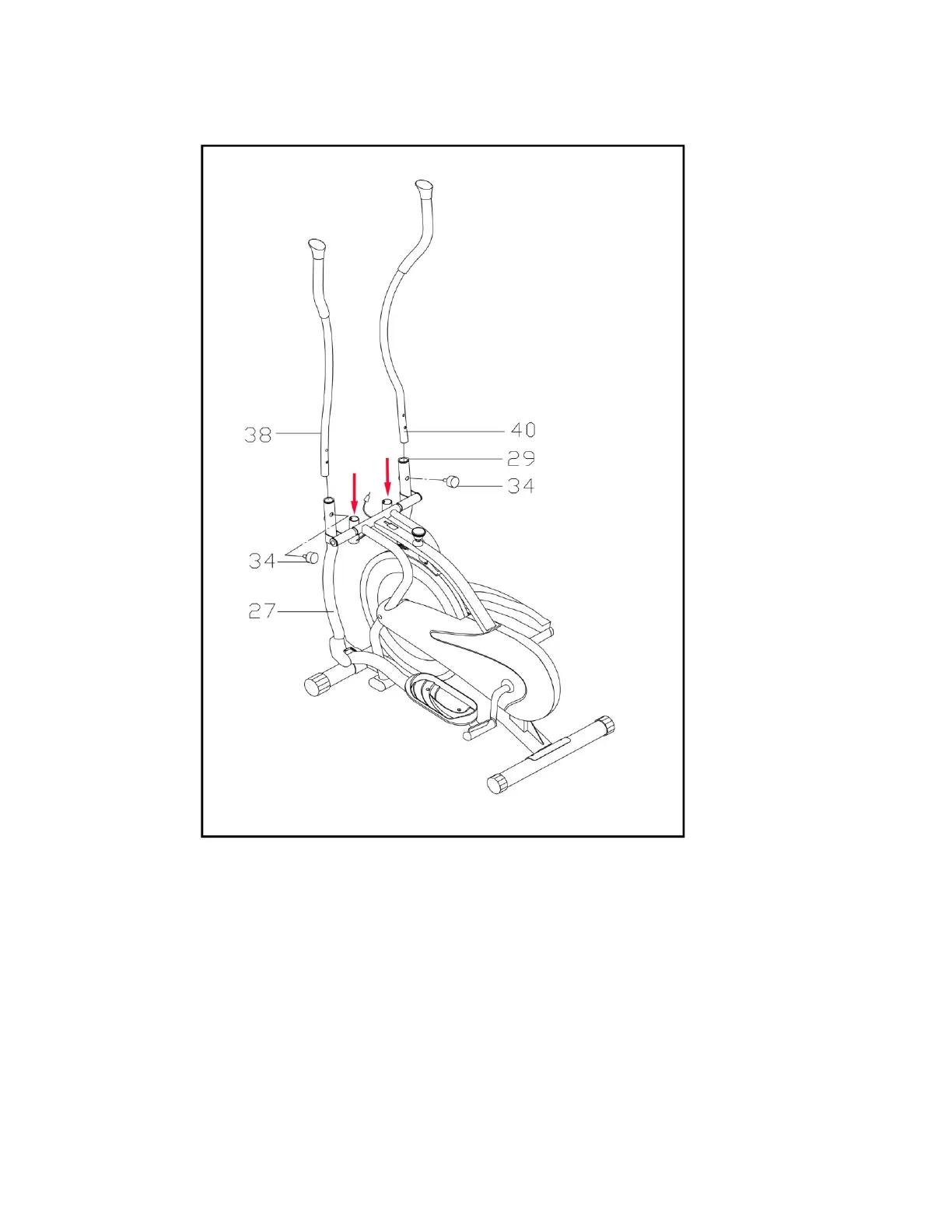
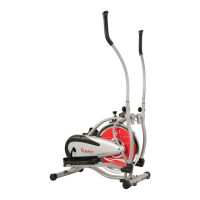
STEP 4: ATTACHING THE HANDLE BARS
DUAL ACTION MODE
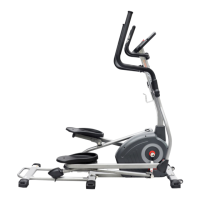
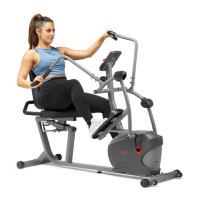
To allow the handlebars to move along with the pedals, attach Left & Right Handlebar
(No. 38 & No. 40) to the Left & Right Swing Bar (No. 27 & No. 29). Select a height
setting that is comfortable for the user and make sure both handlebars are set at the
same height. Lock each handlebar in place with Lock Knob (No. 34)
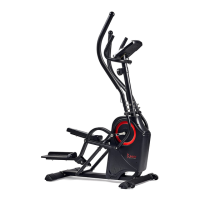
Not to allow the handlebars to move along with the pedals, attach Left & Right
Handlebar (No. 38 & No. 40) to the holes of the Mainframe (No.36) as pointed by the
arrows. Select a height setting that is comfortable for the user and make sure both
handlebars are set at the same height. Lock each handlebar in place with Lock Knob
(No. 34).


 To Next Page