EasyManua.ls Logo

Sunny SF-T1407M - User Manual

Sunny SF-T1407M
15 pages
Print Icon
To Next Page IconTo Next Page
Loading...
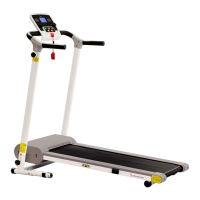
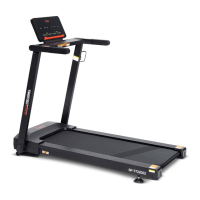
SF-T1407M
IMPORTANT: Please read this manual carefully before using the product.
Retain owners manual for future reference. For Customer Service,
please contact: support@sunnyhealthfitness.com
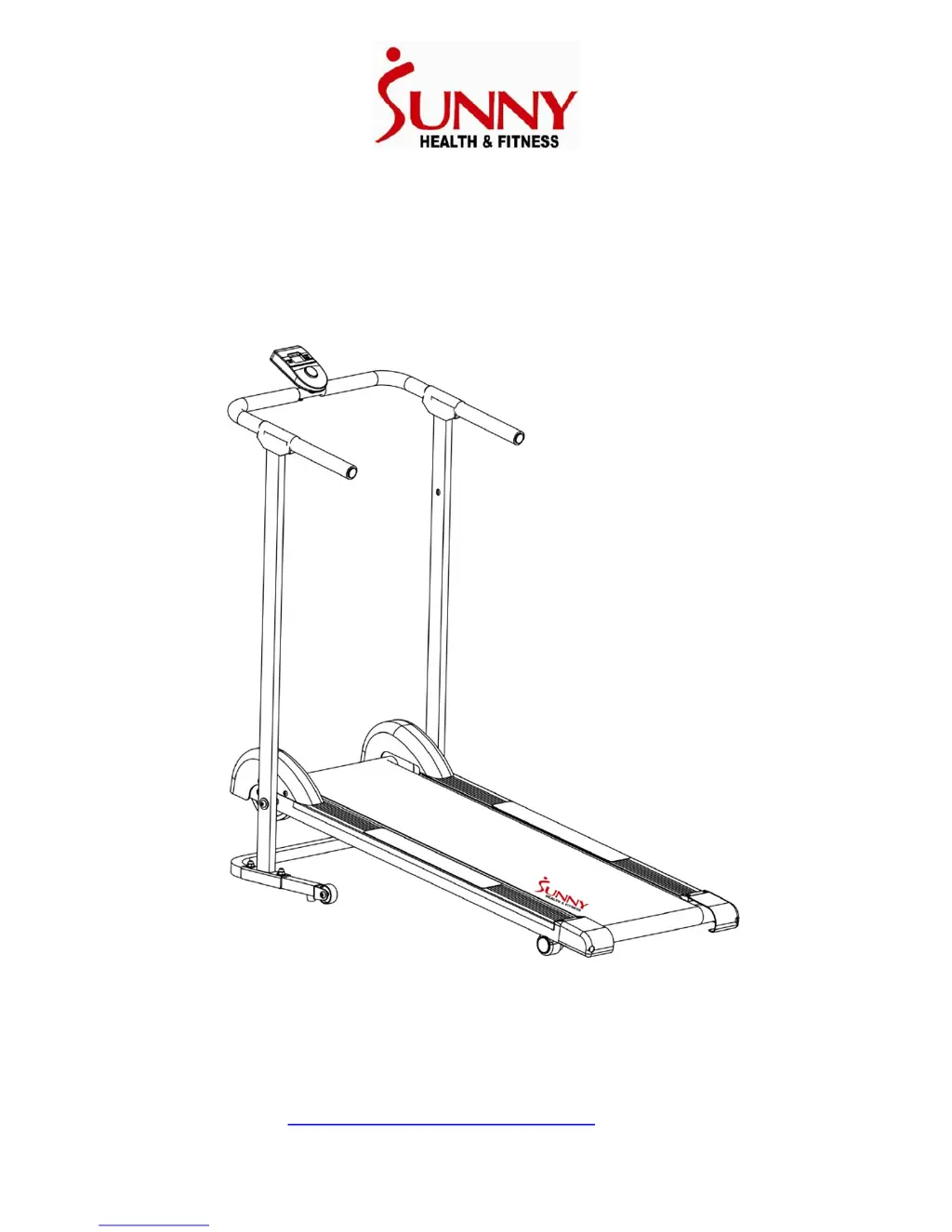
MANUAL WALKING TREADMILL
USER MANUAL

Questions and Answers

  • S
    stewartdannyJul 27, 2025
    Why is my Sunny Treadmill making noise from moving parts?
    • M
      marydawsonJul 27, 2025
      Noise from the moving parts of your Sunny Treadmill can be due to a few reasons. First, check if any of the hardware, such as nuts, bolts, or screws, are loose and tighten them. Another possible cause is that the running belt and board are not properly lubricated.
  • L
    Lisa JohnsonAug 1, 2025
    How to fix an unstable base on my Sunny SF-T1407M?
    • J
      James LeeAug 1, 2025
      An unstable base on your Sunny Treadmill can occur if there is an object under the Main Frame or if the ground isn’t level. Remove any objects and move the treadmill to level ground. Also, check if the Lock Knob is loose and tighten it.
  • D
    Denise SalinasAug 5, 2025
    What to do if the computer on my Sunny Sports & Outdoors equipment does not work?
    • M
      Mrs. Melissa FordAug 5, 2025
      If the computer on your Sunny Sports & Outdoors equipment isn't working, first, check the sensor wire connections (Sensor Wire No. 46, Lower Sensor Wire No. 22A, or Upper Sensor Wire No. 22B) to ensure they are correctly attached. Also, try replacing the batteries with new ones.
  • D
    Debra Phillips PhDAug 10, 2025
    What to do if the computer screen on my Sunny Sports & Outdoors equipment does not display clearly?
    • E
      Erica PhillipsAug 10, 2025
      If the computer screen on your Sunny Sports & Outdoors equipment isn't displaying clearly, try replacing the batteries with new ones.
  • C
    Crystal DodsonAug 15, 2025
    How to troubleshoot noise from moving parts in Sunny Sports & Outdoors equipment?
    • D
      Douglas BishopAug 15, 2025
      If you notice noise coming from the moving parts of your Sunny Sports & Outdoors equipment, start by inspecting all nuts, bolts, and screws and tighten any that are loose. Also, consider lubricating the running belt and running board.
  • K
    Kenneth BullockAug 21, 2025
    Why is the base of my Sunny Sports & Outdoors equipment unstable?
    • H
      Holly WardAug 21, 2025
      If the base of your Sunny Sports & Outdoors equipment feels unstable, make sure there isn't anything underneath the main frame and that the equipment is placed on level ground. Also, check the lock knob and tighten it if it's loose.

Summary

Important Safety Information

Assembly Instructions

Step 1: Main Frame Assembly

Attach upright supports to the main frame using bolts and washers.

Step 2: Base Frame Assembly

Secure upright supports to the base frame using carriage bolts and nuts.

Step 3: Handlebar and Monitor Installation

Attach handlebar, connect sensor wires, and install the monitor.

Folding Instructions

Transporting the Machine

The Display Console

Maintenance Instructions

Centering the Running Belt

Adjust bolts to correct running belt alignment and tension.

Maintenance & Care

Troubleshooting

Sunny SF-T1407M Specifications

General IconGeneral
Weight Capacity220 lbs
FoldableYes
Max User Weight220 lbs
DisplayLCD
FunctionsTime, Speed, Distance, Calories

Related product manuals