EasyManua.ls Logo

Sunny SF-T7515 - User Manual

Sunny SF-T7515
21 pages
Print Icon
To Next Page IconTo Next Page
Loading...
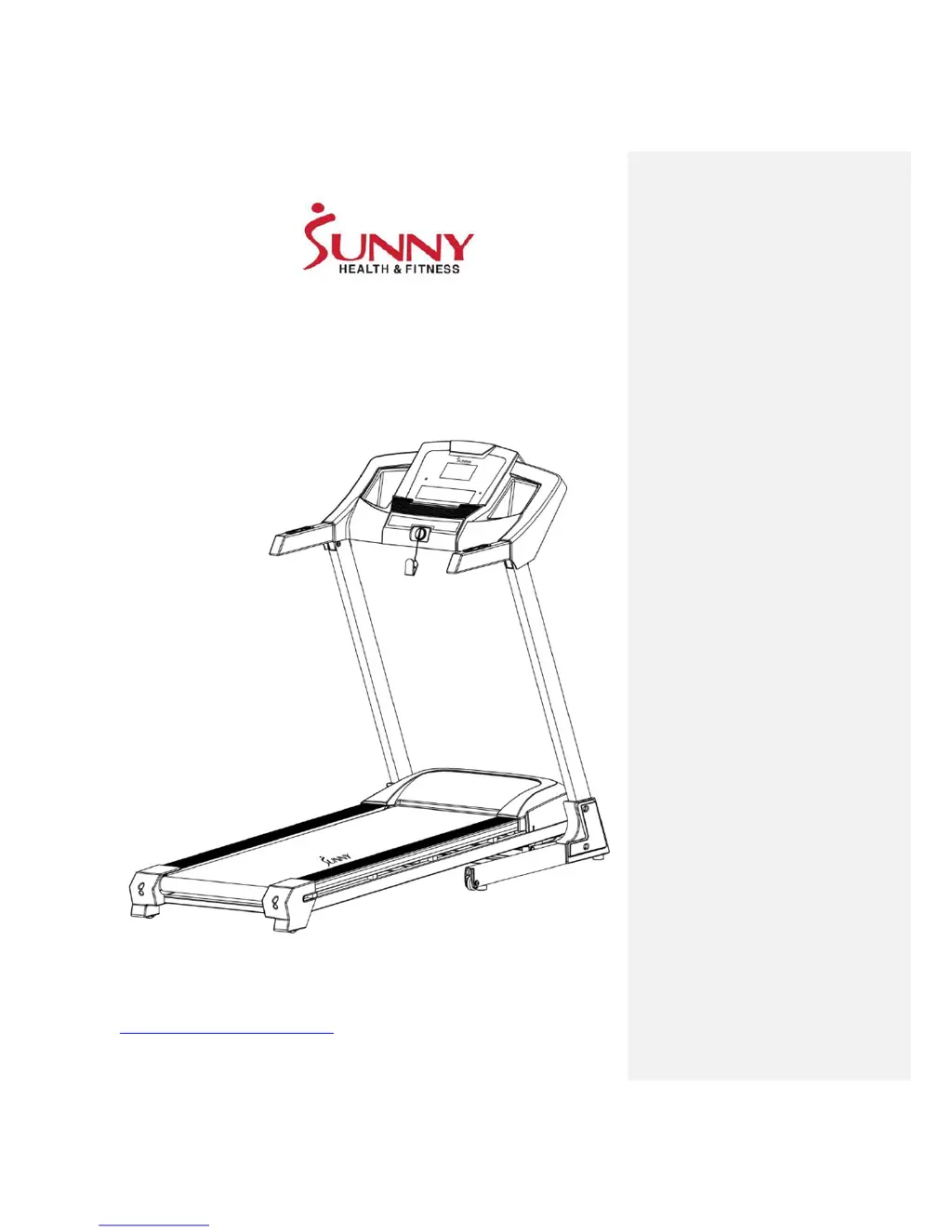
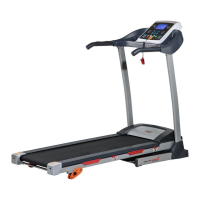
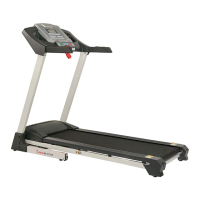
SMART TREADMILL WITH AUTO INCLINE
SF-T7515
USER MANUAL
IMPORTANT! Read all instructions carefully before using this product. Retain
owner’s manual for future reference. For customer service, please contact:
support@sunnyhealthfitness.com

Questions and Answers

  • C
    Carrie WillisJul 27, 2025
    Why is the incline on my Sunny Treadmill not working?
    • T
      Timothy BradfordJul 27, 2025
      If your Sunny Treadmill is experiencing an incline failure, check the incline motor sensor wire and AC wire to ensure they are properly connected. Also, make sure the incline motor wire is free from any punctures or damage.
  • T
    Thomas JacksonAug 1, 2025
    What to do if my Sunny Treadmill shows current overload protection?
    • S
      Steven KochAug 1, 2025
      If your Sunny Treadmill is showing a current overload protection error, first, try restarting the treadmill. Also, check for any burnt odors around the motor and control board, as the control might be damaged. Inspect the moving parts to ensure they are operating correctly if a part is stuck and the motor can't function properly. Finally, listen for any unfamiliar noises coming from the motors, as excessive current load or voltage issues can also trigger this protection.
  • J
    Jaime RayAug 5, 2025
    How to troubleshoot no display on my Sunny SF-T7515 Treadmill console?
    • T
      Thomas ColeAug 6, 2025
      If your Sunny Treadmill console has no display, start by checking if the overload button switch is off; if it is, press it to turn it on, as a control board abnormality may be the cause. Next, check the wiring on the power switch, overload button, and control board to ensure everything is properly connected. Also, inspect the console wires and all cables running between the console and the control board. If the issue persists, check the transformer and replace it if needed.
  • C
    Caitlin BarnesAug 11, 2025
    What to do if there is a communication abnormality on my Sunny Treadmill?
    • C
      christopher10Aug 11, 2025
      If you are experiencing a communication abnormality on your Sunny Treadmill, where there is no communication from the console to the control board, begin by checking all wires to ensure they are connected properly and are free from punctures or damage, as communication might be obstructed between the control board and console. If the problem persists, inspect the control board and PCB IC for any signs of damage and replace them if necessary.
  • P
    pobrienAug 15, 2025
    How to fix a safety key fault on a Sunny Treadmill?
    • T
      Teresa HopkinsAug 15, 2025
      If your Sunny Treadmill displays a safety key fault, first, ensure that the safety key is properly inserted. If the issue continues, try replacing the safety key sensor or the safety key itself. If the problem still persists after these steps, consider replacing the console.
  • W
    william04Aug 21, 2025
    What causes burst clash protection on a Sunny SF-T7515 Treadmill?
    • J
      James GarrettAug 21, 2025
      If your Sunny Treadmill is showing a burst clash protection error, ensure that the motor wires are securely connected. This issue can arise if the power voltage is significantly below normal or if the controller has problems. Additionally, inspect the control board for any signs of damage or burnt smells, and replace it if necessary.

Summary

IMPORTANT SAFETY INFORMATION

ASSEMBLY INSTRUCTIONS

FOLDING INSTRUCTIONS

INCLINE INSTRUCTIONS

IMPORTANT ELECTRICAL INFORMATION

CONSOLE GUIDE

FUNCTION KEYS;MANUAL MODE

Details the function of each button and how to operate the treadmill in manual mode.

COUNTDOWN MODE

Explains how to set and use the countdown modes for time, distance, or calories.

PROGRAMS

USER PROGRAMS (U1-U3)

Guide to creating custom workout programs by setting speed, incline, and time for each segment.

BLUETOOTH INSTRUCTIONS

HOW TO SYNC TREADMILL TO BLUETOOTH

Step-by-step guide to connect your mobile device to the treadmill via Bluetooth.

EXERCISE INSTRUCTIONS

MAINTENANCE GUIDE

ADJUSTING THE RUNNING BELT

Detailed steps for adjusting the running belt's tension and centering it on the deck.

TROUBLESHOOTING

Sunny SF-T7515 Specifications

General IconGeneral
DisplayLCD
FoldableYes
Incline12 levels of automatic incline
Running Surface49.5L x 16.5W in
Programs12

Related product manuals