EasyManua.ls Logo

Sunny SF-T7971 - User Manual

Sunny SF-T7971
30 pages
Print Icon
To Next Page IconTo Next Page
Loading...
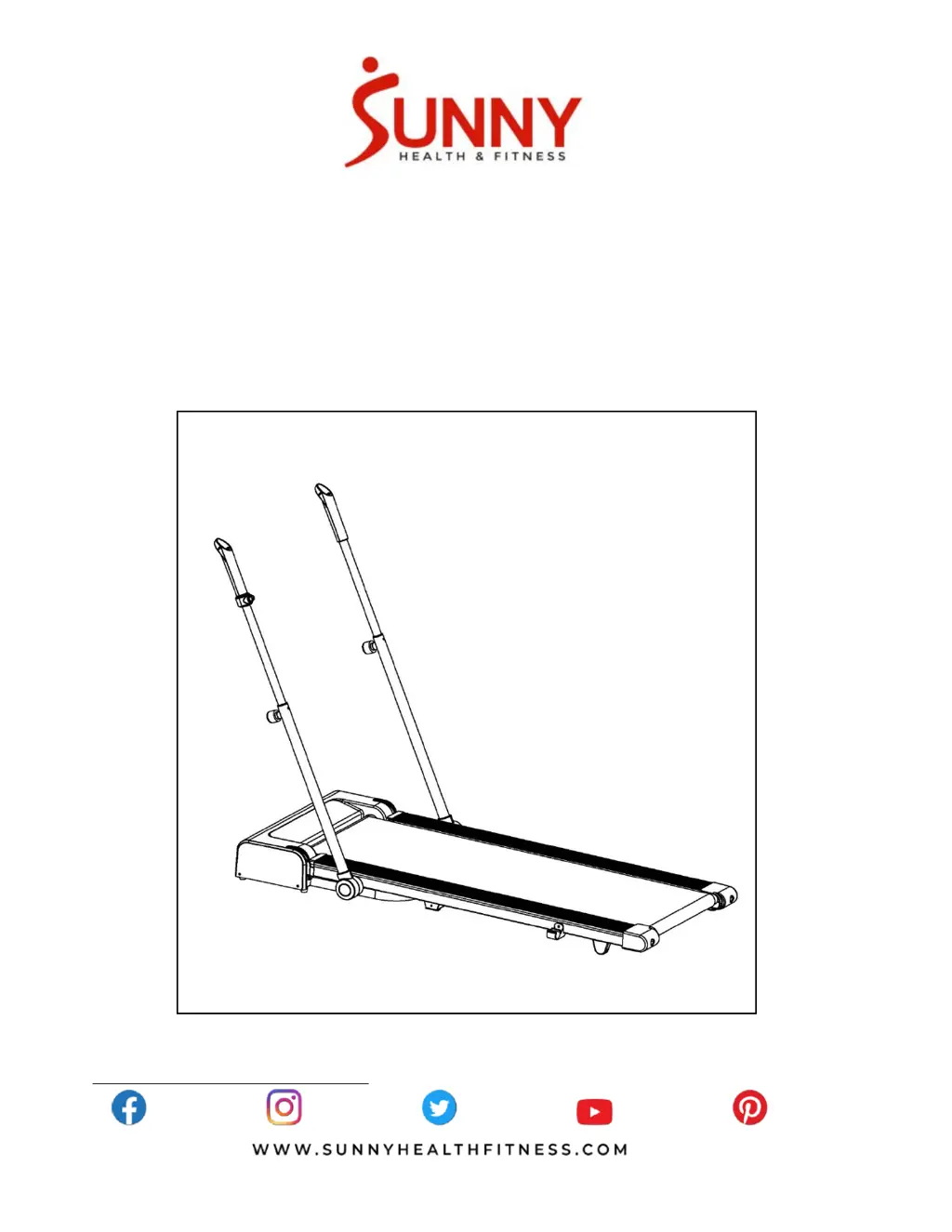
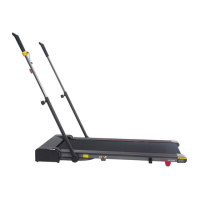
HYBIRD WALKING TREADMILL
WITH ARM EXERCISE
SF-T7971
USER MANUAL
IMPORTANT! Please retain owner’s manual for maintenance and adjustment instructions. Your
satisfaction is very important to us, PLEASE DO NOT RETURN UNTIL YOU HAVE CONTACTED
US: support@sunnyhealthfitness.com or 1- 877 - 90SUNNY (877-907-8669).

Questions and Answers

  • J
    Jessica CohenSep 4, 2025
    What to do if my Sunny SF-T7971 shows E01 or E13 error?
    • J
      Jennifer ThompsonSep 4, 2025
      If your Sunny Treadmill is showing an E01 or E13 error, it indicates a message failure. Check the wire connections from the console to the bottom control board. If a wire is punctured or damaged, replace it. If the problem persists, you may need to replace the bottom control board.
  • M
    Michael RobinsonSep 18, 2025
    How to center the running belt on a Sunny Treadmill?
    • D
      dawn34Sep 18, 2025
      If the running belt on your Sunny Treadmill is not centered, it's likely due to incorrect tension on either side of the running board. To fix this, tighten the left and right adjusting bolts of the rear roller.
  • K
    Karen WatsonSep 16, 2025
    Why is the computer not working on my Sunny SF-T7971?
    • J
      Juan JohnsonSep 16, 2025
      If the computer on your Sunny Treadmill isn't working, the issue might be with the connections. Check the wire connections from the console to the bottom control board. If the transformer is damaged, contact customer service.
  • K
    Kimberly RobertsSep 14, 2025
    How to fix a Sunny SF-T7971 Treadmill that will not start?
    • G
      Glenda BartlettSep 14, 2025
      If your Sunny Treadmill won't start, there are a couple of things to check: * First, make sure the power cord is securely plugged into an outlet. * Second, ensure that the Safety Key is properly inserted.
  • K
    Kelly SmithSep 13, 2025
    How to center running belt on Sunny Treadmill?
    • V
      Vincent AndersonSep 13, 2025
      If the running belt on your Sunny Treadmill is not centered, tighten the adjustment bolts on the left and right sides of the rear roller to correct the running belt tension.
  • N
    Nancy ParsonsSep 12, 2025
    What does E09 error mean on Sunny Treadmill?
    • M
      Morgan RogersSep 12, 2025
      If your Sunny Treadmill shows an E09 error, it indicates an inversion error. Make sure the treadmill is placed horizontally and adjust if necessary. If that doesn't solve it, replace the control board.
  • D
    Diana VillanuevaSep 9, 2025
    What does E10 mean on Sunny SF-T7971 Treadmill?
    • M
      Mark ParkerSep 9, 2025
      If your Sunny Treadmill displays the E10 error, it indicates a motor abnormality. Inspect the moving parts of the treadmill to ensure they are operating correctly. If necessary, replace the motor.
  • T
    Tammy MathisSep 7, 2025
    What does E08 error mean on Sunny Treadmill?
    • M
      Michele MeyerSep 7, 2025
      If your Sunny Treadmill shows error code E08, it indicates a control board abnormality. Check the upper and middle wires to see if the control board is connected. If any wire is punctured or damaged, replace it. If the issue isn't resolved, you may need to replace the control board.
  • J
    Jack DillonSep 5, 2025
    What does E06 mean on my Sunny Treadmill?
    • A
      Andrew Baker PhDSep 6, 2025
      If your Sunny Treadmill displays error code E06, it means there's a motor abnormality. Check the motor wires to ensure they are connected. If any wire is punctured or damaged, replace it. If the problem continues, you might need to replace the motor.
  • P
    Patrick HayesAug 21, 2025
    What to do if Sunny Treadmill shows E05 error?
    • D
      Donna StarkAug 21, 2025
      If your Sunny Treadmill displays error code E05, which indicates a current overload, try restarting the treadmill. Also, verify that the incoming voltage is correct. Inspect moving parts to ensure they operate correctly and check the motor for unusual noises or burning smells. If the control board is damaged, replace it; if a moving part is stuck, resolve the obstruction; and if the motor is faulty, replace it.

Summary

Important Safety Instructions

Danger - Electrical Shock Risk

Warnings regarding electrical shock hazards and precautions to prevent them.

Warning - Operational Safety

General safety warnings for operation, including unattended use, proper usage, damaged parts, and environmental conditions.

Caution - Safe Operation

Cautionary advice for safe operation, emphasizing care when mounting/dismounting the moving belt.

Important Operating Instructions

Exploded Diagram

Parts List

Assembly Hardware

Carton Contents

Lists and describes the components included in the product packaging, such as the main frame and remote control.

Tools

Identifies the tools provided with the product, specifically mentioning the Allen Wrench.

Assembly Instructions

Adjusting Handrail Length

Step-by-step guide on how to adjust the length of the handrails using the elastic pins.

Folding Instructions

Folding the Treadmill

Instructions and diagrams illustrating the process of folding the treadmill for storage.

Unfolding the Treadmill

How to Move the Machine

How to Use the Treadmill

Using with Handrail

Guidance on operating the treadmill while holding onto the handrails for stability and support.

Using without Handrail

Instructions for operating the treadmill without using the handrails, focusing on balance and movement.

Maintenance & Care

Centering the Running Belt

Detailed steps and diagrams for adjusting the running belt to ensure it remains centered during operation.

Lubricating the Treadmill

Important Electrical Information

Grounding Methods

Explains the importance of grounding and how to properly connect the treadmill to a grounded outlet.

Electrical Warnings

Critical warnings regarding electrical safety, including avoiding GFCI outlets, generators, and moisture.

Battery Installation & Replacement

Battery Installation

Step-by-step instructions for installing the battery into the remote control unit.

Battery Replacement

Guide on how to remove the old battery and install a new one in the remote control.

Exercise Instructions

The Display Console

Window Display

Description of the treadmill's display windows, detailing what information is shown like time, speed, and calories.

Console Functions

Explanation of the treadmill's console buttons and modes, including standby and manual operation.

Remote Control Functions

Handrail Control Functions

Lubrication Reminder

Information about the system's lubrication reminder feature and how to clear it after maintenance.

Power Save Function

Details on the treadmill's power saving mode, which activates after a period of inactivity.

Troubleshooting

Connect With Us

Sunny SF-T7971 Specifications

General IconGeneral
BrandSunny
ModelSF-T7971
CategoryTreadmill
LanguageEnglish

Related product manuals