EasyManua.ls Logo

Sunny SF-T7610 - User Manual

Sunny SF-T7610
24 pages
Print Icon
To Next Page IconTo Next Page
Loading...
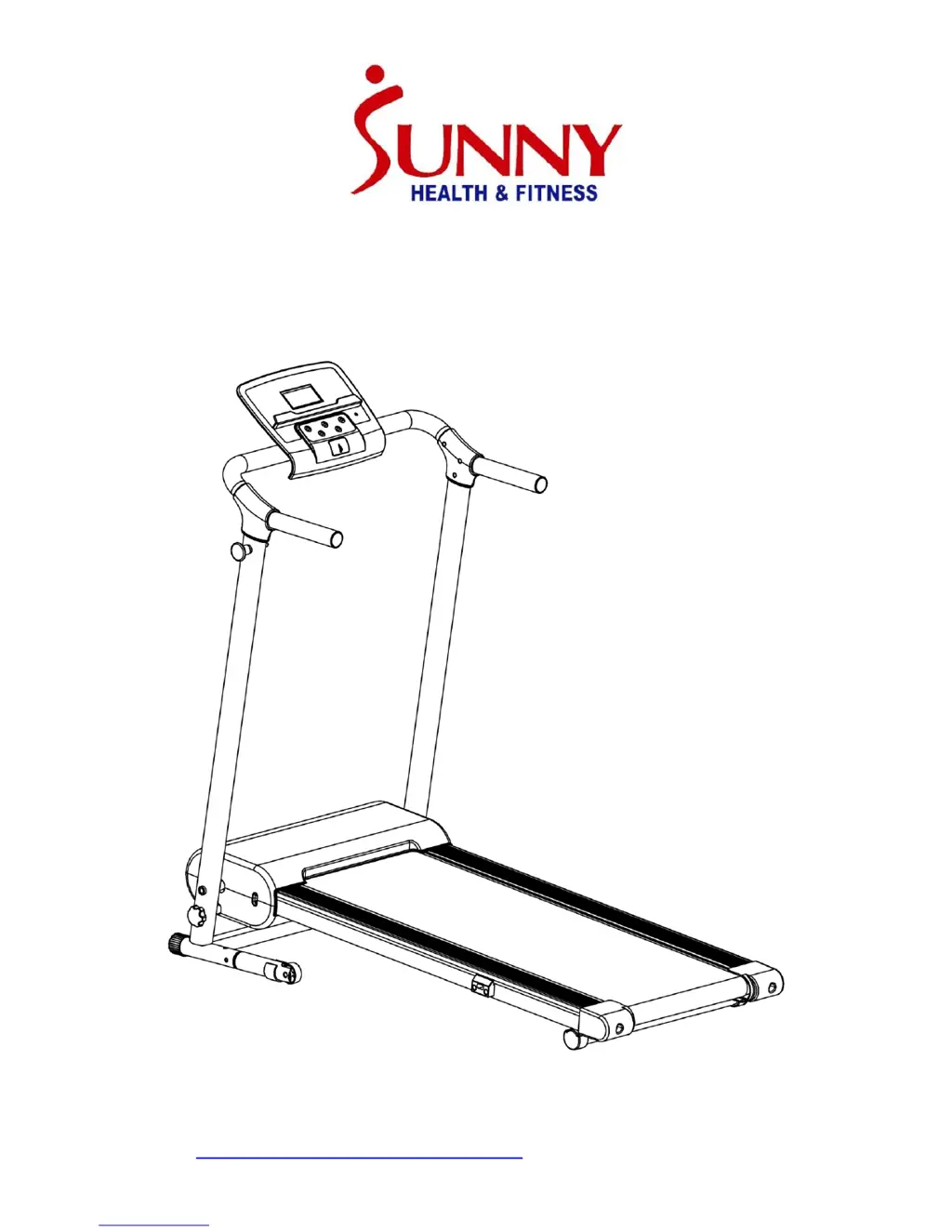
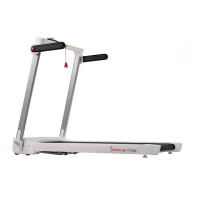
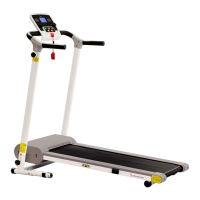
SF-T7610 TREADMILL
USER MANUAL
IMPORTANT: Read all instructions carefully before using this product.
Retain owner’s manual for future reference. For customer service, please
contact: support@sunnyhealthfitness.com

Questions and Answers

  • T
    Tracy HayesAug 17, 2025
    What to do if Sunny Treadmill shows E05 error?
    • C
      Cindy LopezAug 17, 2025
      If your Sunny Treadmill displays the error code E05, it indicates a current overload. This can happen if the incoming voltage is too low or too high, or if the control board is damaged. First, restart the treadmill. Then, check the incoming voltage to make sure it's correct. Finally, inspect the control board and replace it if damaged. Another potential cause is that a moving part of the treadmill is stuck, preventing the motor from rotating correctly. Inspect all moving parts to ensure they're operating smoothly. Check the motor for any unusual noises or burning smells, and replace the motor if necessary.
  • S
    Shannon GuzmanAug 19, 2025
    What does E03 error mean on Sunny SF-T7610 Treadmill?
    • M
      Melissa ParkerAug 19, 2025
      If your Sunny Treadmill is showing an E03 error, it means the speed sensor signal cannot be received by the control board. Check that the sensor wire is properly connected. If the wire is damaged, replace it. Also, check if the magnetic sensor is damaged, and replace it if needed.
  • M
    Michael HartAug 22, 2025
    Why is the computer not working on my Sunny Treadmill?
    • D
      Daniel ThomasAug 22, 2025
      If the computer on your Sunny Treadmill isn't working, the wires from the computer and bottom control board might not be properly connected. Check these wire connections. If the transformer is damaged, contact customer service.
  • W
    William MacdonaldAug 25, 2025
    What does error E06 mean on a Sunny Treadmill?
    • E
      Ethan TorresAug 26, 2025
      If your Sunny Treadmill displays the E06 error, it indicates a motor abnormality. This could be due to a disconnected or damaged motor wire, or a damaged motor. Check the motor wires to ensure they are connected. If a wire is punctured or damaged, replace it. If the problem persists, the motor may need to be replaced.
  • C
    Christopher AllenAug 27, 2025
    What does E10 error code mean on Sunny SF-T7610 Treadmill?
    • S
      Stephen RogersAug 28, 2025
      If your Sunny Treadmill displays the E10 error, it indicates a motor abnormality. This can be caused by a short-circuited motor or a moving part of the treadmill being stuck. If the motor is short-circuited, replace it. Inspect all moving parts of the treadmill to ensure they are operating correctly and lubricate the treadmill. If necessary, replace the motor.
  • A
    Anne HuangAug 30, 2025
    What does error E08 mean on my Sunny SF-T7610 Treadmill?
    • M
      Michael PrestonAug 30, 2025
      If your Sunny Treadmill displays error E08, it indicates a control board abnormality, likely because the control board is not connected. Check the upper and middle wires to see if the control board is connected. If any wire is punctured or damaged, replace it. If the issue continues, you might need to replace the control board.
  • J
    jenkinsnicoleSep 2, 2025
    What does E02 error mean on Sunny Treadmill?
    • J
      jimmyreidSep 2, 2025
      If your Sunny Treadmill shows an E02 error, it means the incoming voltage is lower than 50% of the required voltage. Verify that the incoming power supply provides the correct voltage.
  • A
    Amber FreemanSep 5, 2025
    What does E01 error mean on a Sunny SF-T7610?
    • D
      Daniel OlsonSep 5, 2025
      If your Sunny Treadmill displays the error code E01, it indicates a message failure. This is often due to the wires from the computer and bottom control board not being properly connected. Check the wire connections from the computer to the control board.
  • E
    Elizabeth MaldonadoSep 7, 2025
    How to fix Sunny Treadmill that will not start?
    • R
      Renee RuizSep 8, 2025
      If your Sunny Treadmill won't start, there are a couple of things to check: First, make sure the treadmill is plugged into the outlet. Second, ensure that the safety key is properly inserted.
  • K
    Kenneth MilesSep 12, 2025
    Why is the speed on my Sunny SF-T7610 Treadmill inaccurate?
    • M
      Michael DavisSep 12, 2025
      If the running speed on your Sunny Treadmill seems inaccurate, it might be due to incorrect calibration or the wrong units of measurement. Try re-calibrating the speed setting. Also, check and change the unit settings to the proper units.

Summary

Treadmill Safety Precautions

Electrical Shock Hazards

Precautions to reduce the risk of electrical shock.

Fire and Injury Prevention

Reduce risks of burns, fire, electric shock, or injury.

Personal Injury Prevention

Avoid injury when stepping on/off the belt.

General Treadmill Safety Guidelines

Pre-Exercise Health Consultation

Advise consulting doctor before starting exercise program.

Monitor Body Signals During Exercise

Be aware of body signals; stop if experiencing pain or discomfort.

Proper Equipment Use and Placement

Use on flat surface, clear space, indoor use only.

Regular Maintenance and Weight Limit

Check part tightness, lubricate monthly, observe max weight capacity.

Treadmill Operating Procedures

Initial Setup and Starting the Treadmill

Plug in, read manual, start at low speed, hold handrails.

Console Controls and Safety Key Usage

Hold handrail for settings, use safety key for emergency stop.

Operating Environment and User Safety

Avoid distractions, no excessive pressure, adult use only.

Treadmill Component Diagram

Treadmill Parts List

Treadmill Assembly Hardware

Package Contents Overview

Visual guide to parts included in the carton.

Essential Assembly Tools

Lists the tools needed for assembly.

Treadmill Assembly Guide

Assembly Step 1: Frame Setup

Place main frame on level ground; two people recommended.

Assembly Step 2: Attach Base Supports

Connect base support tubes to main frame using bolts.

Treadmill Assembly Steps Continuation

Assembly Step 3: Folding Mechanism

Use locking pin to secure or release the main frame.

Assembly Step 4: Install Handrails

Attach handrail brackets to the handrail connecting tube.

Final Treadmill Assembly Steps

Assembly Step 5: Secure Frame

Use lock knob to secure base frame to main frame.

Assembly Step 6: Console Adjustment

Turn the console display to the correct angle.

Treadmill Maintenance and Care

Running Belt Alignment

Adjusting bolts to keep the running belt centered.

Treadmill Lubrication Guide

Lubrication Process and Schedule

How to lubricate deck/belt, and recommended intervals.

Folding the Treadmill for Storage

Operating the Folding Mechanism

Loosen lock knob and use locking pin to fold the main frame.

Unfolding the Treadmill

Unfolding and Securing the Treadmill

Release pin, lower frame, secure with lock knob.

Moving the Treadmill Safely

Treadmill Tilting and Transport

Instructions on tilting treadmill using points for movement.

Treadmill Safety Key Operation

Using the Safety Key for Operation

Insert key to start, pull to stop; clip to clothing.

Electrical Safety and Grounding

Power Specifications and Grounding

Specifies power needs, grounding importance, and outlet requirements.

Electrical Usage Warnings

Warnings against GFCI, generators, moisture.

Treadmill Display Console Overview

Console Display Metrics Explained

Explains SPEED, TIME, DISTANCE, and CALORIES displays.

Display Console Functions and Features

Console Function Keys Usage

Details START, STOP, MODE, and SPEED +/- buttons.

Entertainment and Lubrication Reminders

Info on entertainment function and lubrication reminder.

Treadmill Operational Functions

Safety Lock and Power Save Modes

Explains safety lock function and power saving mode.

Power Controls and Safety Notes

How to turn on/off, and general safety advice.

Getting Started with Treadmill Exercise

Initial Treadmill Operation Guide

Familiarize controls, stabilize, start machine, adjust speed.

Treadmill Troubleshooting Guide

Common Treadmill Issues and Solutions

Lists common issues like non-starting, speed, belt centering.

Sunny SF-T7610 Specifications

General IconGeneral
BrandSunny
ModelSF-T7610
CategoryTreadmill
LanguageEnglish

Related product manuals