Before adjusting the desk height, make sure that there is no object
to obstruct the movement of the desk during the entire height-ad-
justing process, there is at least 1” (25mm) between the desk and
the wall, and all the cables are long enough to allow for
free-movement of the desk within the adjustment range.
Pictures presented here are for illustration purposes only, your product may look different
depending on the desk type.
Note
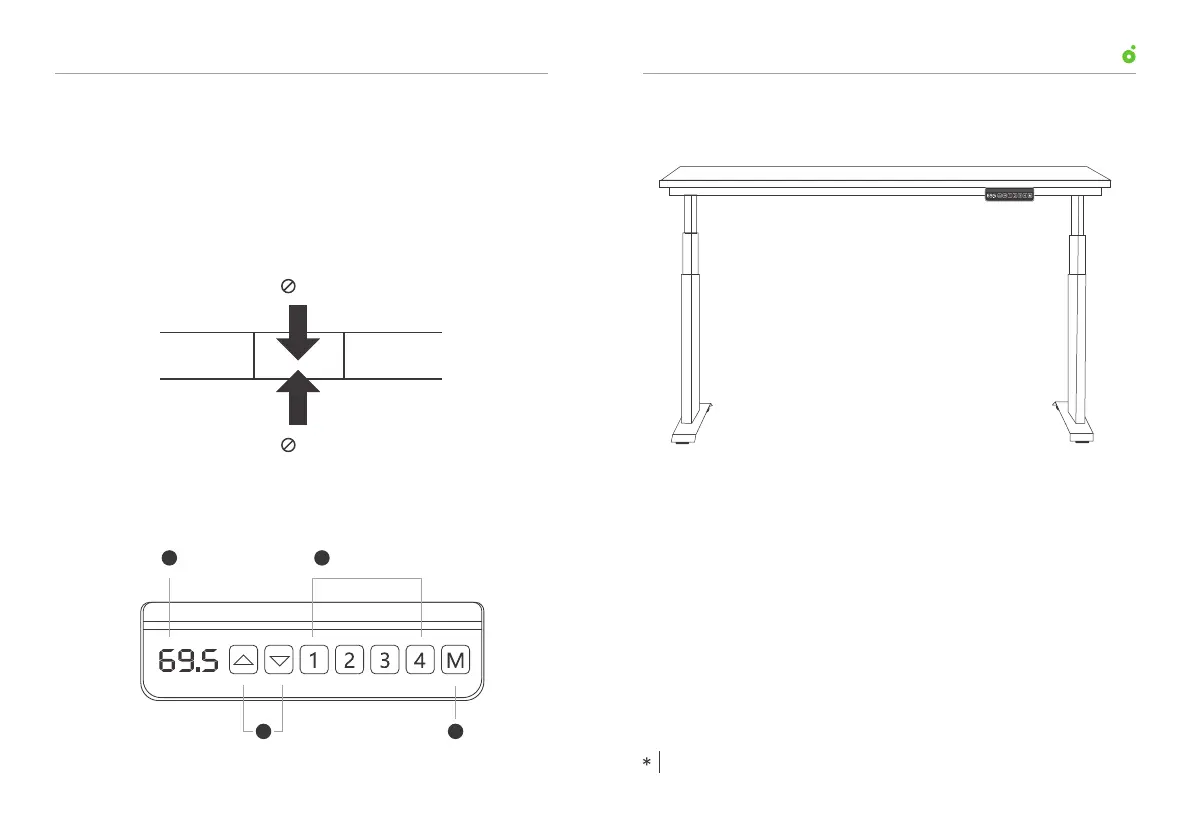
Digital Display
Height Storage Buttons
Height-adjusting Buttons Setting (Memory) Button
1
2 4
3
Programmable control panel
Outline drawing
25mm
25mm
Wall
Desk
C.
A.
B.
User ManualUP1 Height-Adjustable Desk
0201



 To Next Page