10
after make sure in or . During playing, press right key
for seconds to play speedup, and press left key for seconds to
rewind speedup, “ENTER” to play/pause video/music.
Setup Menu instruction
On the status of Main Menu, press EXIT 2 seconds to enter
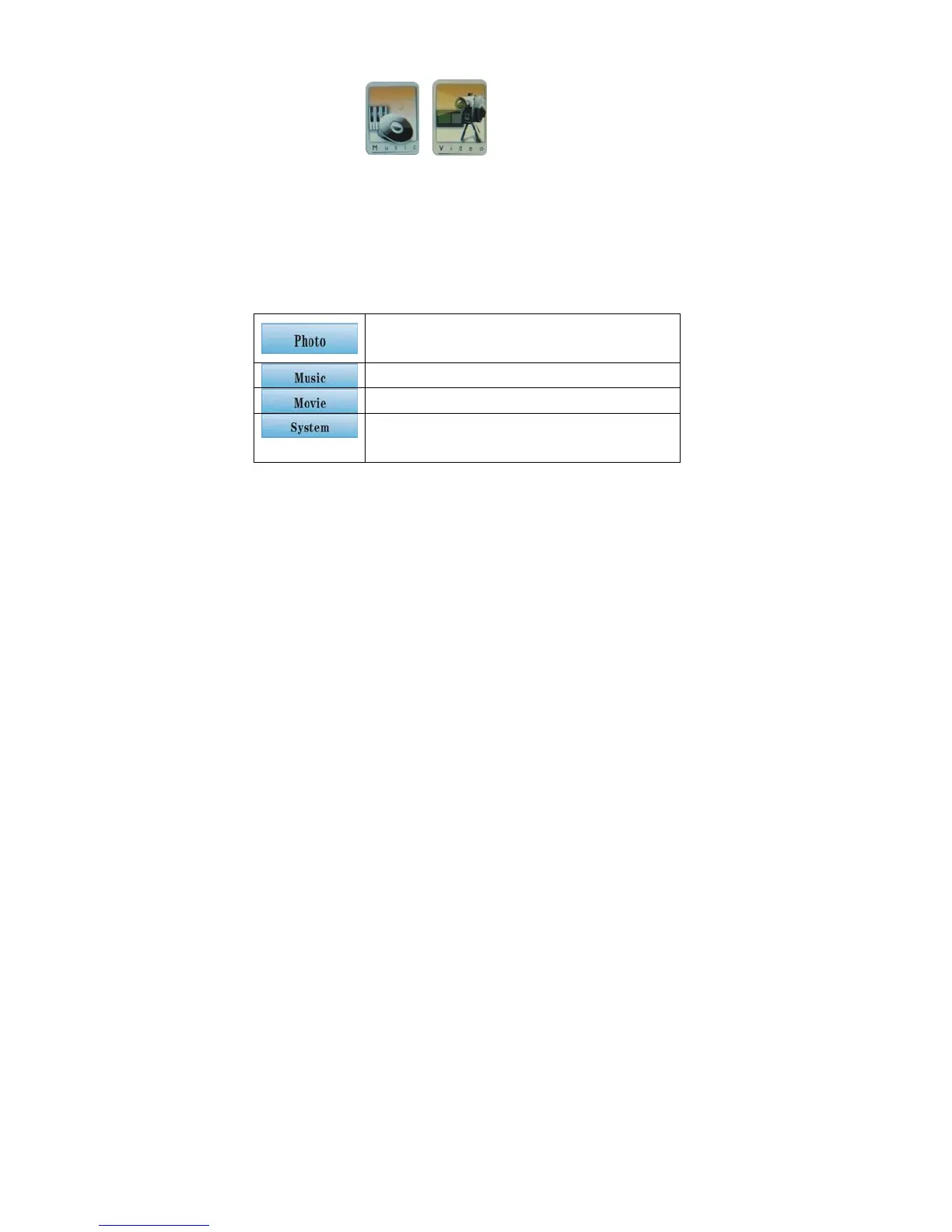
Setup menu is to manage Photo/Music/Movie/System, and exit.
Information Show/Lengthen Play Time/
Effect/ Music Background Slide Show
Repeat one/Repeat All/Repeat Off
Single Loop/All Movies Loop/Loop off
USB Mode/Output Mode/ System
Language
Setup menu
Make sure in the subtitle menu, press EXIT for seconds to come
into setup menu, include copy/copy all/delete/delete all/ print/exit
Function Setup Menu is mainly to deal with the file management.
(Copy / copy all is to copy files between different kinds of cards.)


 To Next Page