13
Control during playing music
When playing, choose files through DOWN (▼) or UP (▲), press
ENTER once to pause, again to replay. Adjust volume by RIGHT
(
) or LEFT ( ). Press RIGHT ( ) or LEFT ( ) for seconds to
Fast rewind/ Fast forward.
Music setup
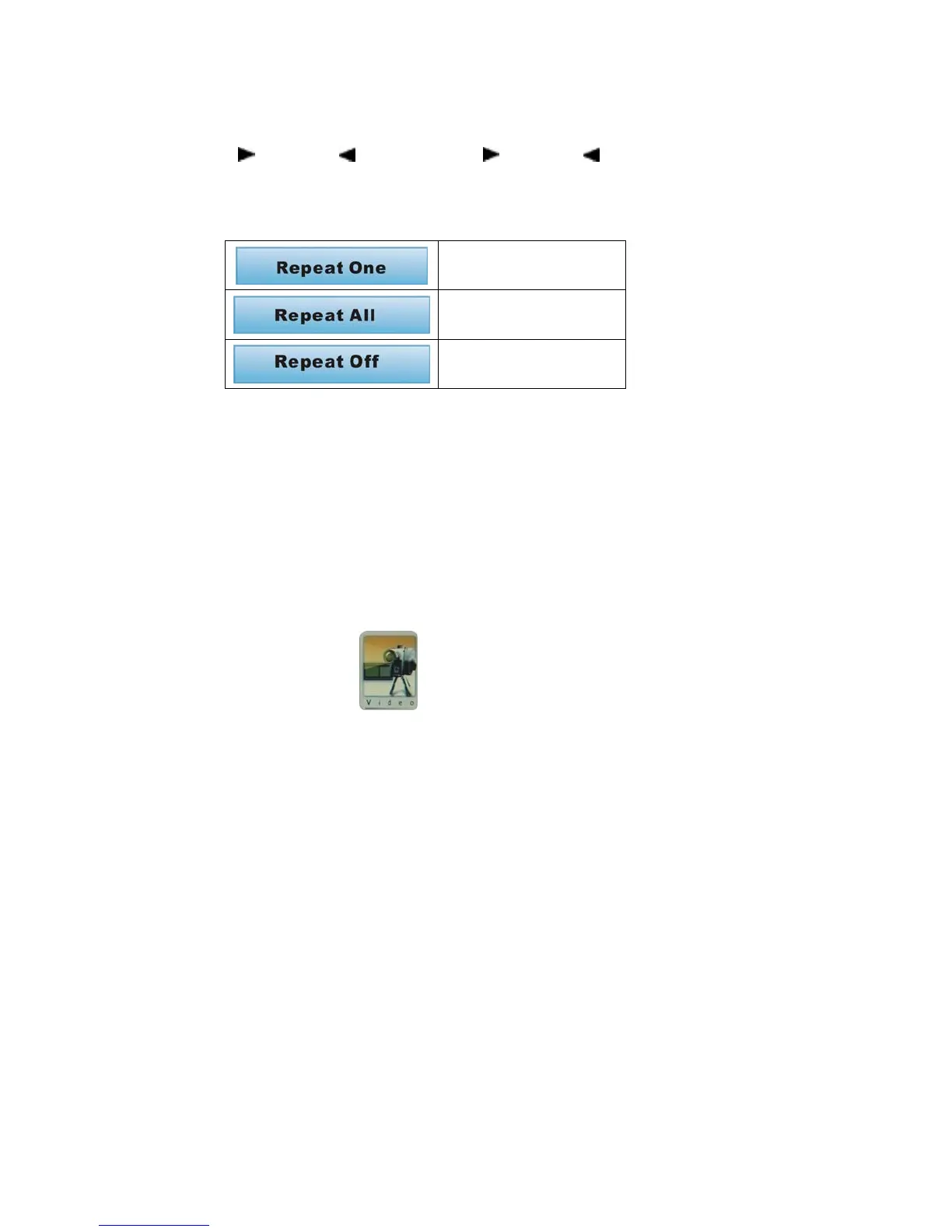
loop single music
Repeat single music
loop all music
repeat all music
loop off
stop the repeat function
Delete/Delete All
Under the music mode, press EXIT for seconds to enter subtitle
menu, then delete the selected music
Video
Play single video file
Select video file from main menu, press ENTER to play,
the first file is default to play.
Choose desired file through DOWN (▼) or UP (▲), press ENTER
to confirm.


 To Next Page