12
desired file.
When a picture is showing, press ENTER to zoom in it, press
RIGHT (
) or LEFT ( ) and DOWN (▼) or UP (▲) to move it.
Adjust photo display mood via Function Setup Menu.
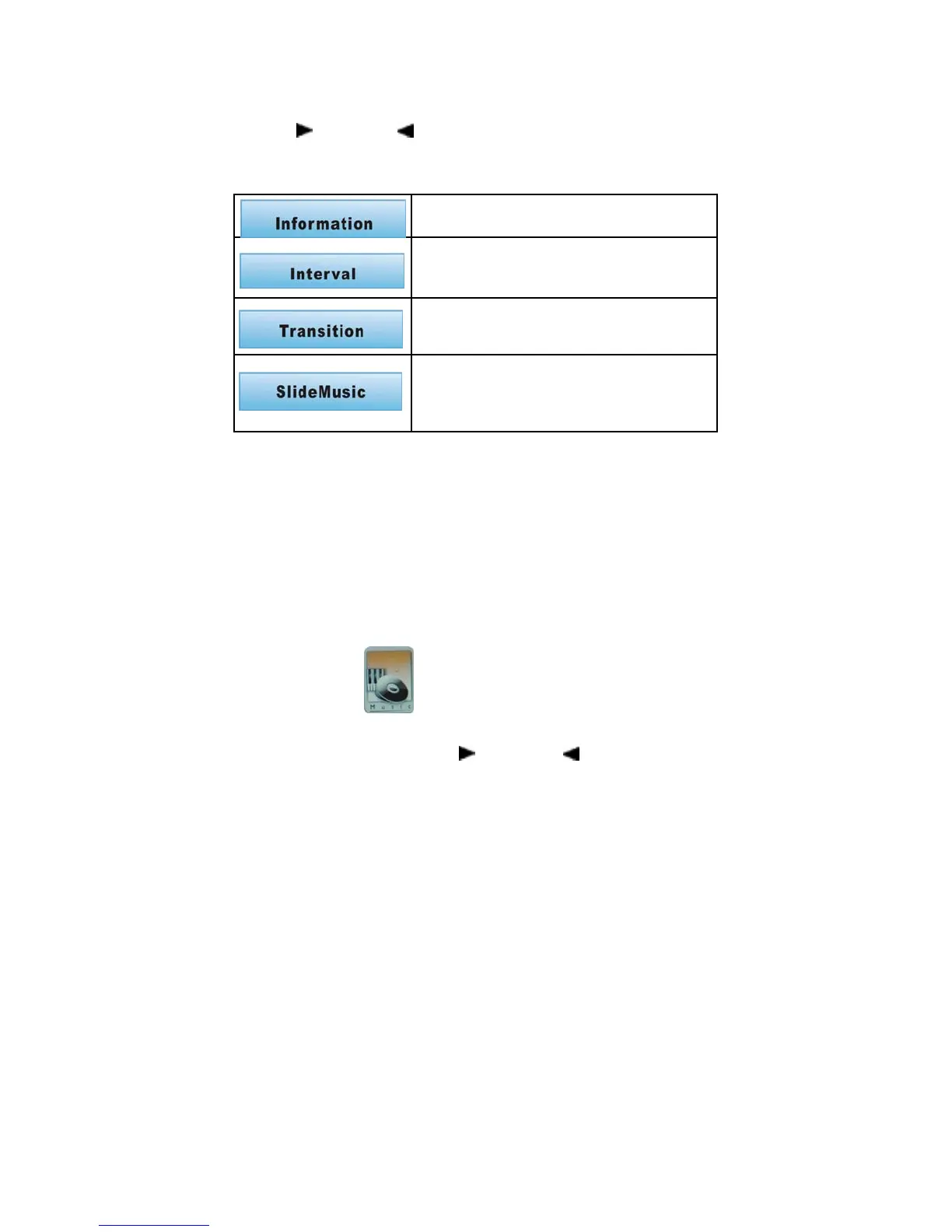
Photo Setup
File information display/off
Setup the time of pictures transition
Remark: Maybe different interval time for different size
of pictures.
Setup the mode/effect of picture transition
Transit photos as the selected effect mood when slide
showing
You may choose desired music from music files when
display photos
If no music chooses, it will play photos without music
background.
Delete/Delete All
Under the photo mode, press EXIT for seconds to enter subtitle
menu, then delete the selected picture.
Music
Playing single music
Select music file from main menu, press ENTER to play,
the first music is default to play.
Select a file through RIGHT (
) or LEFT ( ) Press ENTER to
enjoy the desired file.


 To Next Page