11
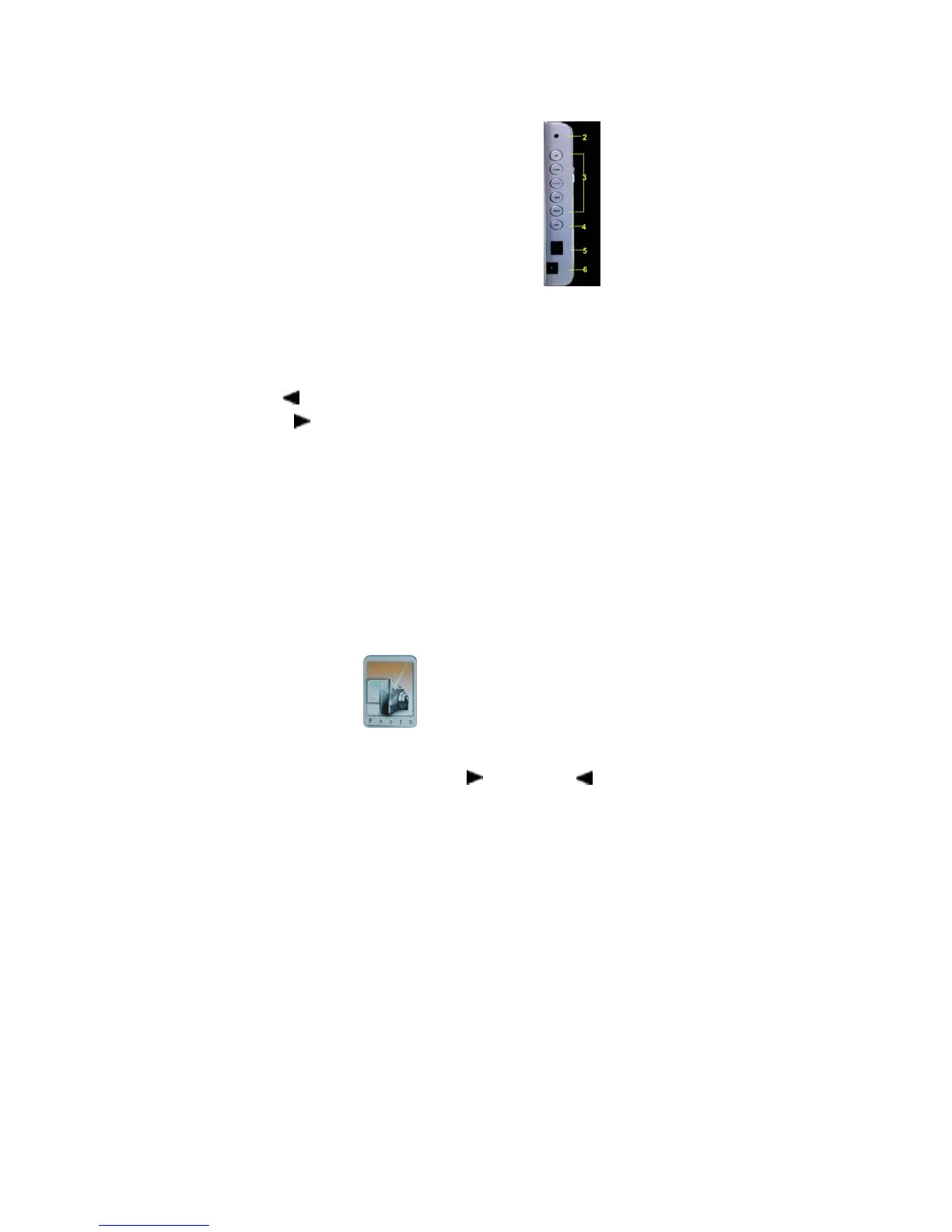
Buttons
Definition:
UP (▲): Rotate, View next
DOWN (▼): Rotate, View back
ENTER: Play, Enter, Pause, Zoom in
LEFT (
): Next, Fast rewind, Volume down, Select files, Move
RIGHT (
): Previous, Fast forward, Volume up, Select files, Move
EXIT: Exit
Photo
Browse pictures automatically
Press ENTER for seconds, the machine will play photos
automatically (if no Setup Menu works).
Select Photo file
from main menu, press ENTER to play,
the first picture is default to show.
Select a file through RIGHT (
) or LEFT ( ), choose pages
through PAGEDOWN or PAGEUP. Press ENTER to enjoy the


 To Next Page