18
Troubleshooting
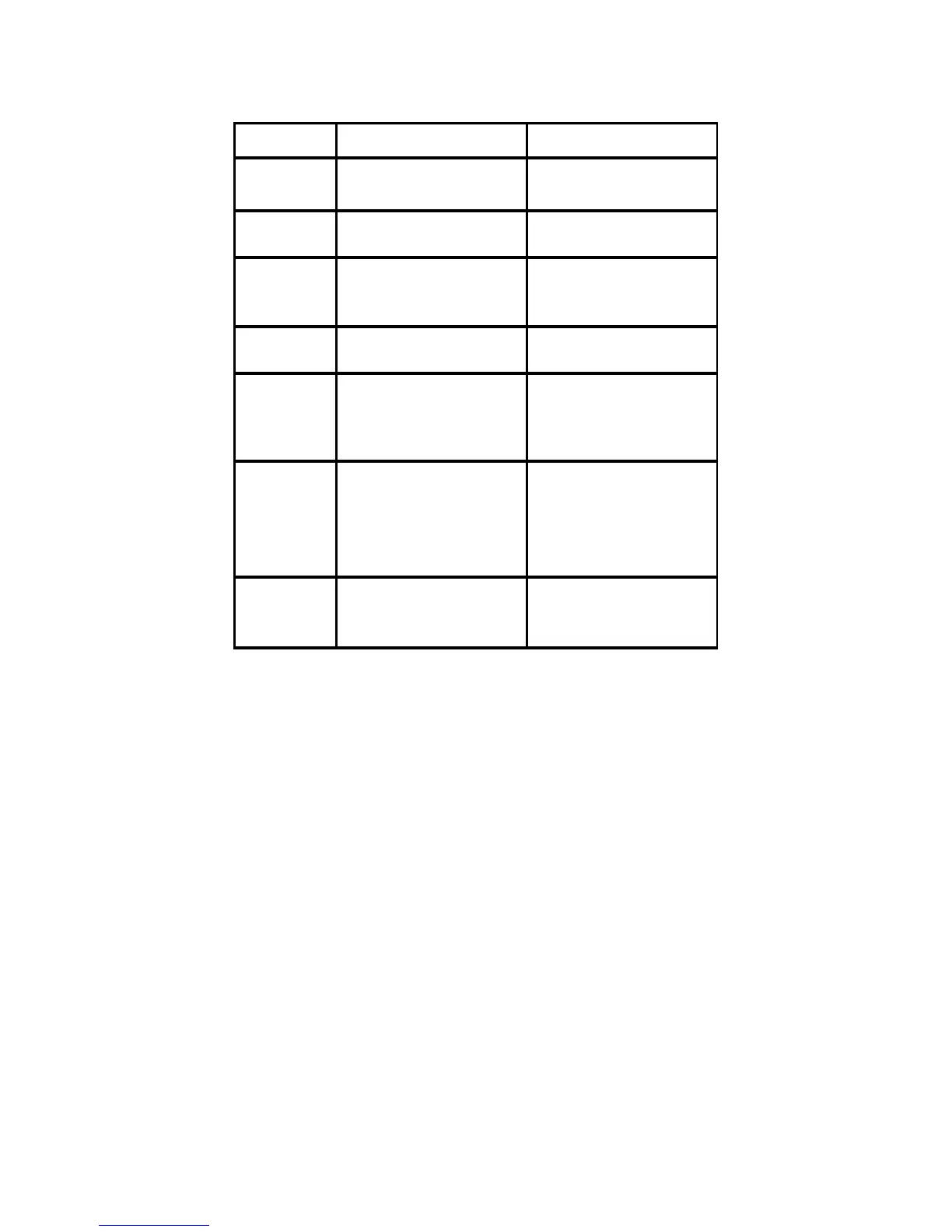
Phenomenon Reason Solution
Unable to inser
memory card
Input the card with opposite side Change the card with right way
Power is on
u
system fail to wor
System could not work normally Reset the machine
About storag
capacity
The real capacity is smaller the
the data shown on the card
Formatted memory capacity will
less then the data marked on th
HDD
Black screen
The machine is not ON or th
adapter is not connected in well
Confirm the machine is on o
inspect the adapter is connecte
No voice
The volume may be on “o”; it ma
be caused by bad connection if wit
earphone; or the playing file itsel
is not complete.
Confirm the volume is adjuste
well or earphone is good or th
playing file is complete.
Could not play o
download music
The fi le for mat can not
supported; USB line is broken o
not connected well; there may
something wrong with your US
storage
Confirm the file format could
supported by the machine and all
connection are well, no wrong are
in your USB storage
Cannot displa
some files fro
Flash card
Some unpopular Flash cards coul
not be compatible with th
ma chin e; so me f iles f o rma t are no
Change a card which matches wit
the machine; files with right format


 To Next Page