WTP-801 User Manual
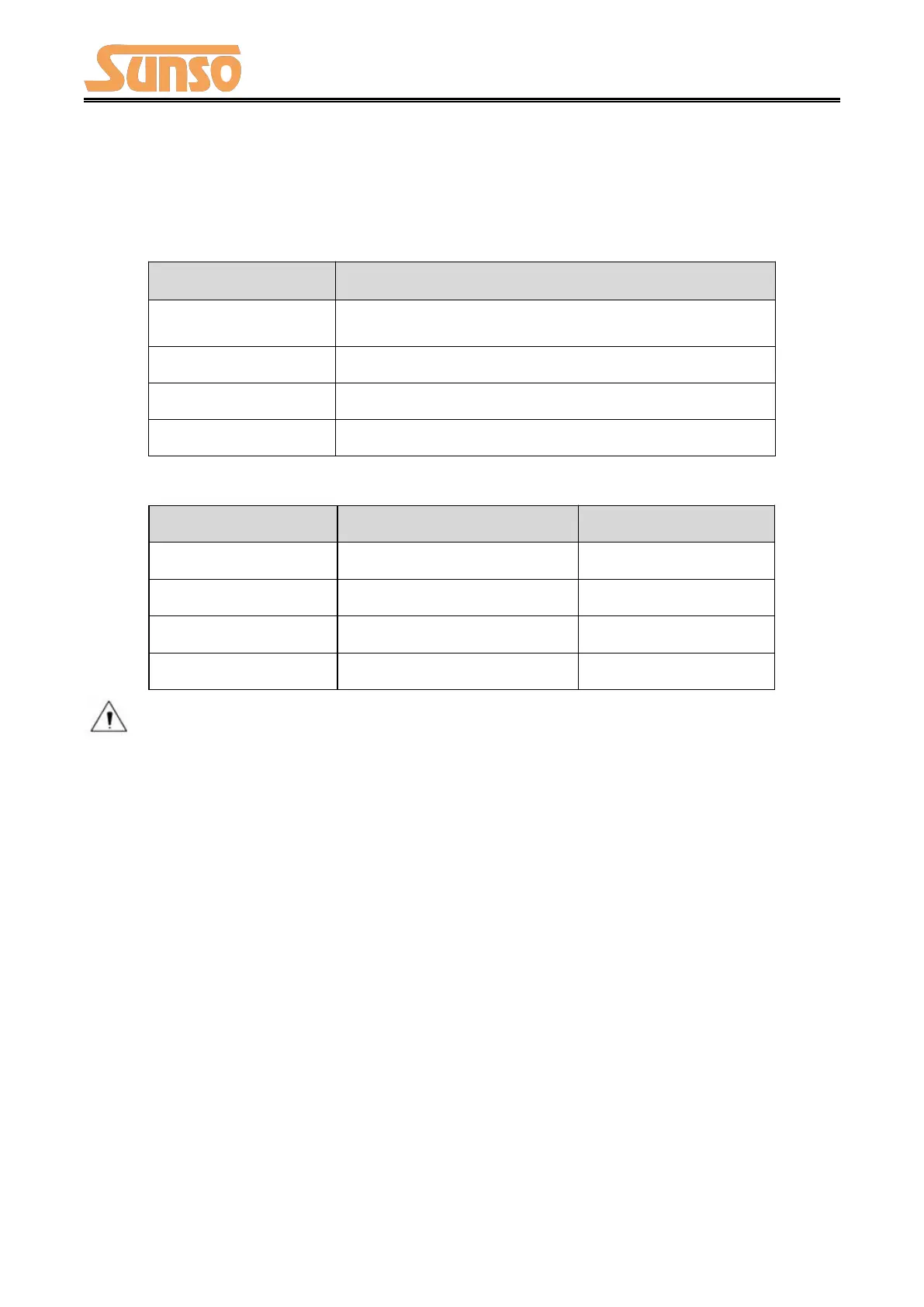
4.2 LED Indicator and Beeper
Function specification of indicator light and beeper.
Wrong status (cutter jam, over temperature, paper end
and so on)
Paper near end, and printer is working normally
Printer is ready and in idle status
Notes:
1) After cutting paper, LED indicator (green light) would flash for 10 seconds, with
flashing frequency of 2~3 times/second.
2) The printer uses a thermistor to detect the temperature of the print head. If the
temperature of print head is higher than 65° C, printer will send a warning. If the
temperature of print head is higher than 80° C, printer will stop working until the
temperature is lower than 60° C.


 To Next Page