EasyManua.ls Logo

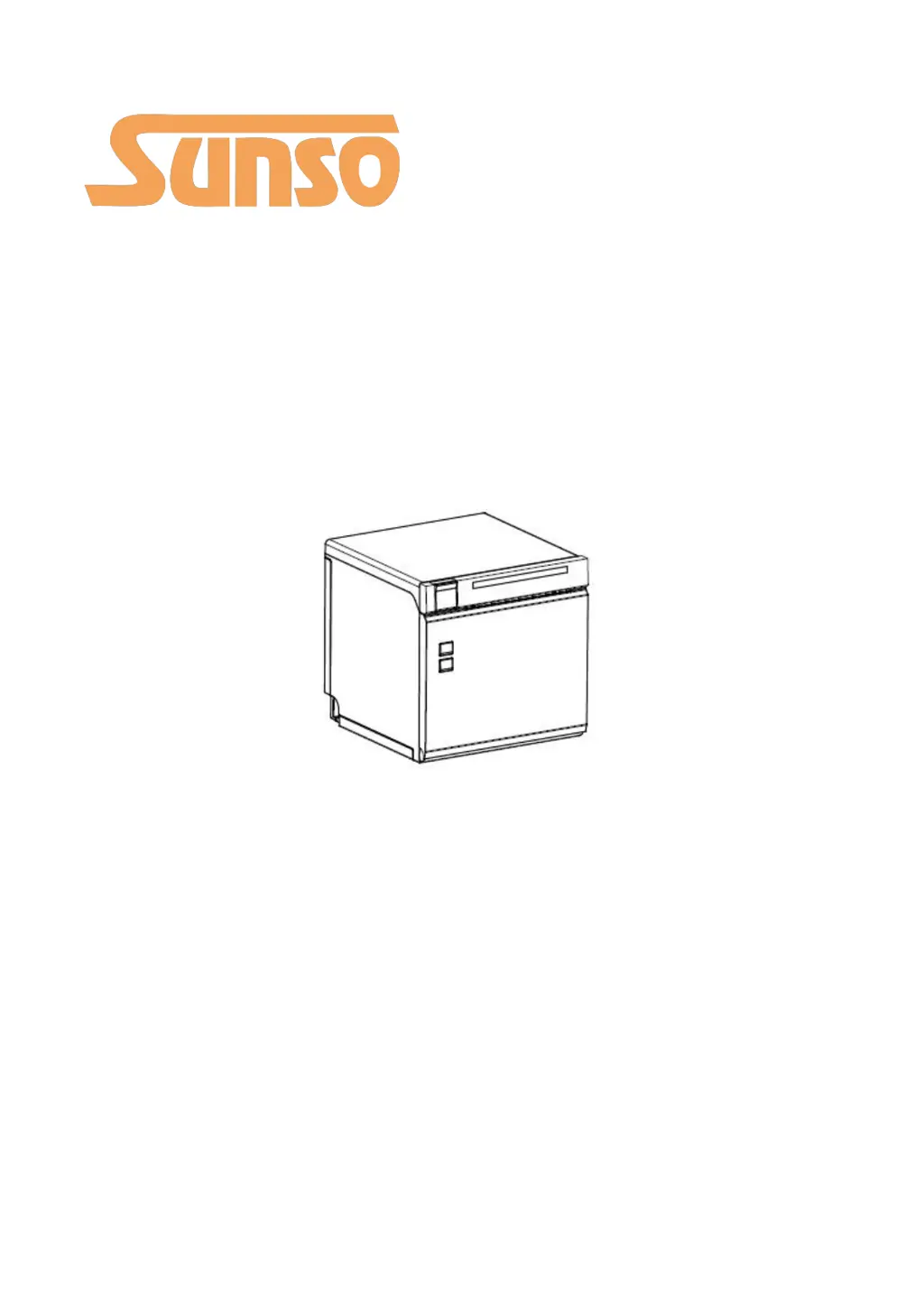
Sunso WTP-801 - User Manual

Sunso WTP-801
124 pages
Print Icon
To Next Page IconTo Next Page
Loading...
WTP-801
User Manual

Other manuals for Sunso WTP-801

Questions and Answers

  • A
    Anna LewisAug 5, 2025
    What to do if red LED flashes and beeper alarms on Sunso Printer?
    • A
      Amy ArnoldAug 6, 2025
      If the red LED on your Sunso Printer is flashing and the beeper is alarming, it could be due to several reasons. First, the paper might have run out, so try loading a new roll of paper. Another possibility is that the thermal print head is overheated; in this case, turn off the printer and allow it to cool down before resuming. Also, ensure that you are printing with the specified voltage. If the cutter is jammed, open the printer cover to allow the cutter to return to its home position. Finally, make sure that the printer cover is completely closed.
  • T
    Thomas ValenciaAug 15, 2025
    How to troubleshoot Sunso WTP-801 when LED indicator is off and printer is not working?
    • D
      David YoungAug 15, 2025
      If the LED indicator on your Sunso Printer is off and the printer isn't working, there are a few potential causes. First, ensure the printer is properly connected to a power supply. If it's connected, check if the printer is turned on. If the problem persists, it could be due to a broken circuit board, in which case you should contact the dealer.
  • F
    Frank TaylorAug 26, 2025
    Why is the purple LED always on in my Sunso WTP-801?
    • S
      Stephen Jones DDSAug 27, 2025
      When the purple LED is always on in Sunso Printer, it means that the roll paper is near its end. However, the printer can still work normally.

Summary

Overview and Features

Introductions

Provides an introduction to the WTP-801 thermal receipt printer.

Main Features

Details the key functionalities and advantages of the WTP-801 printer.

Getting Started Guide

Packing List Contents

Lists all accessories included with the WTP-801 printer upon purchase.

Appearance and Components

Identifies and illustrates the physical parts and interfaces of the printer.

Printer Specifications

Printer Technical Details

Specifies the technical parameters of the WTP-801 printer, including resolution and speed.

Printing Media Requirements

Details the specifications for thermal paper compatible with the printer.

Printing and Cutting Positions

Defines the precise locations for printing and paper cutting operations.

Installation and Usage Procedures

Media Loading Instructions

Step-by-step guide on how to load paper rolls into the printer.

LED Indicator and Beeper Functions

Explains the meaning of different LED lights and beeper sounds.

Power and Interface Connections

Guides on connecting power adapters and interface cables.

Performing Print Tests

How to conduct self-tests and print test pages for verification.

Connectivity Interfaces

USB Port Configuration

Details the pinout and function of the USB interface.

Serial Interface Details

Provides pinout information for the serial communication port.

Ethernet Interface Setup

Explains the pinout and connection guidelines for the Ethernet port.

Cash Drawer Interface

Describes the pinout and electrical characteristics of the cash drawer interface.

Power Supply Interface

Details the pinout for connecting the power supply to the printer.

Troubleshooting Common Issues

Printer Not Responding

Solutions for when the printer is off or the LED indicator is not working.

LED and Beeper Error Indicators

Interpreting LED and beeper signals for printer status and errors.

Printing Malfunctions

Addresses issues like colored stripes, blurred printing, and paper feeding problems.

Paper Cutting Problems

Solutions for cutter jams, insufficient cutting, and paper jams.

Removing Jammed Paper

Instructions on how to safely remove jammed paper from the printer.

Printer Care and Maintenance

Cleaning the Print Head

Procedure for cleaning the printer's thermal print head.

Cleaning Sensors and Paper Path

Instructions for cleaning internal sensors, rollers, and the paper path.

Utility Tool for POS Operations

Utility Tool Installation Guide

Steps for installing the SUNSO Utility Tool on your computer.

Using the SUNSO Utility Tool

Guide on how to operate the utility tool for printer management.

Key Utility Tool Functions

Details on printer testing, command execution, and image management.

Windows Driver Management

Driver Manual Information

Overview of the Windows Driver Installation Manual.

Supported Operating Systems

Lists the Windows OS versions compatible with the printer driver.

Driver Preparation Steps

Information on preparing for the Windows Driver installation.

Windows Driver Installation Process

Step-by-step instructions for installing the printer driver.

Advanced Driver Settings

Configuration options for printing preferences and printer properties.

Uninstalling the Windows Driver

Guide on how to remove the printer driver from the system.

Sunso WTP-801 Specifications

General IconGeneral
Printing Speed200mm/s
Paper Width80mm
Printer TypeThermal Receipt Printer
Print Resolution203DPI
Paper Thickness0.06-0.08mm
Print MethodThermal
InterfaceUSB, Serial, Ethernet

Related product manuals