WTP-801 User Manual
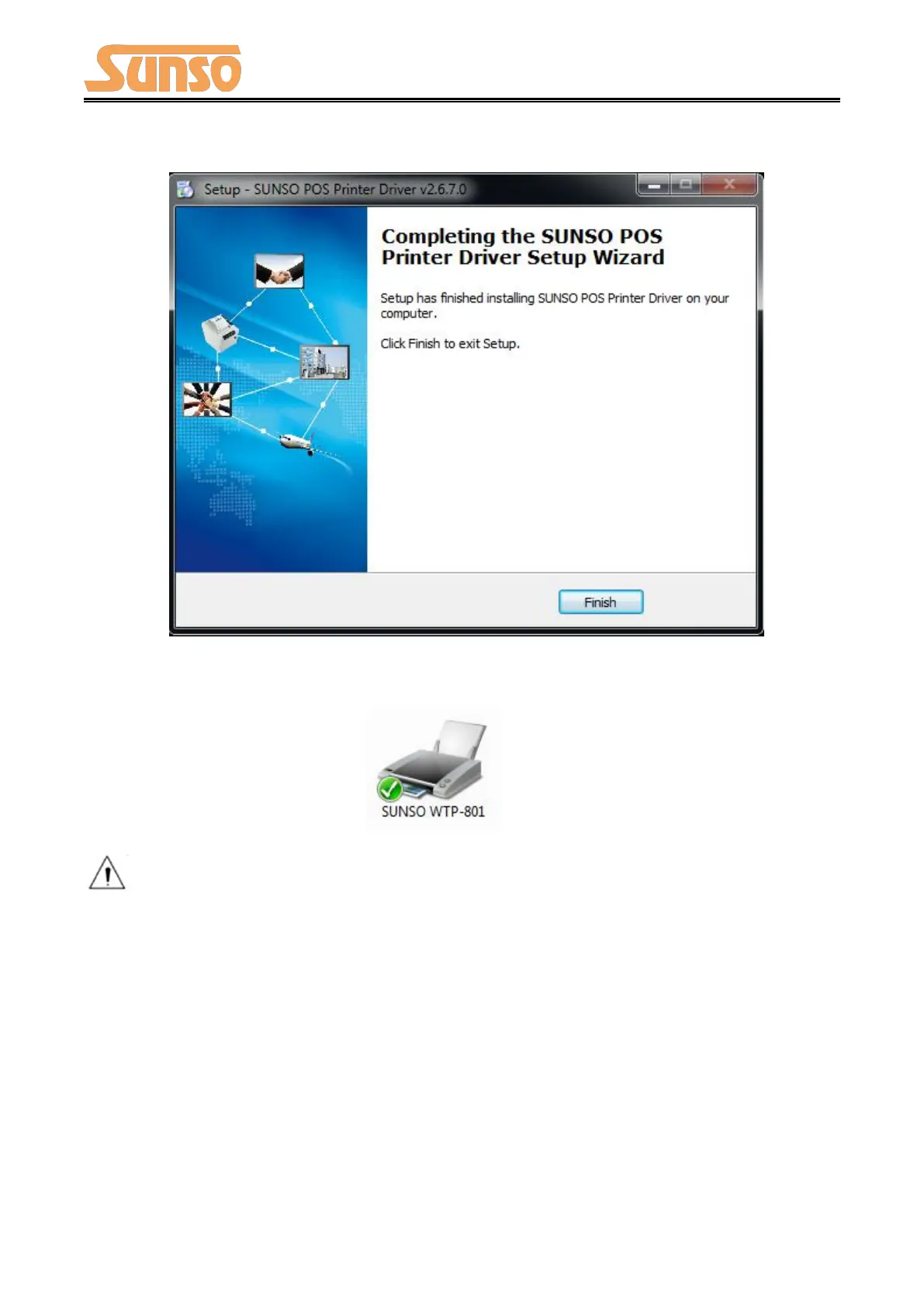
6) Click “Finish”, the driver is installed successfully.
7) After installation, the icon will be found in “Start”→“Devices and Printers”.
Note: If you already installed the driver (No matter what kind of port), when you connect
the printer with computer, it will create a USB port automatically.


 To Next Page