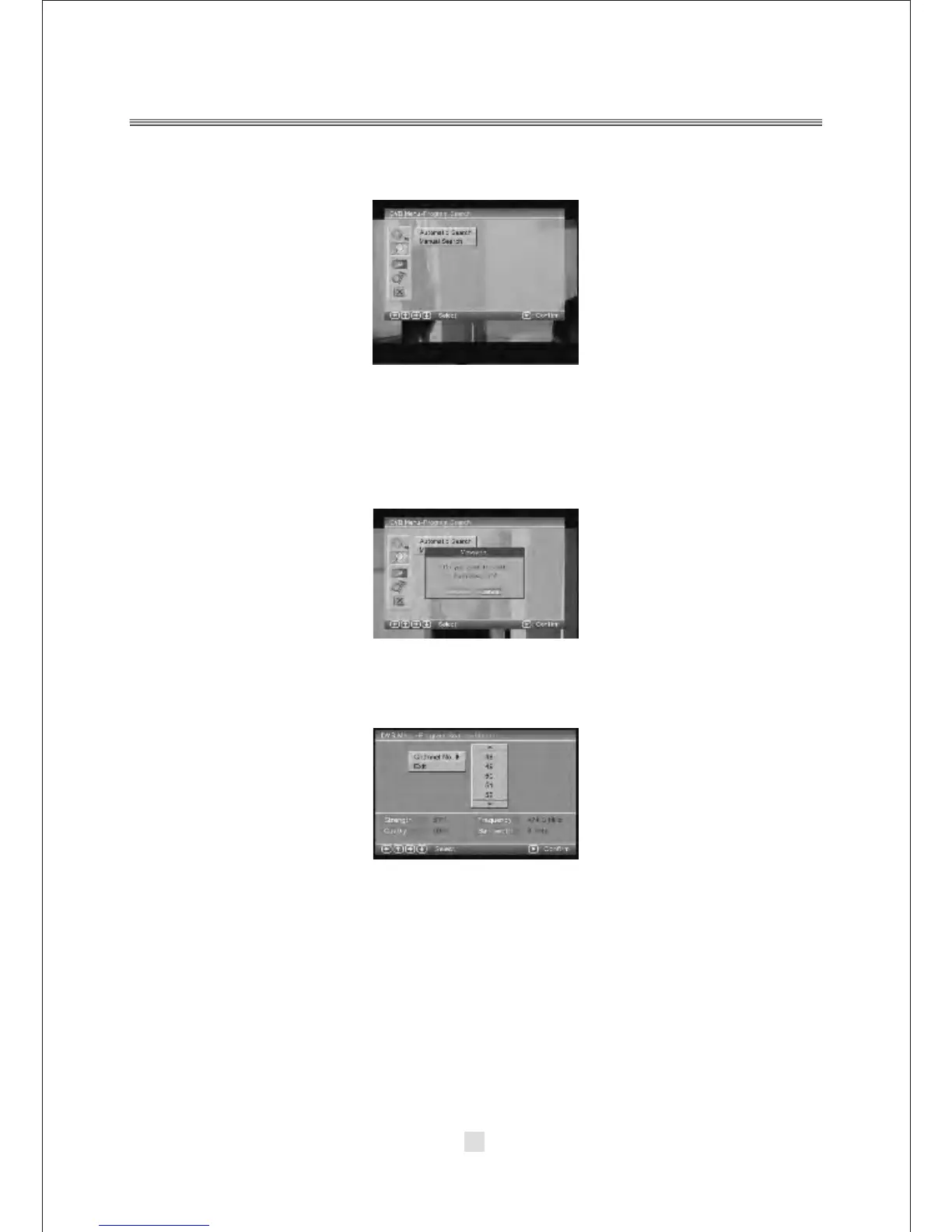
B. Press the Up and Down button move on the DVB Menu-Program Search option
appear the screen.
In the DVB Menu-Program Search, you can setup the Automatic Search,
Manual Search options
1).Automatic Search.
Choose the Automatic Search options, This operation same the
2).Manual Search.
If any channel is missing after auto search, or you want to add newly launched
channels, you can use Manual Search to scan the desired channels. To manually
search the target channel, you must know its parameters, e.g., the channel number.
After the channel is found, it is appended to the current channel list.
a. Enter the Manual Search menu via Main Menu > Program Search > Manual
Search.
b. Specify the appropriate channel number in the Channel No field by press <DOWN>
and <UP> button. Enter your selection, the frequency and bandwidth values are
changed accordingly.
c. Select <ENTER> button to start manual search
d. If no signal is found, a message indicating no signal will appear. Otherwise
scanned channel will be saved and appended to the current channel list.
First Time Installation.
Refer to First time Installation.
38



 To Next Page