C. Parental Control
This feature allows you to prevent children or unauthorized people from watching
channels.
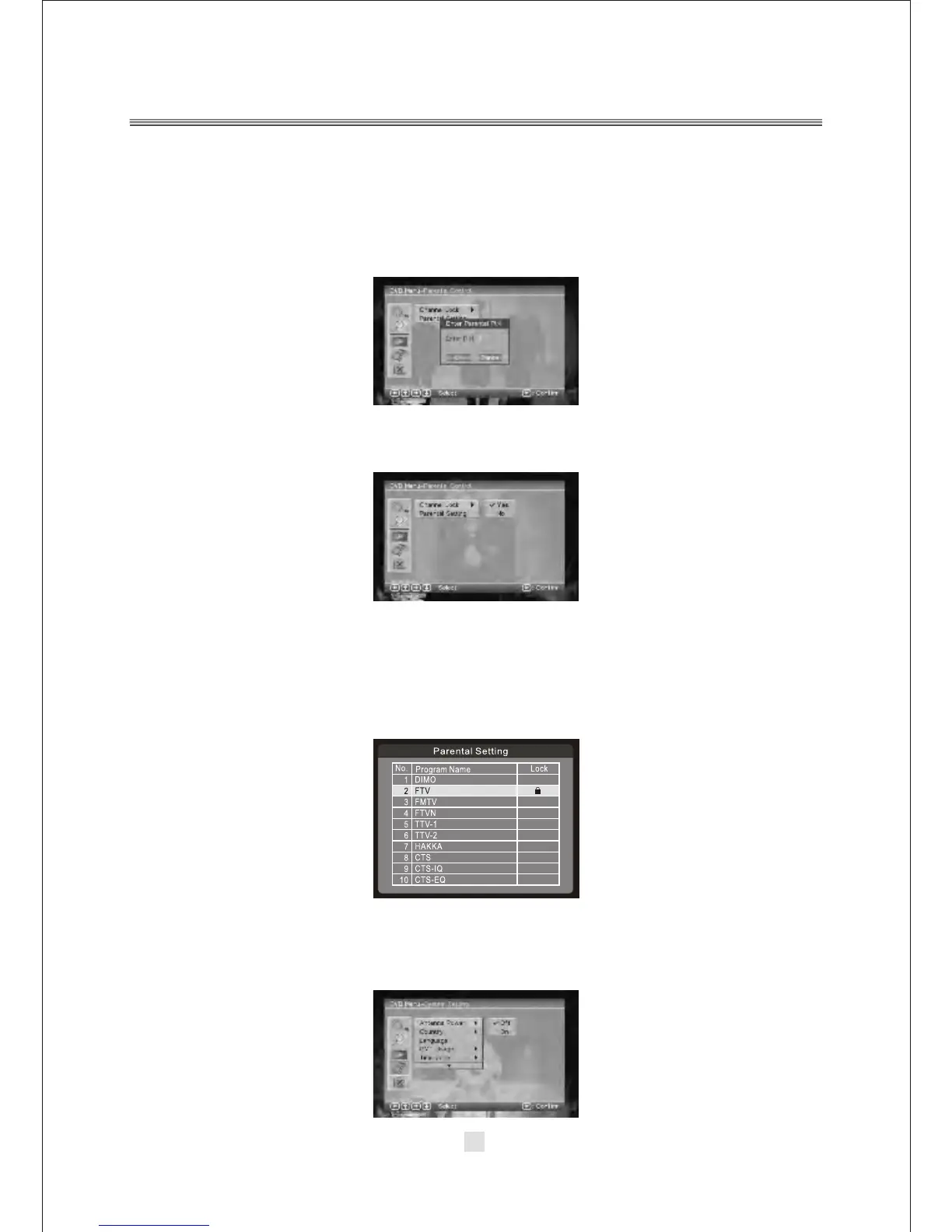
1). Enter Main Menu > Parental Control. First, you will need to enter PIN as
prompted to use the parental control menu. (The default PIN is 6666.)
2). After correct PIN input, the following options are provided:
Channel Lock: Allows you to activate or de-activate the overall parental control.
When set to YES, all the channels with locking settings will be locked.
Parental Setting: In the channel list, select the channel you want to lock and then
press <ENTER>. A padlock symbol will be displayed. To remove the lock, press
<ENTER> again.
Antenna Power
The default setting is OFF. Set this option to ON if this receiver box is connected to an
external active antenna that amplifies the received signal. This receiver box can
supply 5V DC at 50mA maximum.
39



 To Next Page