Caution: If you are using a normal passive antenna,
make sure to set this setting to OFF .
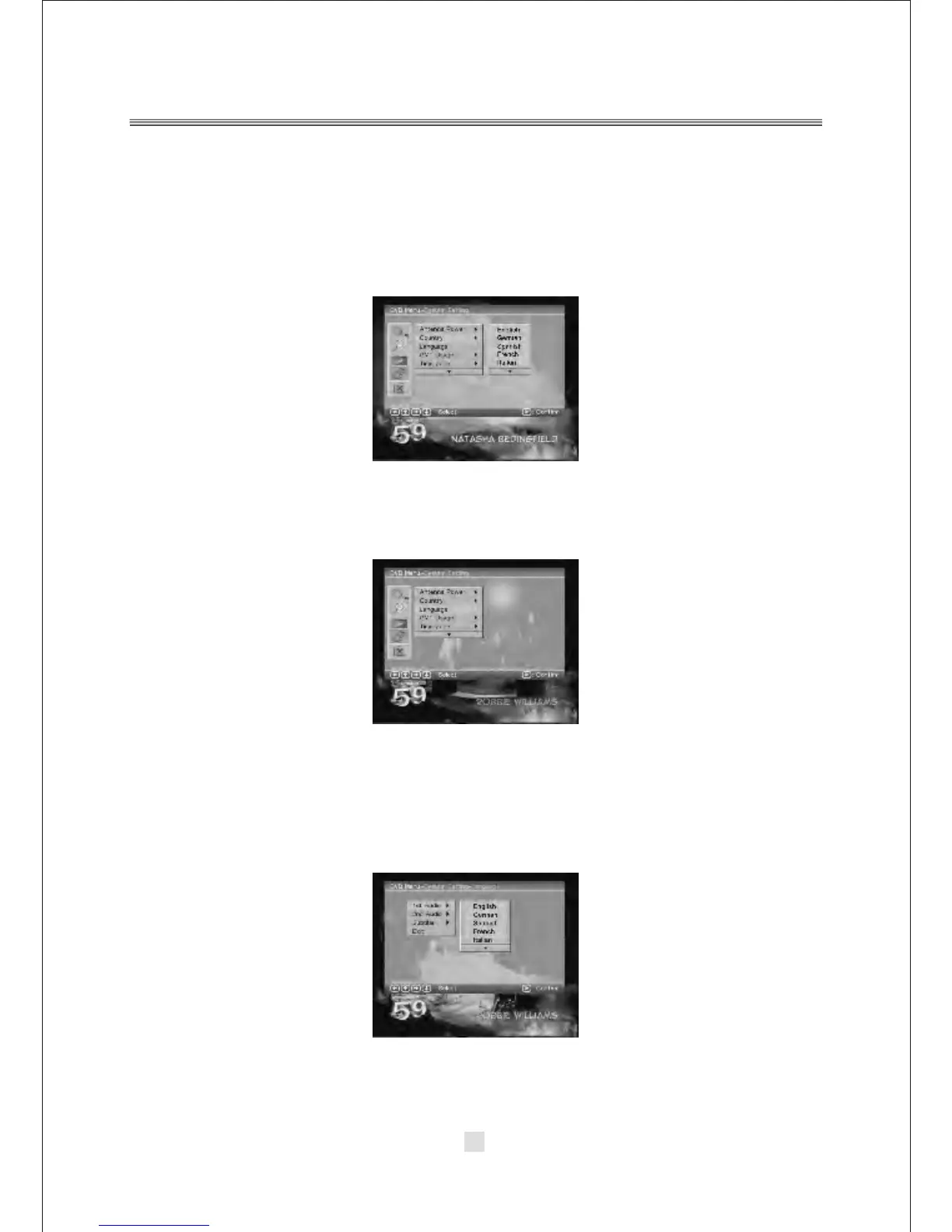
2).Country
In the Country options, you can choose a kinds of the Countries. As: England
Germany, Italy, France, Spain etc.
3).Language
Press the <DOWN> button to highlight the Language options, then Press the
<ENTER> button to into the Language setup.
1 st /2nd Audio : This option allows you to select your first and second choice for
the audio language. If neither of your selected language is available on the program
transmitted, the main language of the program will be used.
Subtitle : Allows you to select the subtitle language. If your selected language is
not available on the program transmitted, the main language of the program will
be used. Exit: you can choose the Exit options to return the System setting.
.
40



 To Next Page