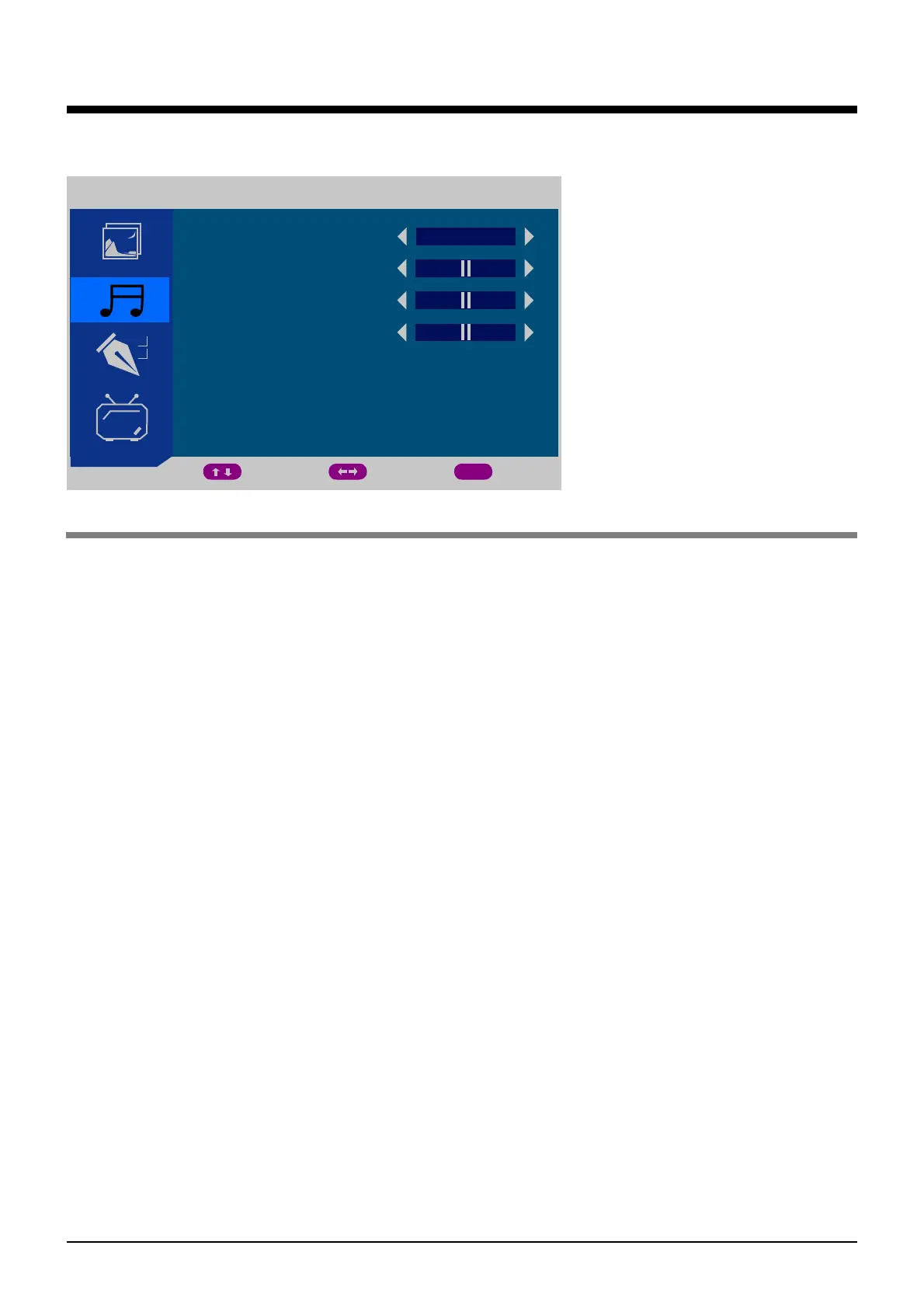
OSD Menu
2. SOUND menu(TV mode for example)
Description
SOUND MODE: Select between: STANDARD, MUSIC, VOICE, THEATRE, PERSONAL.
You may select the sound mode directly by pressing the SOUND button on the remote
control.
BASS: Low frequencies intensity.
TREBLE: High frequencies intensity.
BALANCE: Left and right stereo audio channels balance.
SOUND
SOUND MODE
BASS
50
50
0
TREBLE
BALANCE
MOVE ADJUST EXIT
MENU
PERSONAL
11


 To Next Page