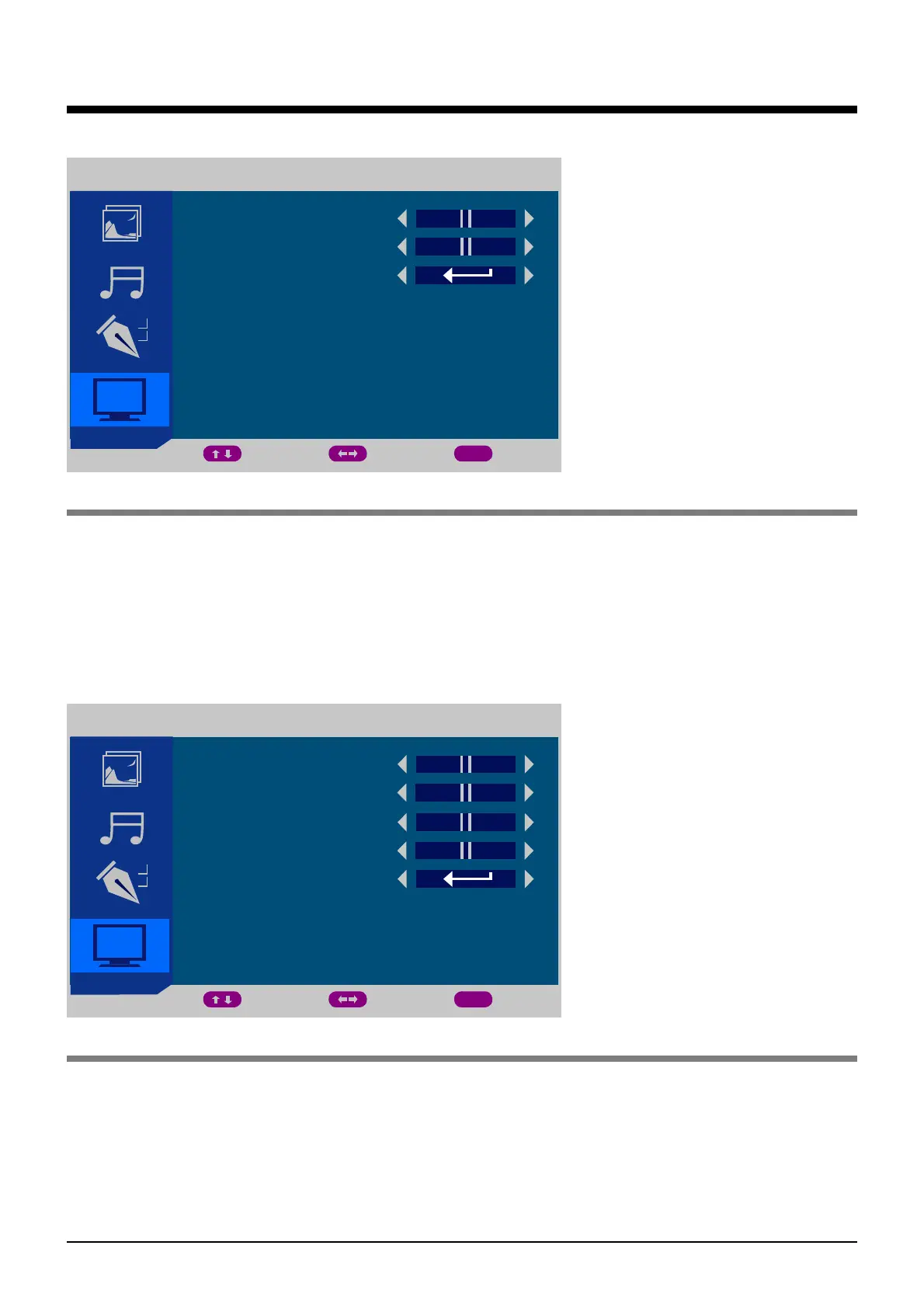
6. HDMI/YPbPr menu(HDMI/YPBPR mode)
7. PC menu(PC mode)
OSD Menu
HDMI/YPBPR
H POCITION
V POSITION
POSITION RESET
MOVE ADJUST EXIT
MENU
PC
H POCITION
PHASE
V POSITION
CLOCK
AUTO SYNC
MOVE ADJUST EXIT
MENU
Description
Description
H POSITION: Adust the horizon position of the picture.
V POSITION: Adust the vertical position of the picture.
POSITION RESET: Press > button to reset the setings above.
H POSITION: Adust the horizon position of the picture.
V POSITION: Adust the vertical position of the picture.
PHASE: Adjust the picture apply to the LCD(The picture will shake if the PHASE sets
unsuitable).
CLOCK: Adjust the signal’s transfer speed to make the picture looks well.
AUTO SYNC :
18
Press > button to have the above settings configured automatically.


 To Next Page