Need help?
Do you have a question about the Suntek HT-002LIM and is the answer not in the manual?
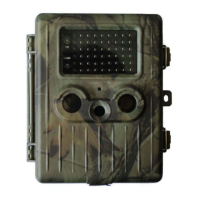
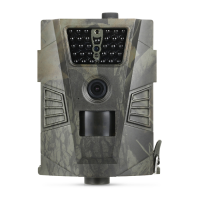
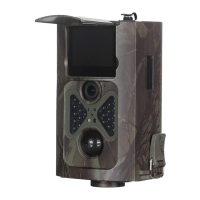
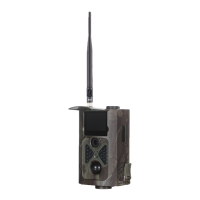
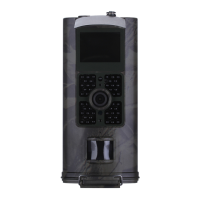
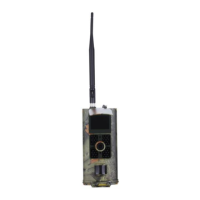
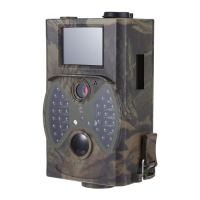
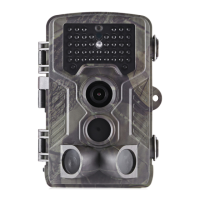
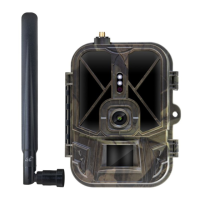
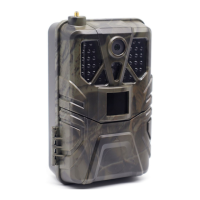
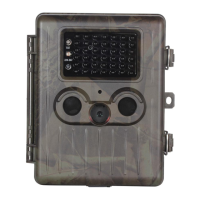
This camera is a digital trail camera with MMS function, automatically capturing high quality pictures or 1080p HD video clips.
Details the camera's I/O interfaces including USB, SD-card slot, TV output, and external DC power connector.
Identifies key components and features of the camera through diagrams and labels.
Explains the information displayed on the camera monitor when it is turned on, such as image size, signal strength, and battery level.
Describes the camera's ability to send pictures instantly via GPRS network using MMS and the necessary settings.
Lists the supported file formats for photos (JPG) and videos (AVI), and the file system format (FAT32).
Instructions for inserting and removing the SD card safely, emphasizing power switch position.
Advises ensuring sufficient power during firmware upgrades to prevent errors and device malfunction.
States the camera's working voltage range and notes it is supplied by a rechargeable lithium battery.
Details how to insert the battery and notes automatic shutdown for low battery or inactivity in Test Mode.
Guides on inserting the SD and SIM cards, ensuring correct orientation and write-protect switch position.
Explains how to power on the camera, the red LED indicator, buffering time, and automatic capturing in ON mode.
Describes switching to TEST mode for custom settings, manual capture, and previewing images/videos.
Explains how to send MMS messages, noting it's available after setting MMS Mode to 'Instant'.
Details how to power off the camera and advises removing the battery if not used for a long time.
Explains how to access the settings menu in TEST mode and lists the five main setting categories.
Details settings for Photo Resolution, Interval, Multi-shot, and ISO.
Details settings for Video Resolution, Video Length, and Voice recording.
Covers system settings like Camera Mode, Language, TV Mode, Date/Time, Timer, Format, and Password.
Outlines various MMS settings including ON/OFF, Country, Operator, APN, MMSC, Gateway IP, and MMS Phone/Email.
Details SMTP settings like ON/OFF, Country, Operator, APN, SMTP Server, Port, and Email configuration.
Explains how to use the MMSCONFIG.exe software to configure camera settings via a computer.
Lists the default values for various camera settings, providing a baseline for configuration.
Details operational steps for general settings like Camera Mode, Photo Size, Video Size, Date/Time, and Interval.
Explains how to view, delete, and manage captured photos and videos on the camera or TV monitor.
Describes how to use the laser pointer for aiming and warns about eye safety.
Explains the naming convention for saved images and videos, including file extensions.
Provides a step-by-step guide for upgrading the camera's firmware using an SD card.
 General
| IR Range | 20m |
|---|---|
| Detection Distance | 20m |
| Night Vision | Yes |
| Screen | 2.0 inch TFT LCD |
| Memory | TF Card to 32GB |
| Operation/Storage Temp | -20°C to 60°C |
| Trigger Speed | 0.6s |
| Storage | TF Card to 32GB |

 To Next Page