Need help?
Do you have a question about the Suntek HT-002LI and is the answer not in the manual?
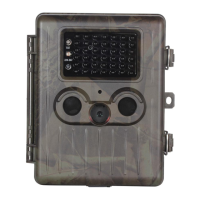
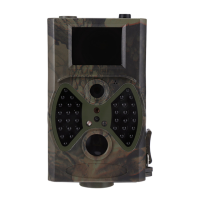
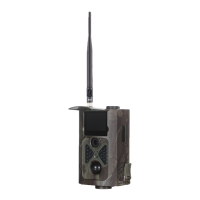
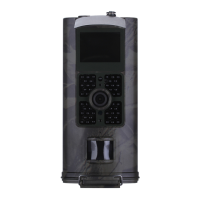
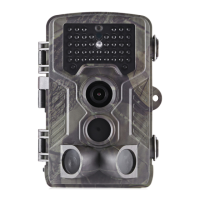
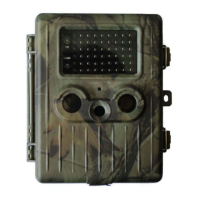
Identifies and describes the physical parts and functionalities of the camera.
Steps to power on the camera and enter the operational mode.
How to activate the camera's test mode for settings and preview.
Overview of accessing and navigating the camera's settings menu.
Configuration options for photo capture settings like resolution and interval.
Configuration options for video capture settings like resolution and length.
Settings related to system functions like date, time, and language.
Method for configuring settings using PC software.
How to review captured photos and videos on the camera or TV.
 General
| IR Filter | Full Automatic IR Filter |
|---|---|
| File Format | JPEG/AVI |
| Detection Distance | 20m |
| Memory | SD Card (up to 32GB) |
| Picture Resolution | 12MP, 8MP, 5MP |
| Trigger Time | 0.8s |
| Power Supply | 4xAA |
| Operating Temperature | -20 - +60°C |
| Trigger Speed | 0.8s |
| Storage | SD Card (up to 32GB) |

 To Next Page