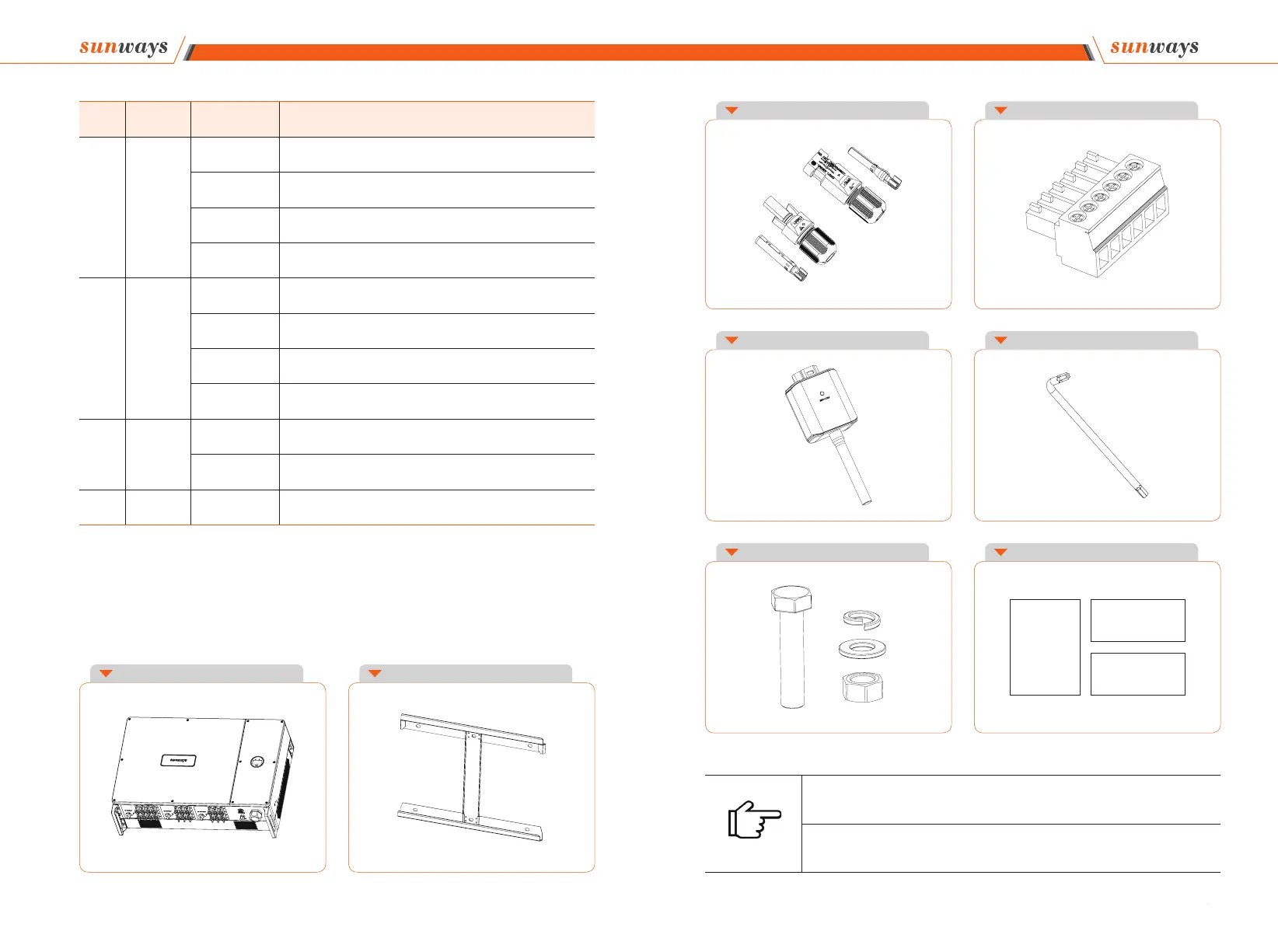
※ 3.4 Packing List
Item Indicator Status Description
1
Power
Indicator
O ff No input voltage detected or input voltage is too low.
Slow fl ashing Inverter powered on, waiting for the grid connection.
Quick fl ashing Inverter detected grid power and entered self-test status.
On Normal, grid-connected and power generated.
2
Alarm
Indicator
On
An alarm or faults detected, specific fault information can be
viewed from the display.
O ff The inverter is running normally.
Slow fl ashing
The monitoring device is not connected to the router or is not
connected to internet.
Quick fl ashing
The monitoring device is connected to the router or connected to
internet but not connected to the server.
3
OLED
Display
On Display the inverter operating information.
O ff
If the button pressed without any response, the screen is faulty or
not well connected.
4 Button Physical button
Switch OLED display information and set parameters by short
press and long press.
Note
① STT 80KTL 16pcs / STT 100~125KTL 20pcs.
② This connector already re-installed inside the inverter.
Figure 3-8 Packing list
3 Product Description 3 Product Description



 To Next Page