17
4. BRAKING
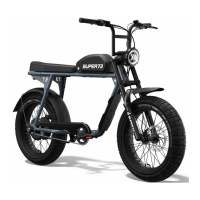
• The brake levers are equipped with brake sensors that
cut power to the motor when either of the levers are
compressed. The Z employs Tektro mechanical brake
systems. The right lever will activate the rear brakes when
compressed, and the left lever will activate the front brakes
when compressed.
• The Super73 brake orientation is as follows:
Rear brake = right lever
Front brake = left lever
3. PEDAL ASSIST
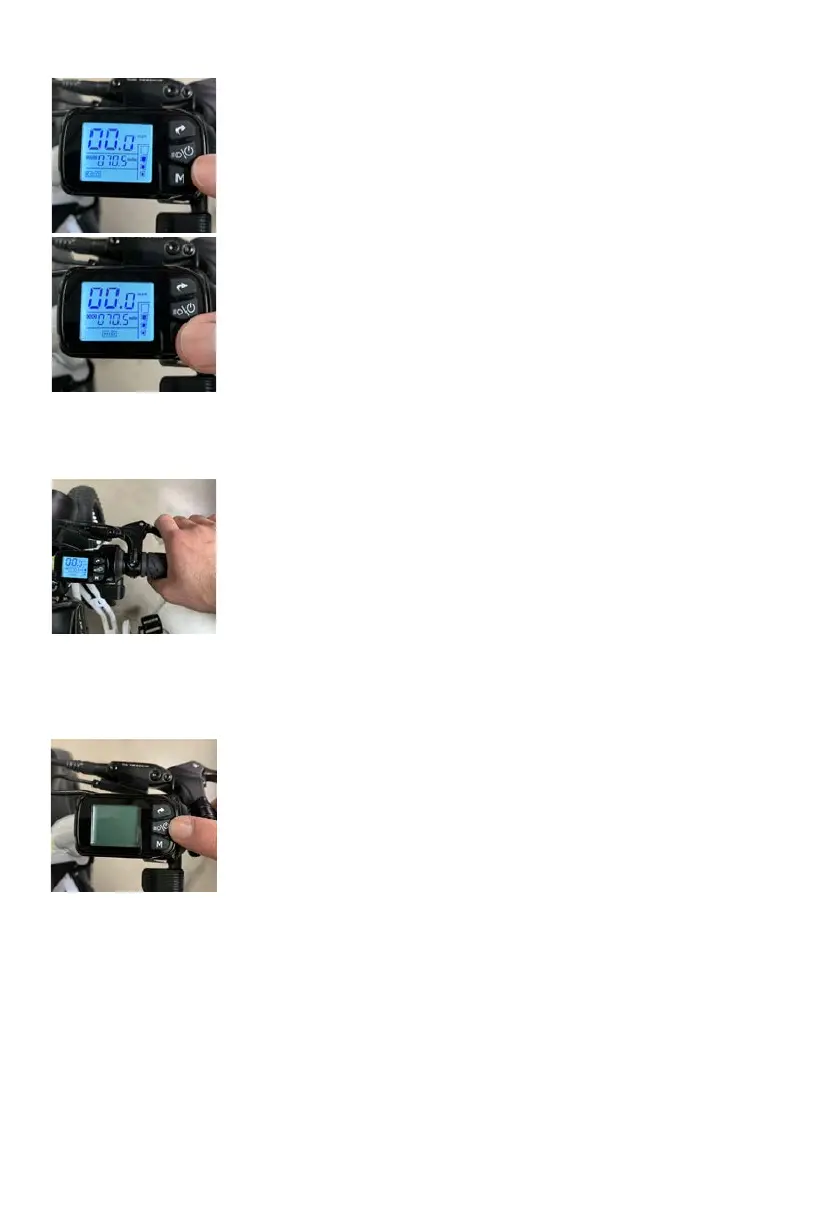
• To select your pedal assist mode, follow the below steps once
the display has been turned on and you are seated on the
Super73:
• Press the “M” button briefly to switch between assist modes.
• The S defaults to “Throttle Only” (no pedal assistance) when
powered on, and the pedal assist mode section of the display
on the bottom will be blank.
Basic overview of pedal assist settings
• (THROTTLE ONLY) - No pedal assistance
• (ECO) - 20% Speed Power
• (MED/TOUR) - 60% Speed Power
• (HIGH/SPORT )- 00% Speed Power
• Once you begin pedaling, the pedal assist sensor will activate
the motor and you will begin to accelerate to the selected
assist level.
5. TURNING OFF THE BIKE
• When you are done riding your Super73 it is important to
turn off the power properly.
• Turn off the bike by switching the power button on the
battery to the “0” position. The bike is featured with
automatic shut off when left idle for more than 0 minutes.
• You can charge the battery while it’s on the Super73, or
by removing the battery from the mount and charging it
separately.


 To Next Page