17
4. PEDAL ASSIST
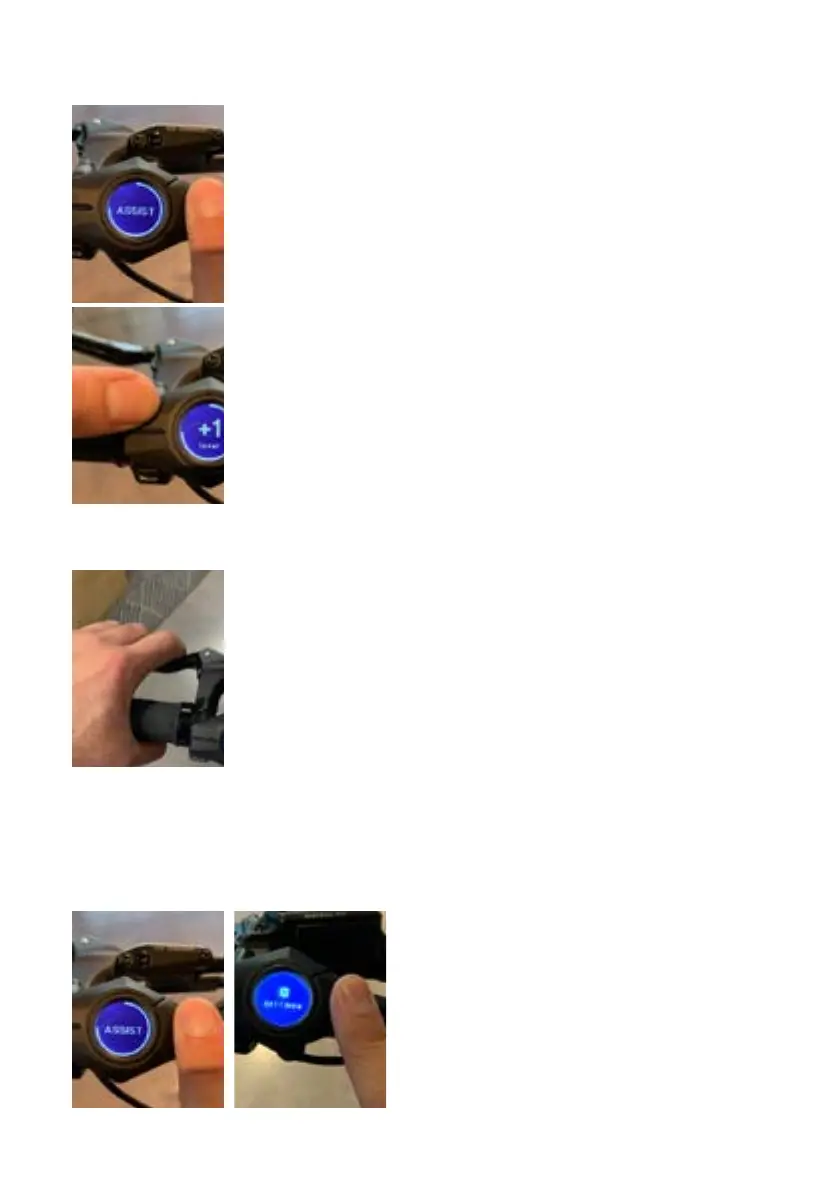
To select your pedal assist mode, follow these steps once
the display has been turned on and you are seated on the
Super73:
• Press on the menu “O” button briefly to switch between
display views until “Assist” appears on the screen.
• Press the up “^” button to increase the pedal-assist level.
• To decrease the assist level, press the down “v” button.
Pedal assist ranges from 1-4, with 0 meaning pedal assist
is turned off. The higher the level, the more electric
assistance you’ll get, and the less you’ll have to pedal.
Level 1 (ECO) - 25% Speed Power
Level 2 (TOUR) - 50% Speed Power
Level 3 (SPORT )- 75% Speed Power
Level 4 (SUPER) - 100% Speed Power
Once you begin pedaling, the pedal assist sensor will
activate the motor and you will begin to accelerate to the
selected assist level.
5. BRAKING
The brake levers are equipped with brake sensors that
cut power to the motor when either of the levers are
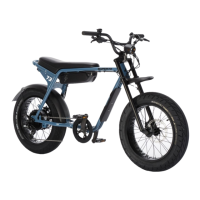
compressed. The ZX employs the Tektro mechanical brake
systems. The right lever will activate the rear brakes when
compressed and the left lever will activate the front brakes
when compressed.
The Super73 brake orientation is as follows:
Rear brake = right lever
Front brake = left lever
6. SETTINGS MENU
Hold down the “O” button on display to activate the settings menu.
Settings parameters:
• Contrast (display window contrast 0-100)
• Units (standard is set to mi/F)
• Position (changes the orientation of
display if it is on the left or right side of
the bike)
• Backlight (display backlight power 0-100)
• Version is the software version of the
system.
• Coin shaped graphic: the battery level
inside display.


 To Next Page