Page 7 of 24 Form 0157G 1805 10/02/2007
Superchips Inc.
Superchips Inc. 1790 East Airport Blvd., Sanford, FL. 32773 (407) 585-7000 http://www.Superchips.com
Superchip & Superchips are registered trademarks of Superchips, Inc.
Section A – Overview of
FLASHPAQ
4. Quick Start – The FLASHPAQ Setup
From the Opening Screen – FLASHPAQ Setup
*** Press DOWN to scroll as needed ***
1) Press ENTER – After selection of FLASHPAQ Setup
2) Press ENTER – After selection of About
3) Screen Displays:
• Product Description
• Product Part Number
• “Operating Software” Firmware (F/W) Version #
Visit www.flashpaq.com
for latest updates
• Calibration (Tuning File) Database Version #
Visit www.flashpaq.com
for latest updates
• Product Serial Number
4) Press OK – Returns to the FLASHPAQ Setup Screen
From the FLASHPAQ Setup Screen – Set Screen Contrast
1) Press ENTER – After selection of Set Screen Contrast
2) Press DOWN/UP & SAVE – adjusts screen Contrast to
increase or decrease (text/graphics darkness)
From the FLASHPAQ Setup Screen – Set Screen Backlight
1) Press ENTER – After selection of Set Screen Backlight
2) Press DOWN/UP & SAVE – adjusts screen Backlight to
increase or decrease (screen brightness)
3) Press EXIT – returns to Flashpaq opening screen
Page 8 of 24 Form 0157G 1805 10/02/2007
Superchips Inc.
Superchips Inc. 1790 East Airport Blvd., Sanford, FL. 32773 (407) 585-7000 http://www.Superchips.com
Superchip & Superchips are registered trademarks of Superchips, Inc.
Section A – Overview of
FLASHPAQ
5. Quick Start – Program my vehicle with Superchips NOW!!!
Please follow the steps below to program your vehicle
From the opening screen
*** Press DOWN to scroll as needed ***
1) Press ENTER – selects Performance Tuning
2) Press ENTER – selects Read Vehicle
3) Press ENTER – selects Read Stock
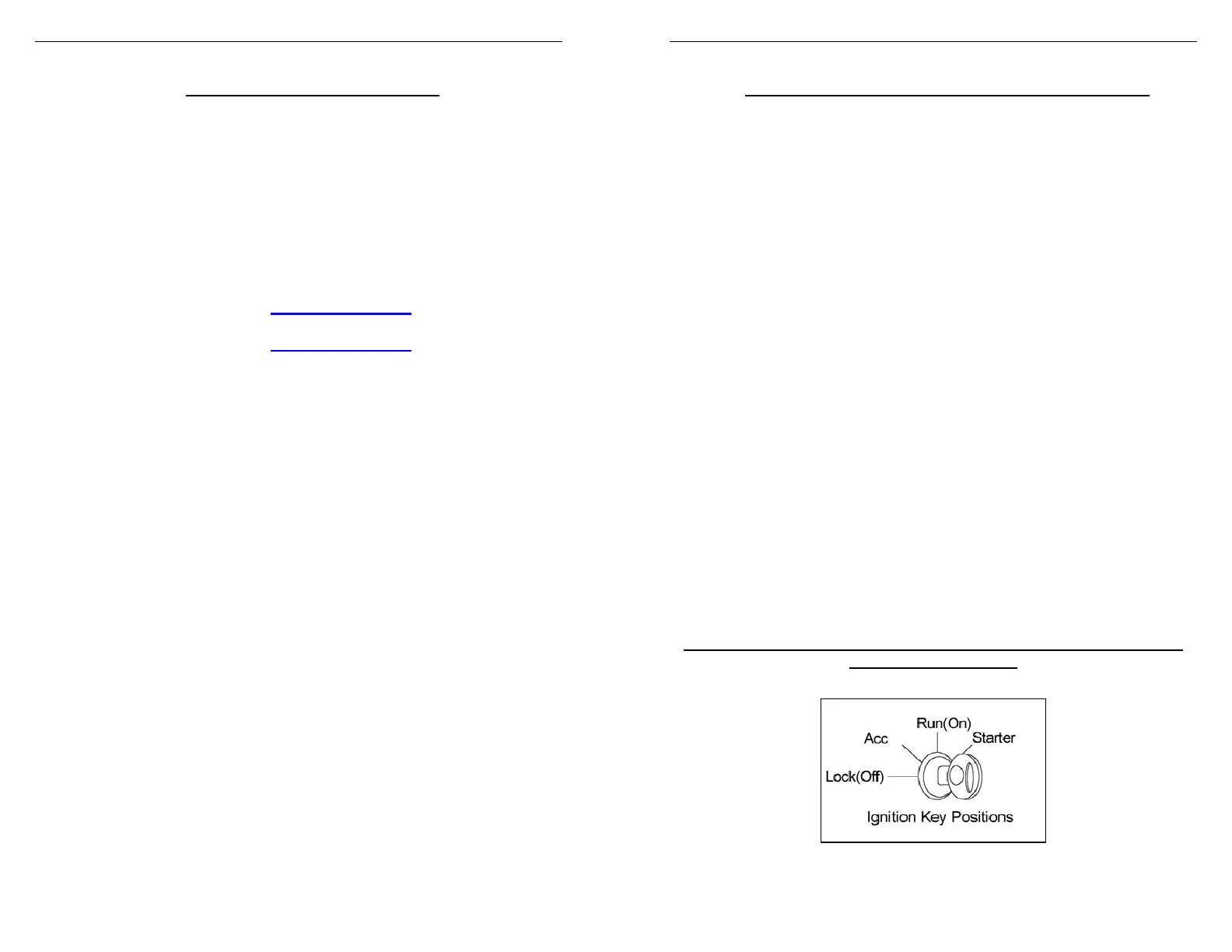
4) Follow ON SCREEN Prompts including Vehicle Ignition
ON/OFF requests (DO NOT START VEHICLE!!!)
5) Press EXIT – returns you to the previous screen
From this screen
1) Press ENTER – selects Change Setup
2) Press ENTER – selects Power Level
3) Press SAVE – after selection of the tuning level
4) Press EXIT – returns you to the previous screen
From this screen
1) Press ENTER – after selecting Program Vehicle
2) Follow ON SCREEN Prompts including Vehicle Ignition
ON/OFF requests (DO NOT START VEHICLE!!!)
Upon completion, remove cable from vehicle
Your vehicle is now programmed with Superchips tuning! You may
now start your vehicle.


 To Next Page
 Loading...