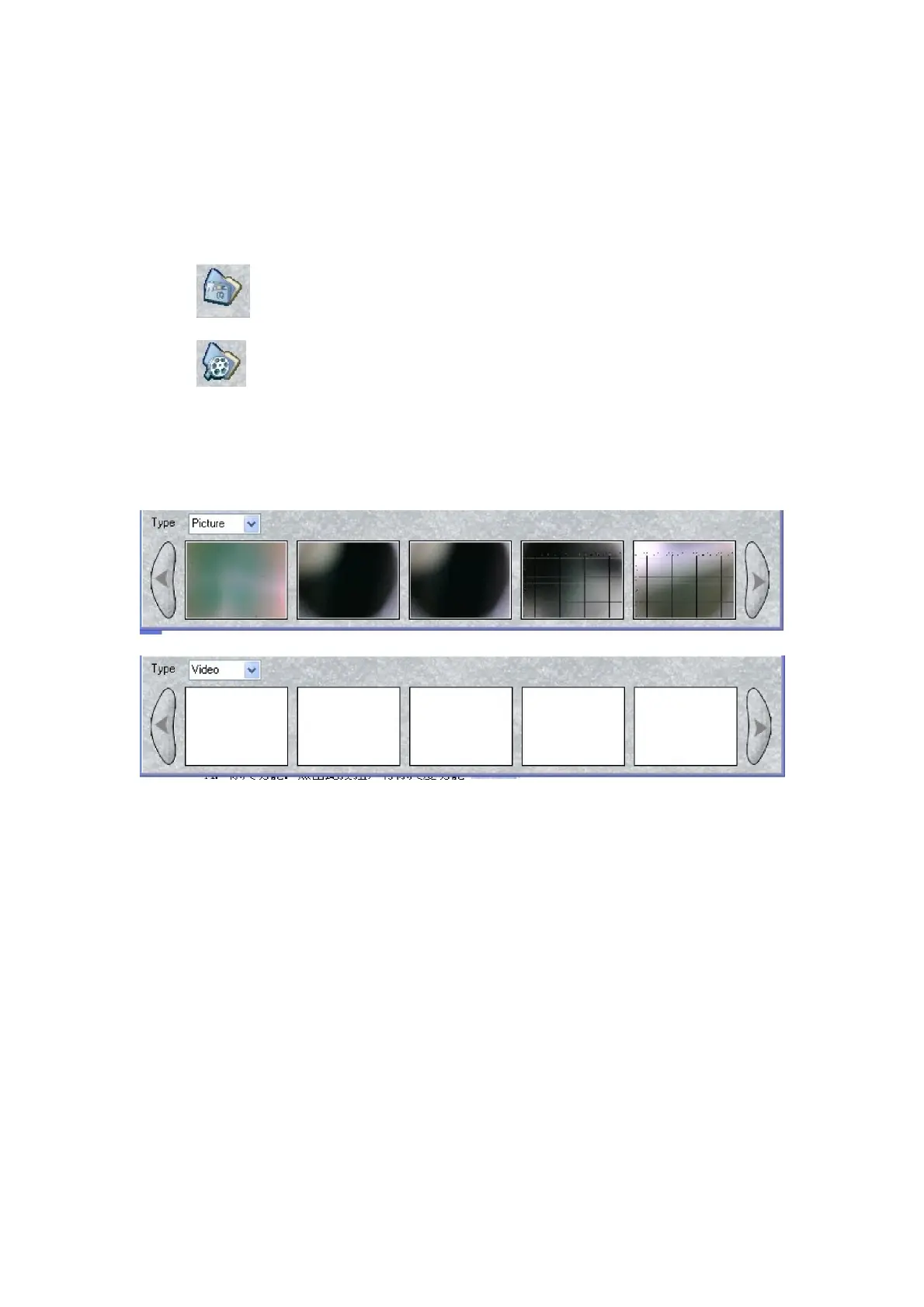
6. Review the picture and video that you taken.
When the photos and videos are preset in the file, you can open it
through
---- Open the picture folder
----
Open the video folder.
And you can also review the picture/video by selecting the follow
frames:
SUPEREYES Handheld Digital Microscope (End-scope) User's Manual
Generated by Foxit PDF Creator © Foxit Software
http://www.foxitsoftware.com For evaluation only.


 To Next Page