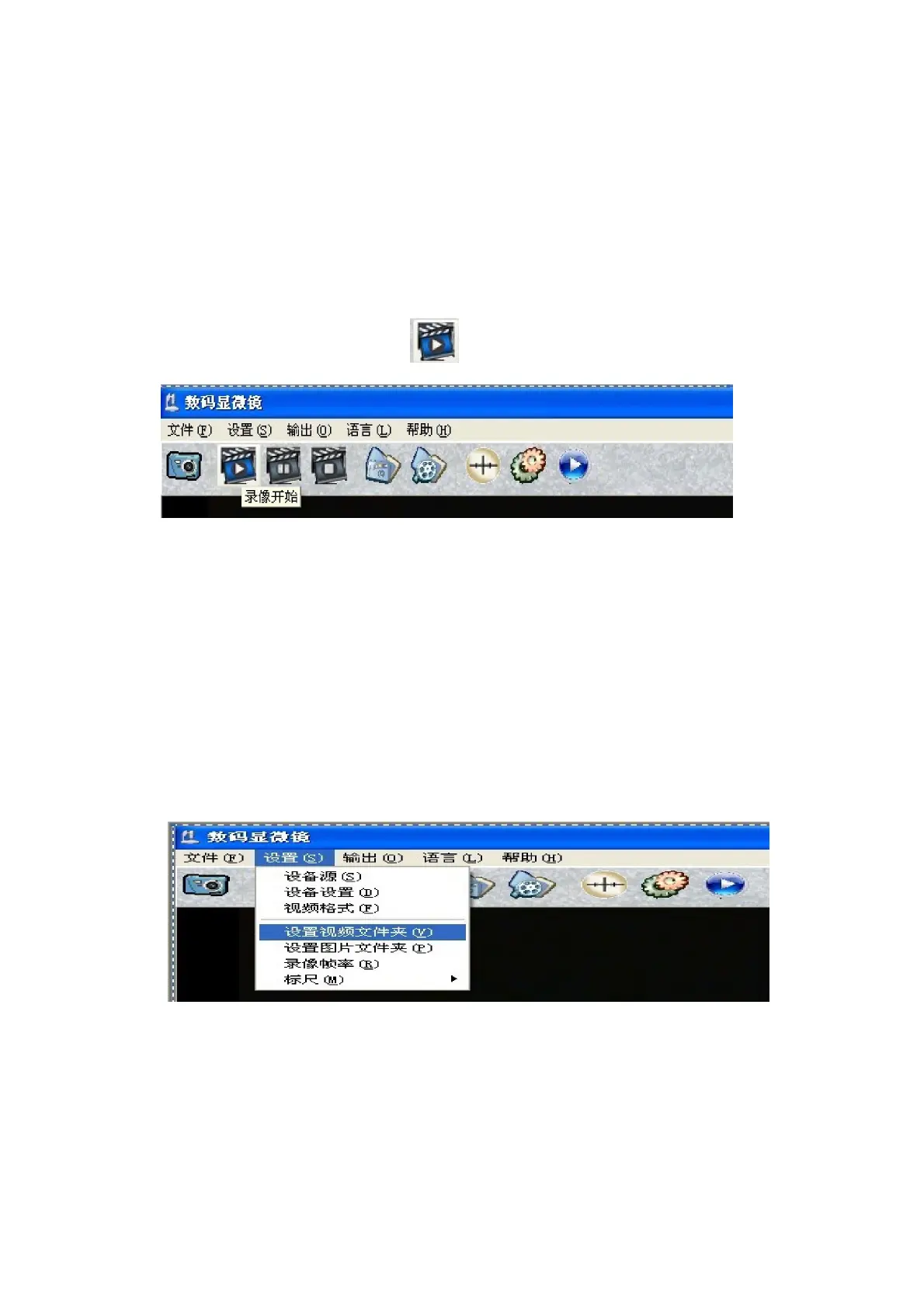
4. How to make video recording.
Almost same as picture capture, you also have two ways that you can able
to video recording:
A. Click “record start” in “File” menu.
B.
Select “video ”Icon
Select “pause” and “stop” to setup.
5. How to preset the picture and video recording file.
The default allocate file for picture and video is in the file of
“Picture” “video” video in the software, but you can change the
allocate file path by setting the “picture path” “Video path”.
SUPEREYES Handheld Digital Microscope (End-scope) User's Manual
Generated by Foxit PDF Creator © Foxit Software
http://www.foxitsoftware.com For evaluation only.


 To Next Page