Created with SmartPrinter trail versionwww.i-enet.com
- 4 -
11. To avoid electric shock. When remove all electric PC or TV. Please
pull out the power source.
Component
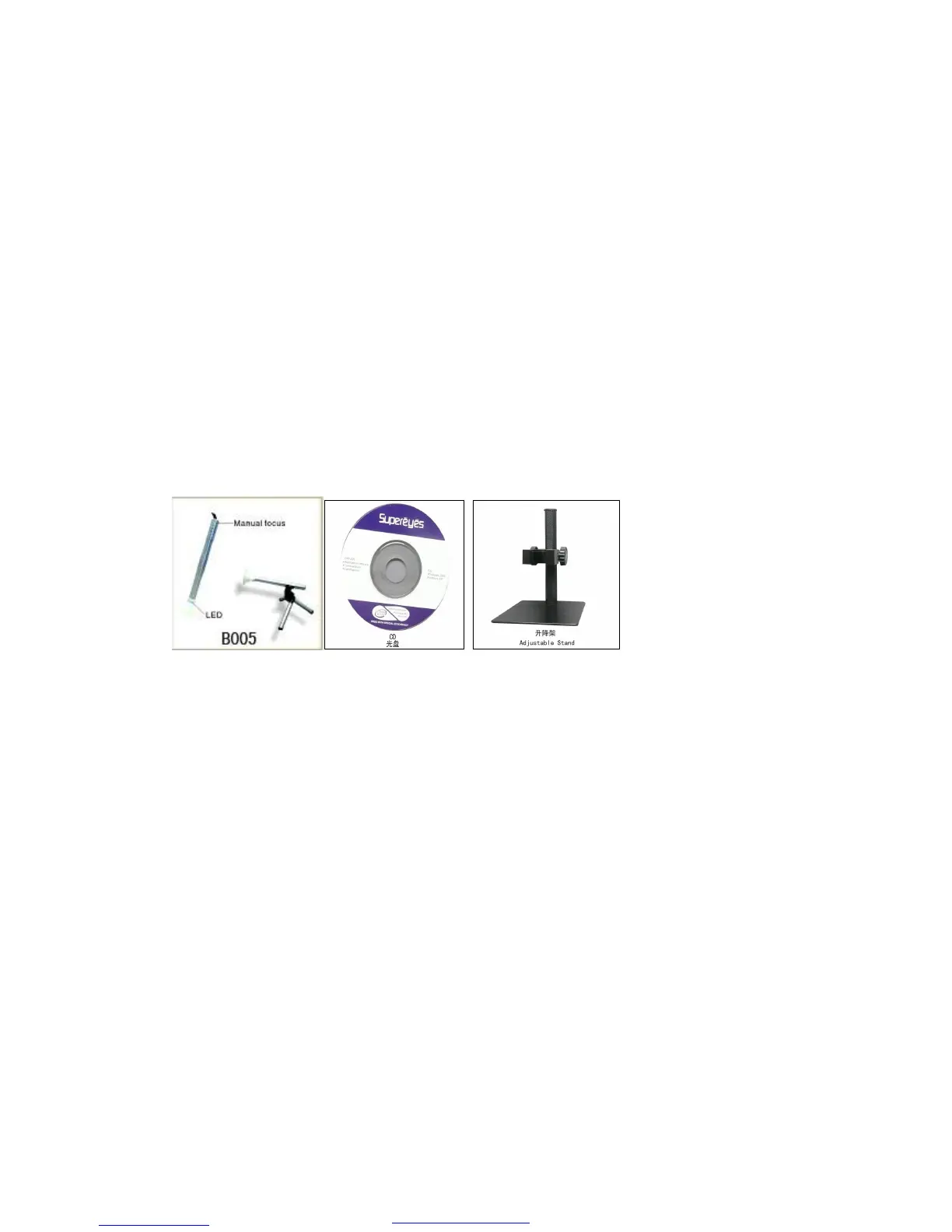
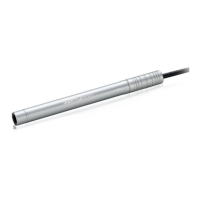
1. The body of digital microscope (attached photos on hardware
installation and User's Manual)
2. CD (for special function)
3. Tripod (for microscope using) (forB005)
4. Desktop microscope adjustable-stand (optional) (forB002)
Hardware installation and using
1. Plug USB Cable into PC
2. If need fix, please fix the body of microscope into the clip of the
tri-pod(accurately operation, please choose professional microscope
adjustable stand when accurately operation is needed), adjust
the lens to the object inspected.
3. Choose the suitable distance between the stage and the objects, adjust
the focus.
4. Adjust the LED light by touch button (not for all models) or light
control
Created with SmartPrinter trail versionwww.i-enet.com



 To Next Page