Chapter 2: Confi guring BMC IPMI Settings
2-19
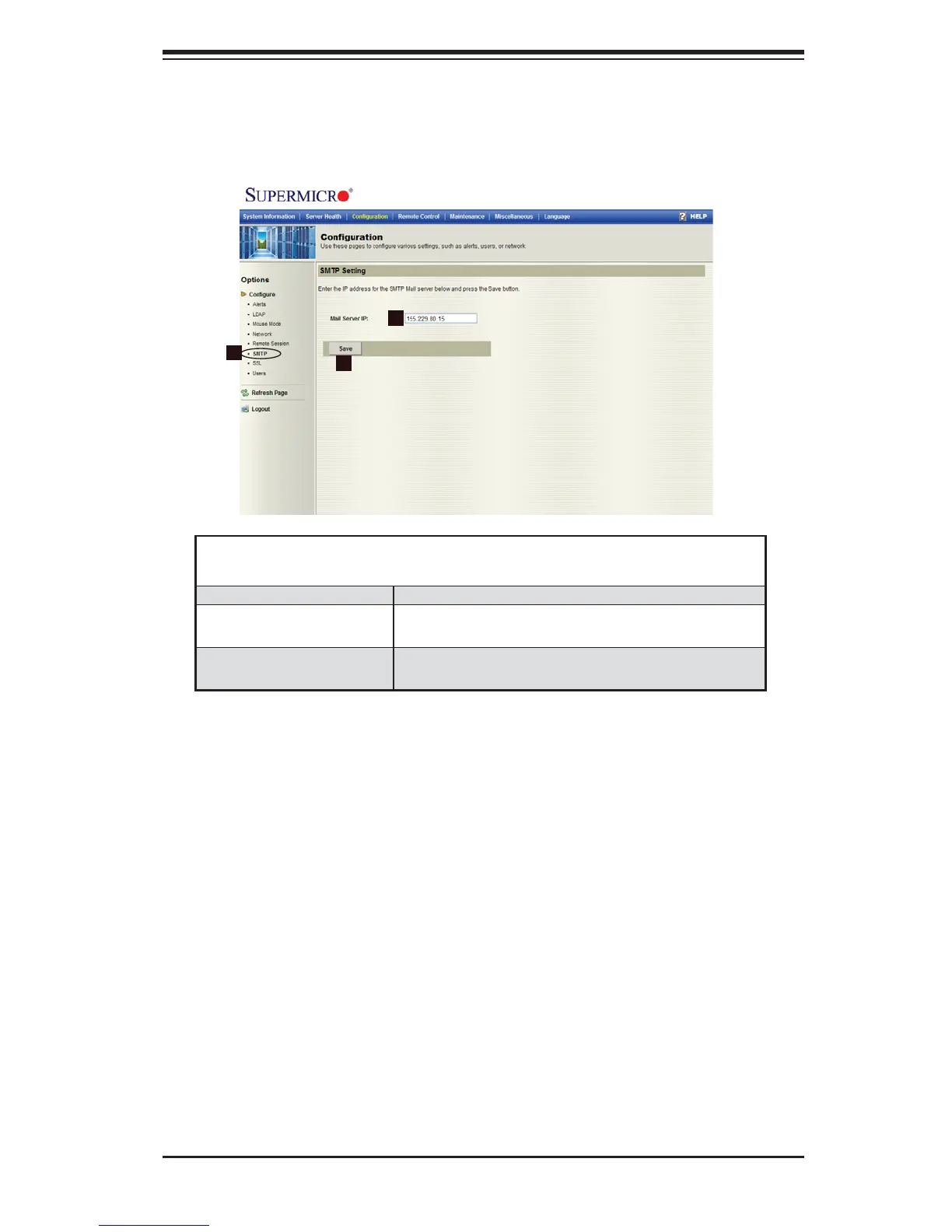
2.4.6 Confi guration - SMTP Settings
When you click on the SMTP icon in the Options window (1), the following
screen will display.
Confi guration -
SMTP Settings
1. SMTP Check this item to confi gure SMTP settings.
2. Mail Server IP Enter the SMTP Mail Server IP address for your
network in the box.
3. Save Click on this icon to save any changes to the
SMTP setting.
2
1
3



 To Next Page