2-4
SUPER 370SBA/370SBM/370SLA/370SLM User's Manual
PW_ON Connector
The PW_ON connector is located
on pins 9 and 10 of JF2. Momen-
tarily contacting both pins will
power on/off the system. The user
can also configure this button to
function as a suspend button. (See
BIOS setup information on page 5-
12). To turn off the power when set
to suspend mode, hold down the
power button for at least 4 seconds.
See Table 2-4 for pin definitions.
Reset Connector
The reset connector is located on
pins 12 and 13 of JF2. This con-
nector attaches to the hardware
Reset switch on the computer case.
See Table 2-5 for pin definitions.
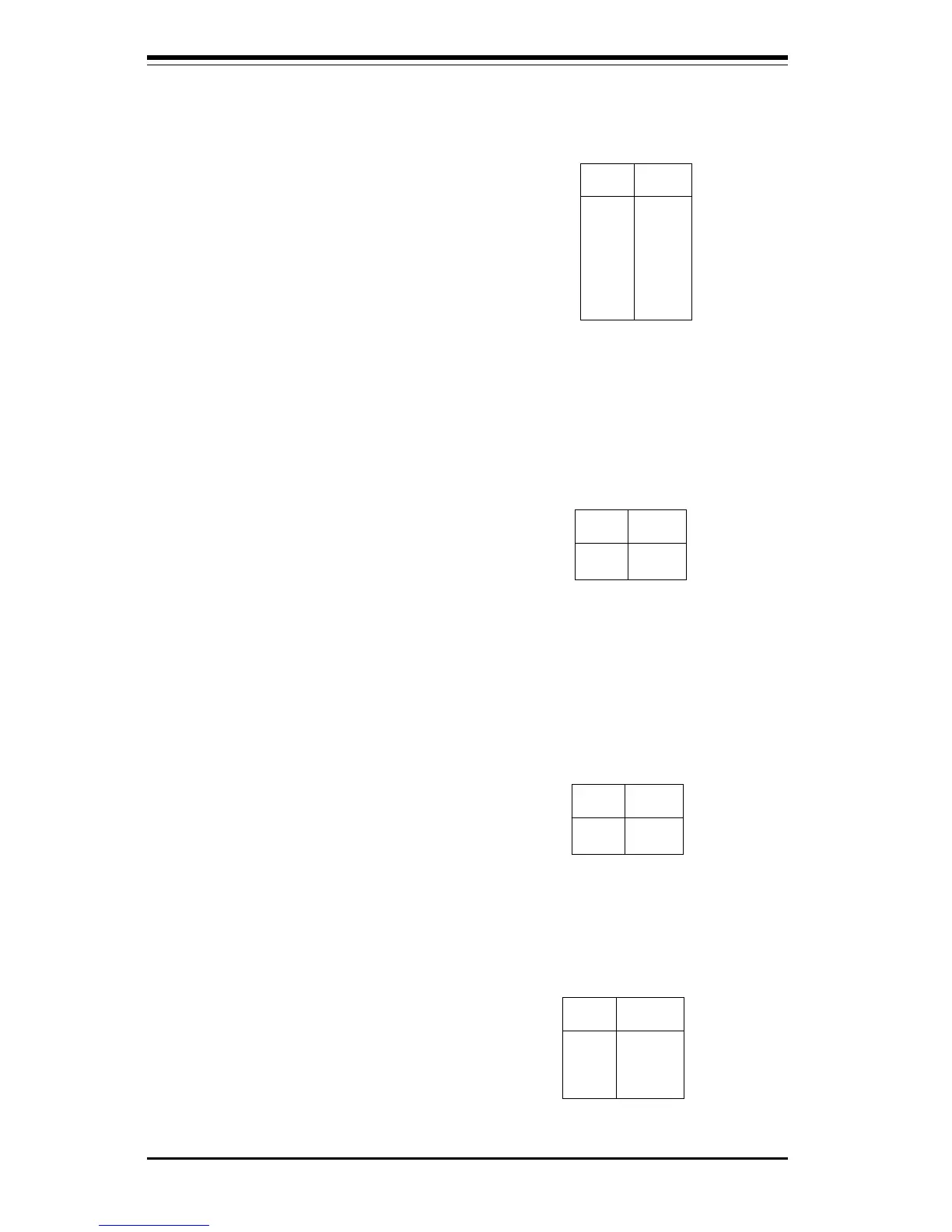
Pin
Number
9
10
Definition
PW_ON
Ground
Table 2-4
PW-ON Connector
Pin Definitions
for JF2
Table 2-6
IDE Hard Drive LED
Pin Definitions
for JF1
Pin
Number
1
2
3
4
Definition
+5V
HD Active
HD Active
+5V
Pin
Number
12
13
Definition
Ground
Reset
Table 2-5
Reset Pin
Definitions
for JF2
IDE LED Connector
The IDE hard drive LED connector
is located on pins 1 to 4 of JF1.
Attach the hard drive LED cable
onto pins 1 and 2. See Table 2-6
for pin definitions.
Pin
Number
1
2
3
4
5
6
7
8
Definition
+5V
Key
IRRX
Ground
IRTX
NC
NC
NC
Table 2-3
Infrared Pin
Definitions
for JF2
Infrared Connector
The infrared connector is located
on pins 1-8 of JF2. See Table 2-3
for pin definitions.



 To Next Page